177
8.3 Configuring emergency operation
REQUIREMENTS If the remedy to your problem is listed in “Table 8/1 - Faults” as “Con-
figure emergency operation”, you activate emergency operation on
the control unit of the HDG Compatronic as follows.
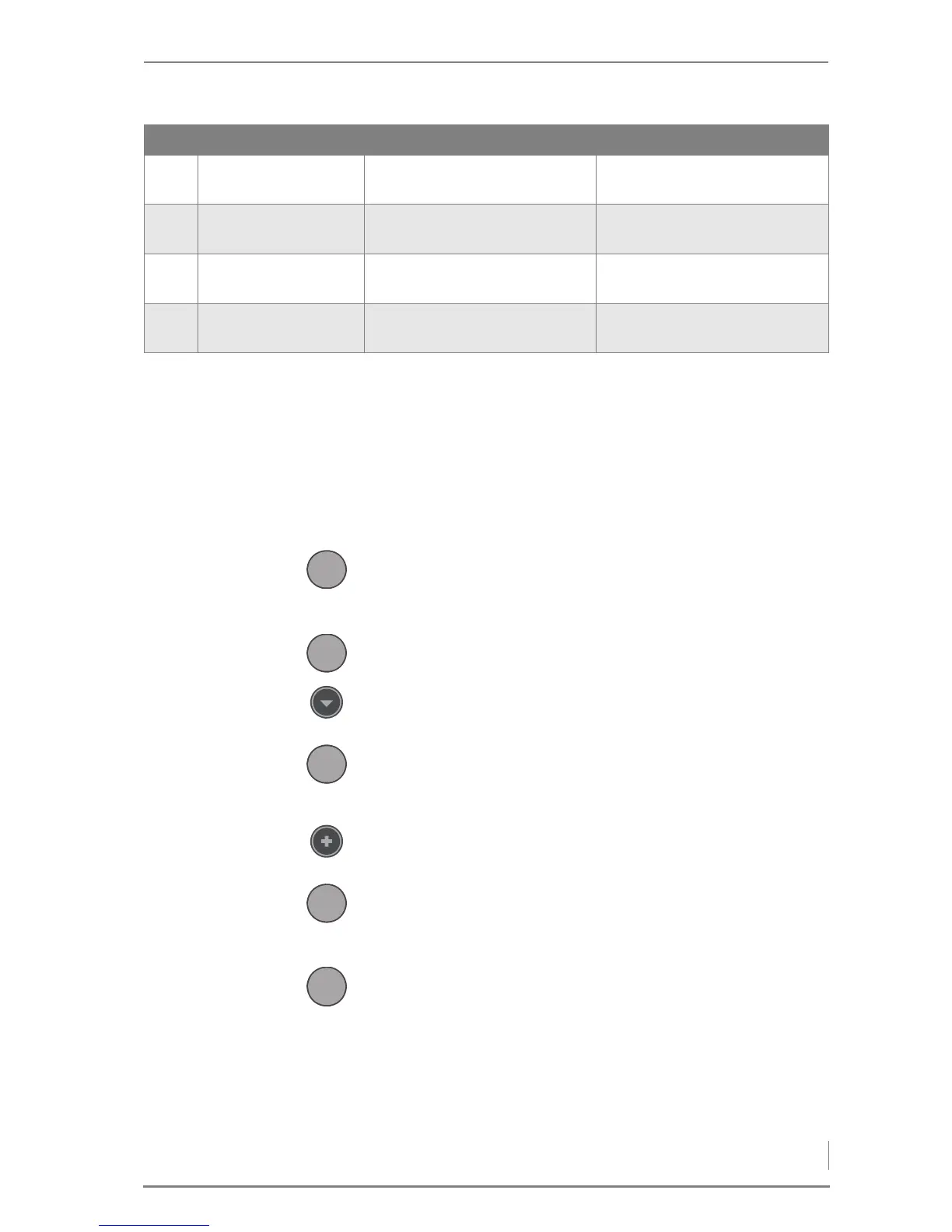
P
ROCEDURE 1. Press the Enter button.
✓ The customer level is shown on the display.
✓ The cursor is positioned on the parameter group 1-General.
2. Press the Enter button again.
✓ This takes you to the parameter group 1-General.
3. Press the Down button twice.
✓ The display will change to General 1-04.
4. Press the Enter button.
✓ The cursor will flash underneath the value 0.
✓ The displayed value can now be changed.
5. Press the Plus button.
✓ The value of the parameter is increased to 1.
6. Press the Enter button.
✓ The changed value is confirmed.
✓ Emergency operation has been configured.
7. Press the Menu button twice.
✓ The standard display of i-01 is shown.
F
URTHER MEASURES Have the fault fixed by an authorised heating technician.
F202 CAN-BUS
error(write)
• System malfunction • Notify HDG customer service
F997 Error / Malfunc-
tion reset
• For information only
F998 Error buffer
deleted
• For information only
F999 Restart (power
ON)
• For information only
No. Fault Cause Remedy
Table 8/1 - Faults



 To Next Page