99
The control unit for the HDG Compatronic is located on the front of
the HDG Compact 25 - 80 boiler. With the control unit, you can adjust
the HDG Compatronic and obtain information on the current process
status.
D
ISPLAY The display shows the selected information and parameters.
✎ In the section “6.10 Structure of the menus” in this chapter, all se-
lectable information and parameters are listed.
B
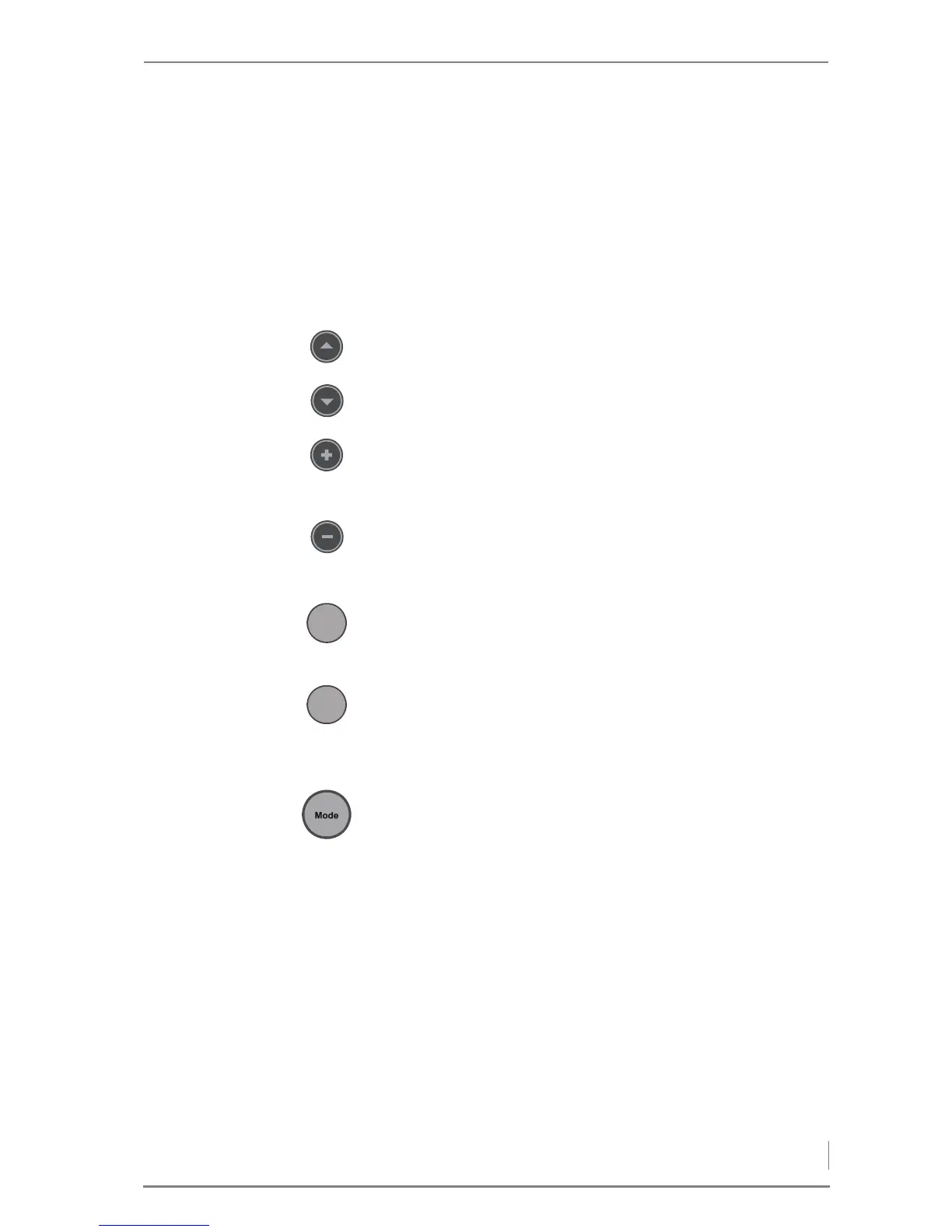
UTTONS The heating system can be operated using the buttons.
The individual buttons have the following functions:
Up button
• Shifts the parameter selection upwards.
Down button
• Shifts the parameter selection downwards.
Plus button
• Shifts the contents of the display upwards.
• Increases the displayed value.
Minus button
• Shifts the contents of the display downwards.
• Reduces the displayed value.
Menu button
• Back to the standard display.
• One step backwards.
Enter button
• Enables the displayed value to be changed.
• Confirms the changed value.
• One step forwards.
Mode button
• Select the operating mode.
S
AFETY TEMPERATURE LIMITER The safety temperature limiter (STL) protects the heating system. In
the event of excessive supply temperature, the STL switches off the
power to the feeding system and the combustion fan. After trigge-
ring, the servo motors for the primary and secondary air flaps freeze
in their current respective positions. Only after the temperature of
the boiler falls back under the specified limit can the energy supply
or combustion air be enabled again. To do so, you must unscrew the
black cover cap of the STL switch and press the button.
O
PERATING MODE INDICATOR The symbols show the current operating mode of the heating
system. The symbols flash if the selected operating mode has not yet
been confirmed with the Enter button.
The symbols show the following operating modes:



 To Next Page