3.click" Draw A Quadrilateral", move the mouse to the preview
screen and click the left mouse button in sequence to draw the
endpoints of the quadrilateral warning zone to complete the zone
drawing.
NOTE
You can modify the drawn warning line through " Clear All"
and" Draw A Quadrilateral" buttons
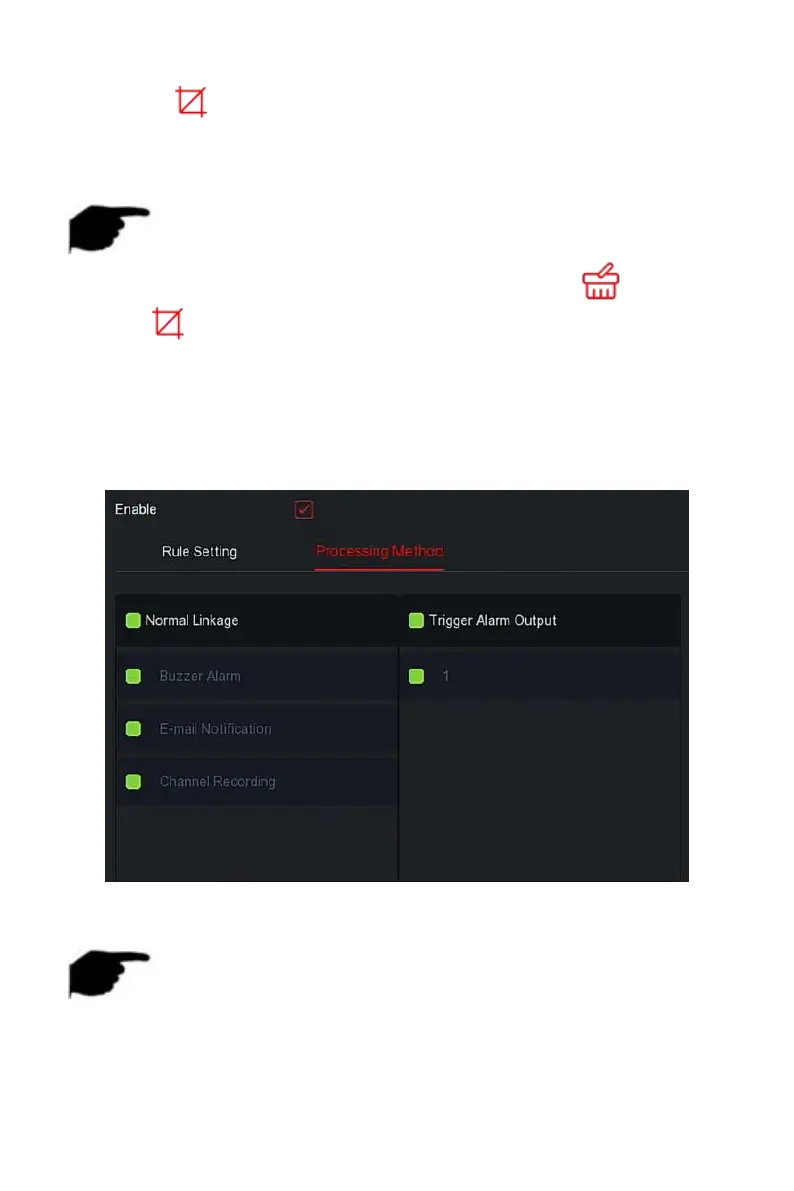
Steps 4: Click "Processing Method", set alarm linkage as required (Buzzer,
E-mail Notification, Channel Recording) and Trigger Alarm Output, as shown
in Figure 5-71
○
2
below.
Figure 5-71
○
2
Steps 5: Click "Apply" to save the setting.
NOTE
When the device supports an external alarm device, the alarm
processing method can trigger the alarm output.



 To Next Page