5.3.7.5 Live View
The Live View is compose of Display and View.
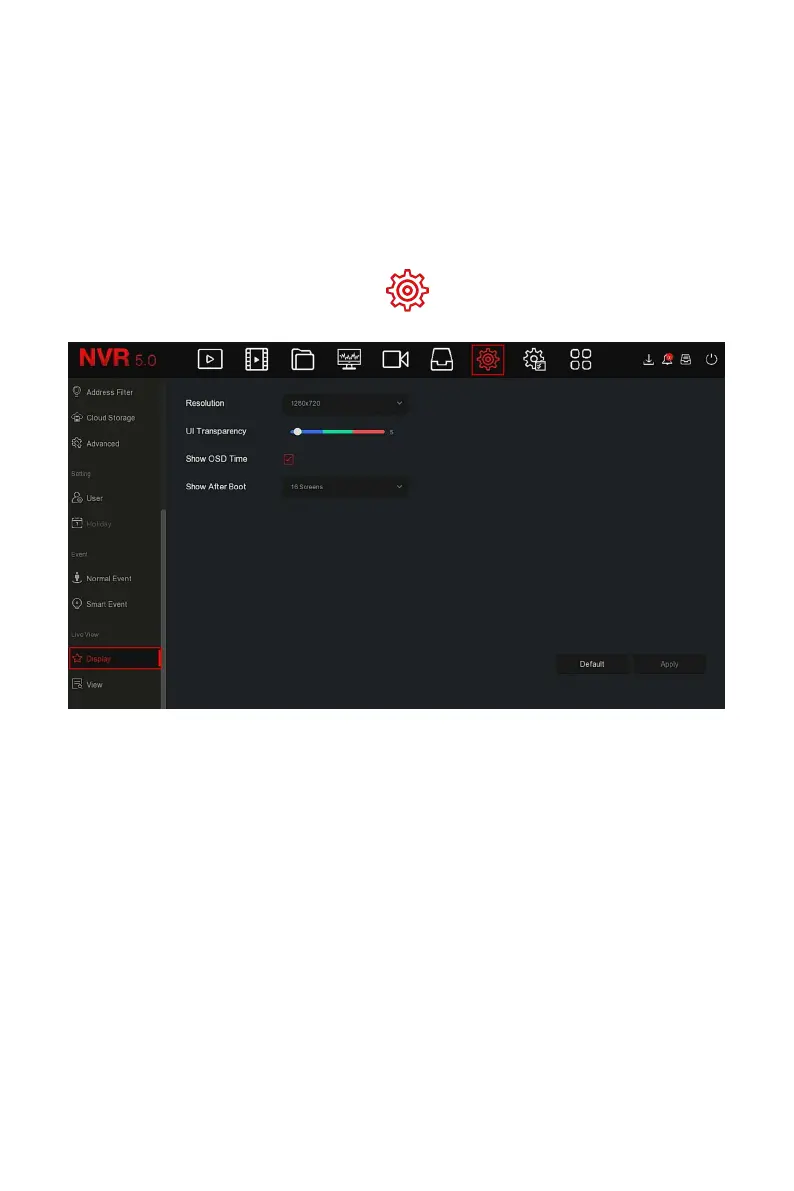
Display output is used to set the display effect of the device preview
interface, including resolution, UI Transparency, Show OSD Time and Show
After Boot.
The specific operation steps are as follows:
Step 1: In the main menu, choose " →Display" to enter display setting
interface, as shown in Figure 5-72 below.
Figure 5-72
Steps 2: Set the Configure resolution, transparency and other related
parameters.
Steps 3: Click "Apply" to save the setting.
Resolution: The select able values are 1024 x 768, 1280 x 720, 1280 x
1024, 1920 x 1080. The 4K NVR HD HD interface supports up to 4K
resolution output.
Sub screen Resolution: Set the sub screen preview resolution. The
selectable values are 1280×720, 1280×1024, and 1920×1080.
UI Transparency: The higher the percentage, the more transparent
device local menu.
Show OSD Time: Turns on / off the device time information displayed
on the monitor screen.



 To Next Page