The specific operation steps are as follows:
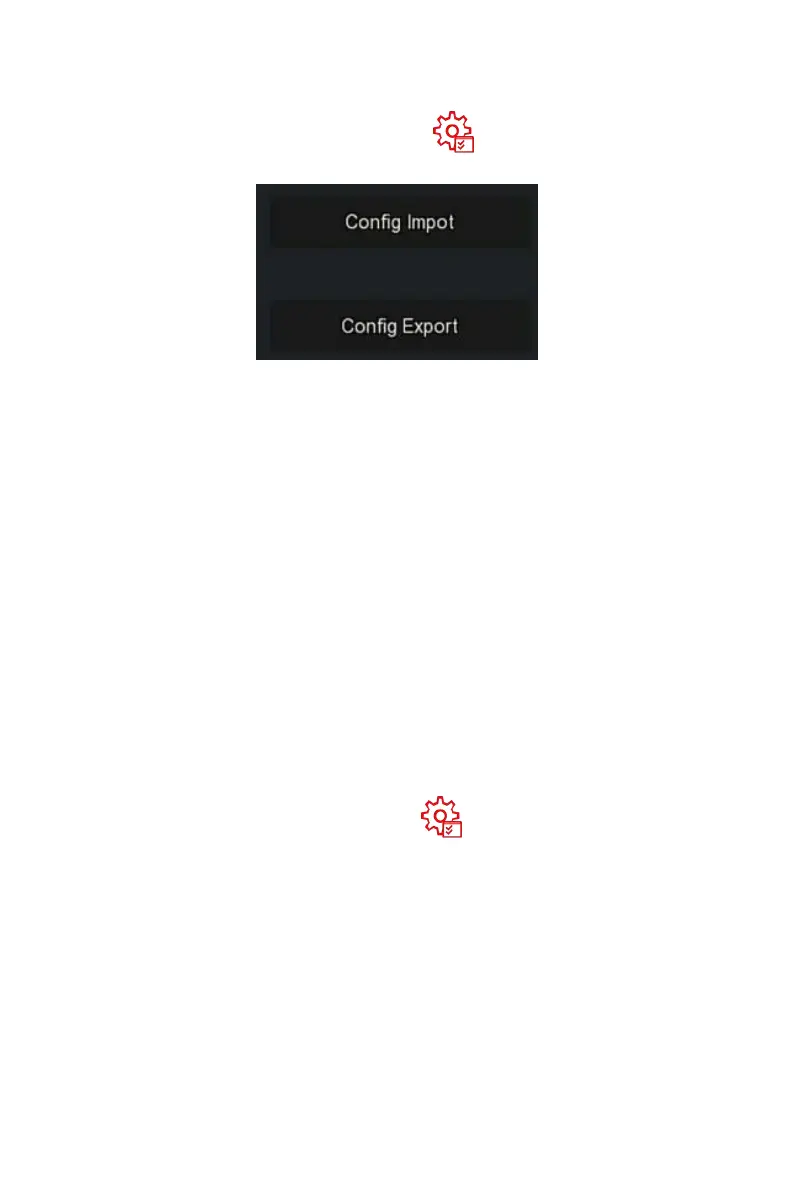
Step 1: In the main menu, choose" →Export/Import" to enter
export/import interface, as shown in Figure 5-82 below.
Figure 5-82
Steps 2: Export/ import the configuration files.
Config Export: Insert U disk into NVR, click "Config Export" and
wait for the export progress to complete, click "Confirm".
Config Import: Insert the U disk that stores the configuration file
into the NVR, click "Config Import → Confirm" and wait for the
import progress to complete, the device will restart.
5.3.8.2 Upgrade
Insert the USB device with the upgrade file into the NVR to upgrade the
version of the NVR. If the device detects the upgrade file in the U disk, the
information about the upgrade package (serial number, name, size, date) will
be displayed in the list.
The specific operation steps are as follows:
Step 1: Insert the USB device with the upgrade file (named
xx_BD_V5_update_Vx.x.x.x.bin) into the NVR.
Steps 2: In the main menu, choose " →Manual Upgrade" to enter
manual upgrade interface, as shown in Figure 5-83 below.


 To Next Page