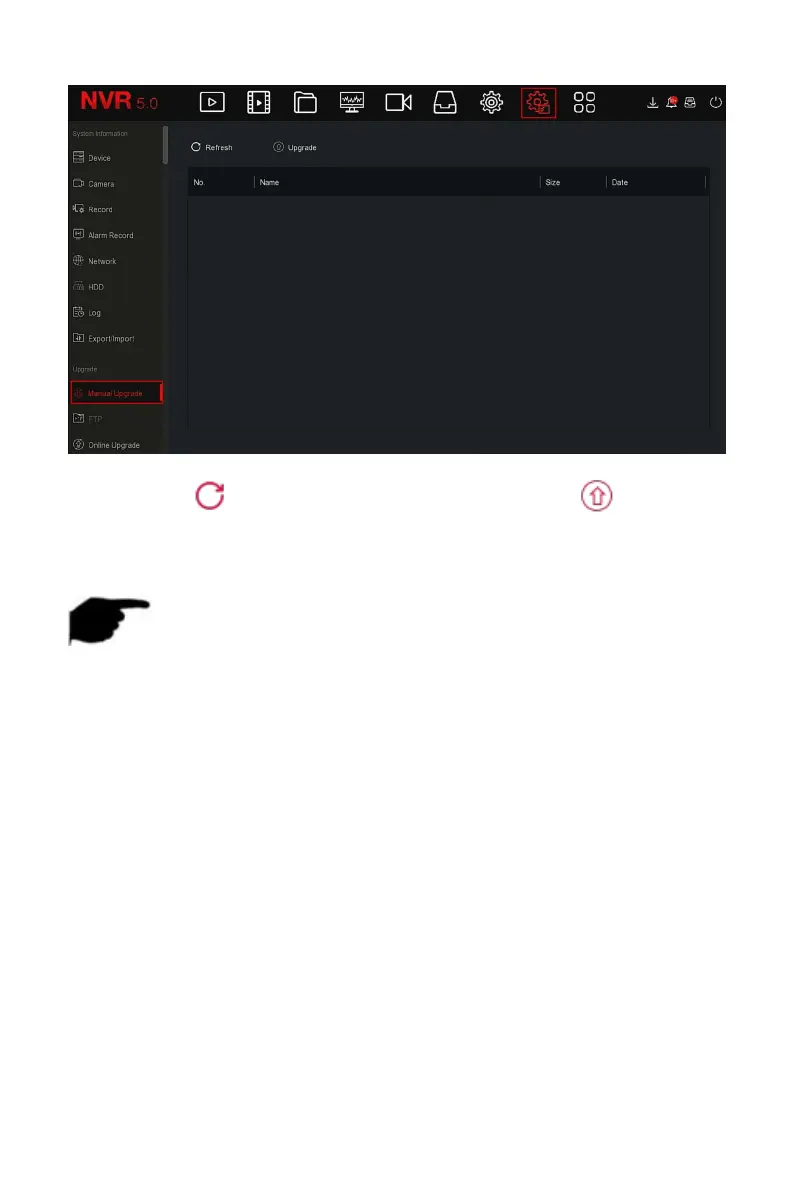
Figure 5-83
Steps 3: Click " Refresh", choose the upgrade file, click "
Upgrade→Confirm", wait for the interface to finish the progress bar, and the
device will automatically restart to complete the upgrade.
NOTE
After several attempts to refresh, the device still cannot detect the
upgrade package. Please check whether the USB disk is in good contact
with the USB interface of the device, and the upgrade file name is
correct.
NVRDuring the upgrade process, do not disconnect the power supply or
unplug the USB drive.The system will automatically restart after the
upgrade is completed.This process takes about 1-6 minutes.It is
recommended to restore the factory settings after the upgrade is
completed before using the NVR.
Coming soon!
After the NVR is connected to the public network, the system can be
upgraded through an online upgrade. Online upgrade is divided into


 To Next Page