Auto update: Click " " to enable the system automatic upgrade
function. When the device detects the new online version, it will
automatically upgrade according to the set upgrade time.
Update time: Set the automatic update time.
Check: Detect the latest online version.
NOTE
Before testing a new online version, make sure that the NVR is properly
connected to the network.
During the upgrading process, please do not cut off the power or take
off your U disk. After the upgrading, your system will restart
automatically. (This process will take about 1 to 6 minutes.) Here, we
advise you to restore factory Settings after the upgrading.
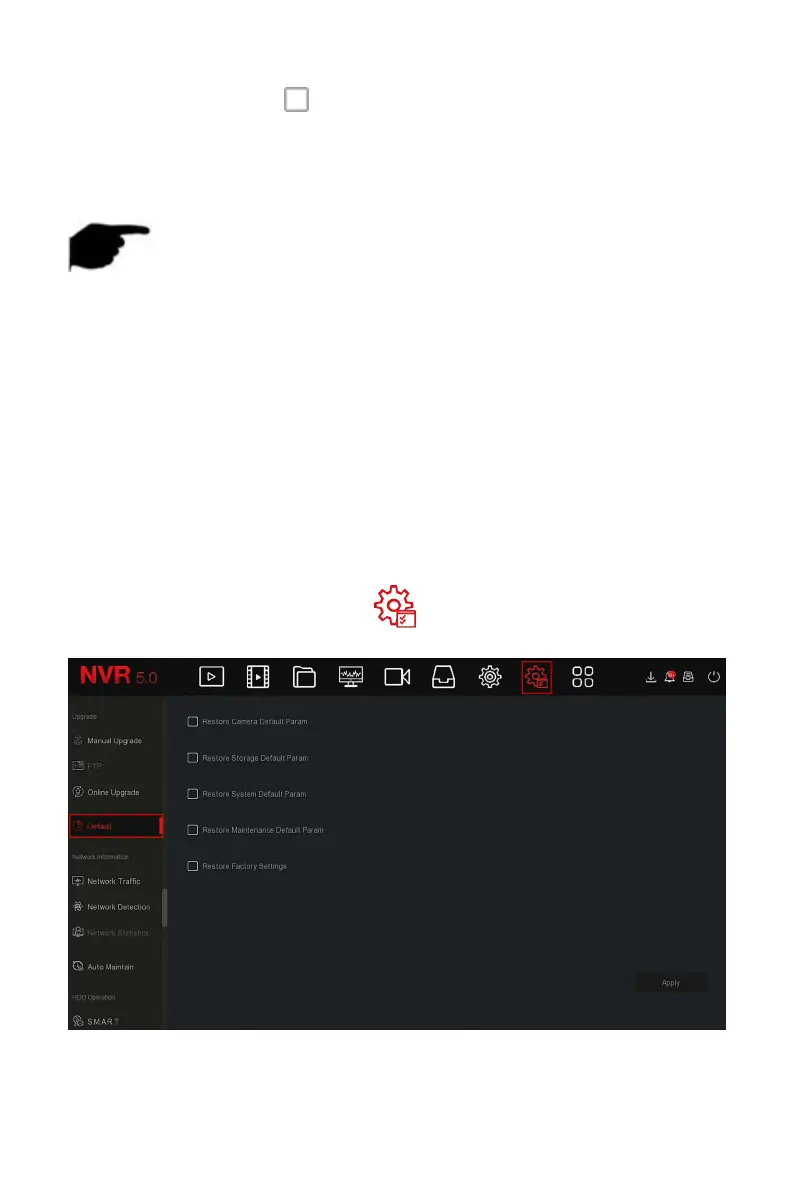
When the NVR device runs slowly or the configuration is wrong, you can try
to solve the problem by restoring the default.
The specific operation steps are as follows:
Step 1: In the main menu, choose " →Default" to enter default interface,
as shown in Figure 5-85 below.
Figure 5-85


 To Next Page