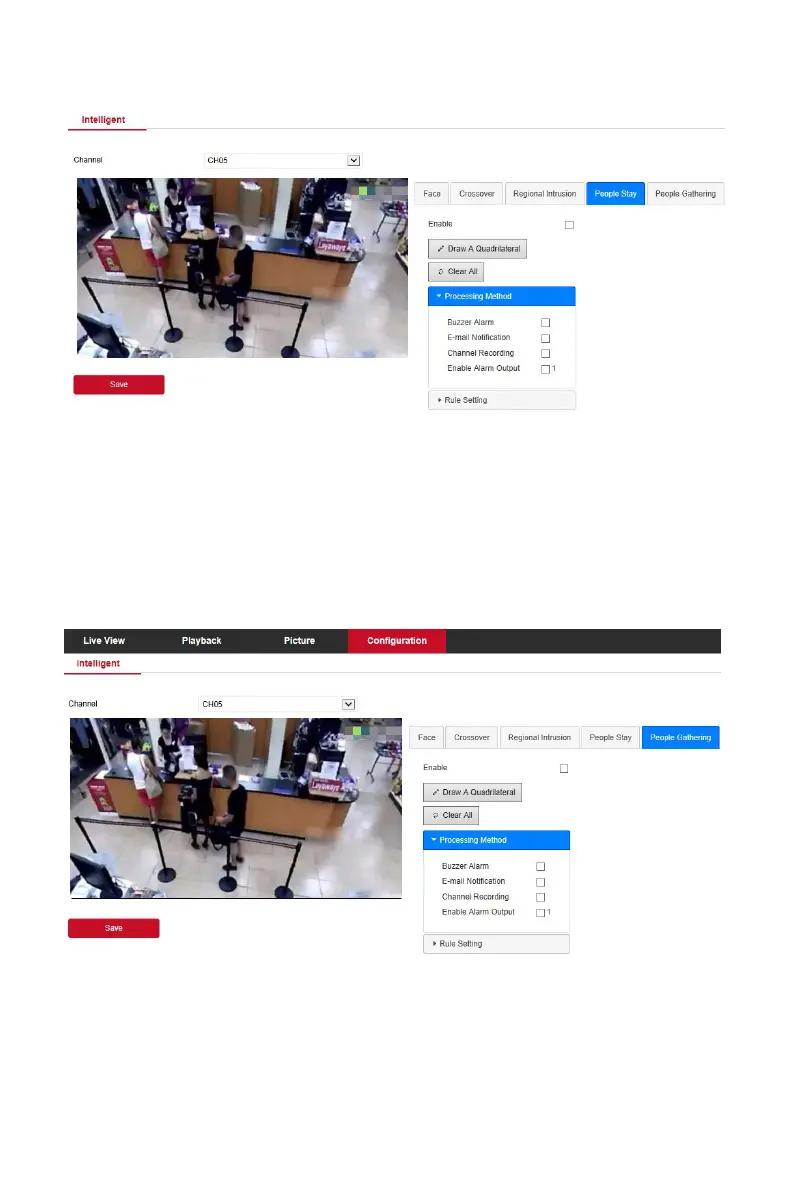
Figure 6-38
In the main interface, click "Configuration → System →Smart Event →People
Gathering" to enter the people gathering detection setting interface, as
shown in Figure 6-39 below. Here you could set the personnel gathering
detection alarm, the relevant parameters are consistent with the local
settings of the NVR.
Figure 6-39
Face comparison is used to set the face comparison function of NVR
CH01-CH04.



 To Next Page