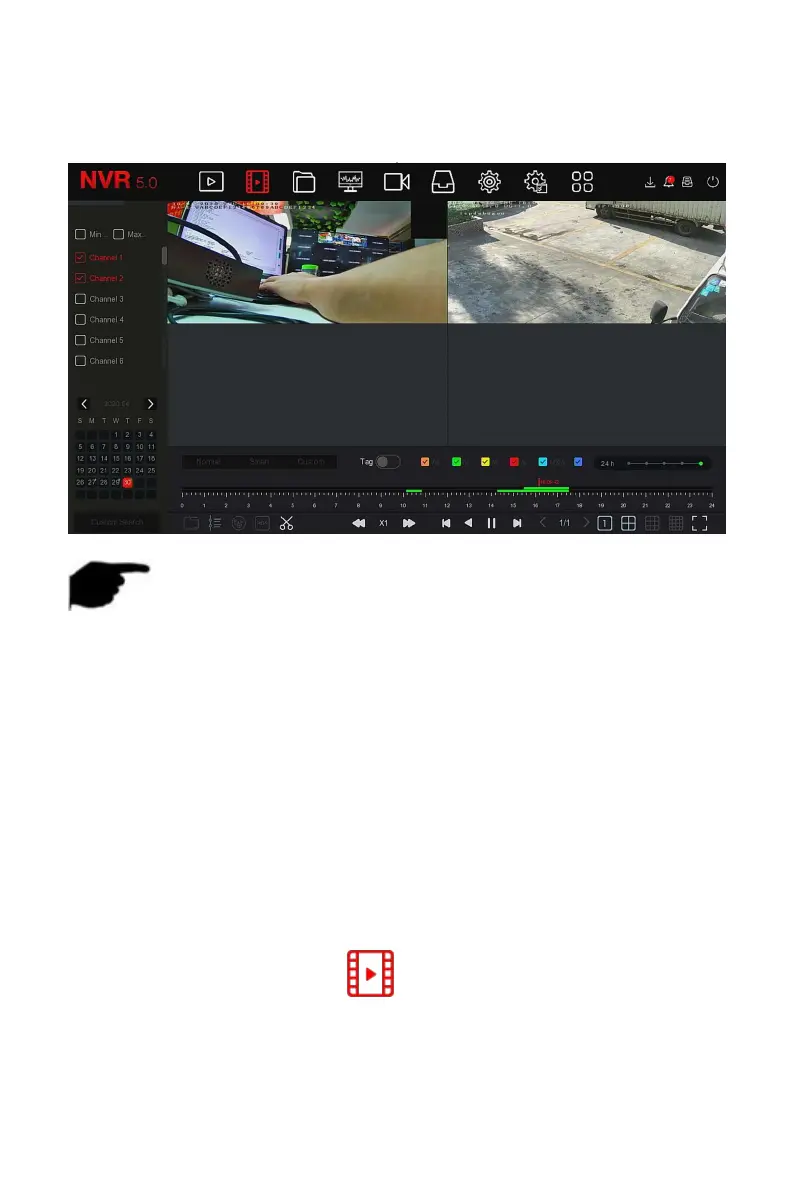
1.Select multiple channels that need to be played back in the channel list.
2.Double-click the date to be played back, the display interface starts
multi-channel synchronous playback video, as shown in Figure 5-9 below.
Figure 5-9
NOTE
Multi-channel playback supports MAX speed playback.
The interface shown in Figure 5-7 is for reference only. Different models
have different maximum number of channels for simultaneous playback
and different functions. Please refer to the actual interface.
The recording information of the channel can be selected in the first
progress bar display box, and the intelligent search recording
information of the channel can be selected in the second progress bar
display box.
The tag playback function can help users record relevant information at a
certain point in time when playing back videos, so that they can view these
marked videos at any time.
Step 1: In the main menu, click " " to enter the video playback
interface.
Steps 2: Select the channel for video playback and the date when the video is
recorded, and the searched video will be displayed on the progress bar.



 To Next Page