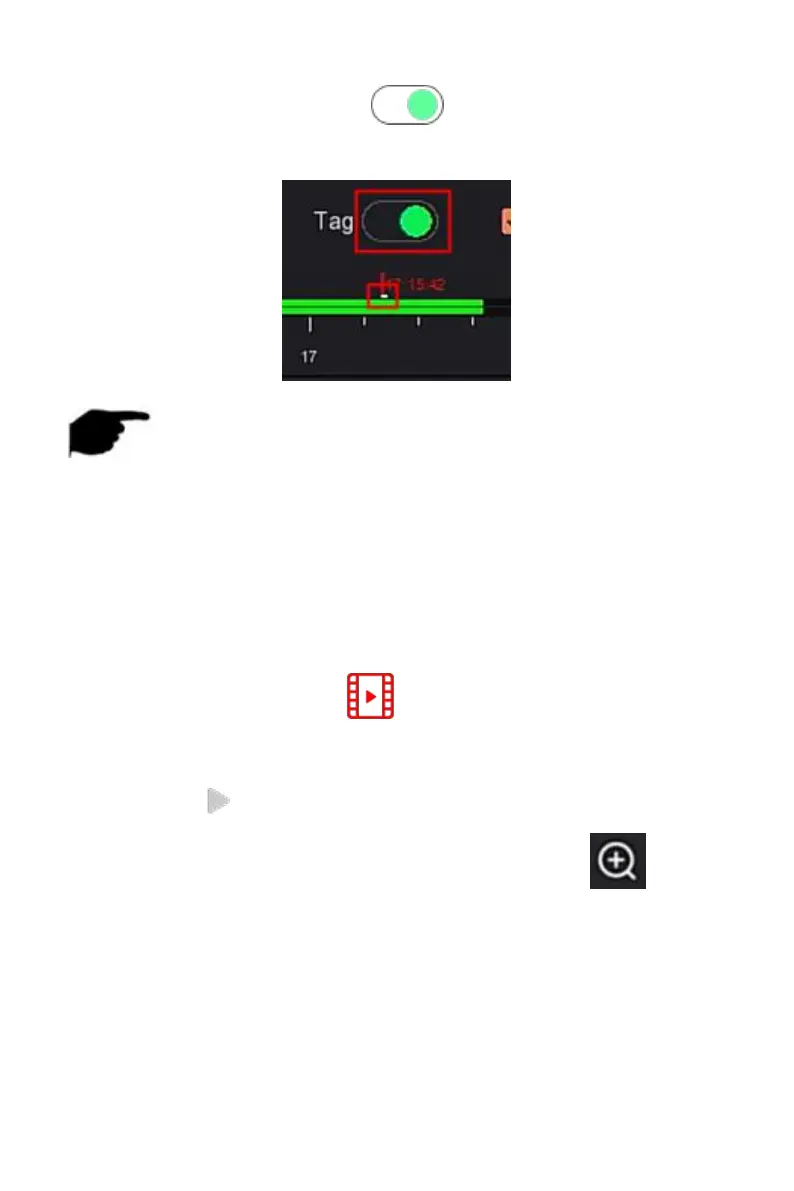
Steps 3: Toggle the tag button to " ", after adding a custom tag, the
playback progress bar will display a white label point to indicate that there is
a tag at the current position.
Figure 5-10
NOTE
After adding the tag, the system will automatically clip and save the 5
second video before and after the tagging time.
5.3.2.2 Playback assistance function
The specific operation steps are as follows:
Step 1: In the main menu, click " "to enter the video playback interface.
Steps 2: Select the channel for video playback and the date when the video is
recorded, and the searched video will be displayed on the progress bar.
Steps 3: Click " "to playback on the display interface.
Steps 4: Click playback interface, popup hidden menu, click " " to enter
Electronic zoom interface,as shown in Figure 5-11 below.



 To Next Page