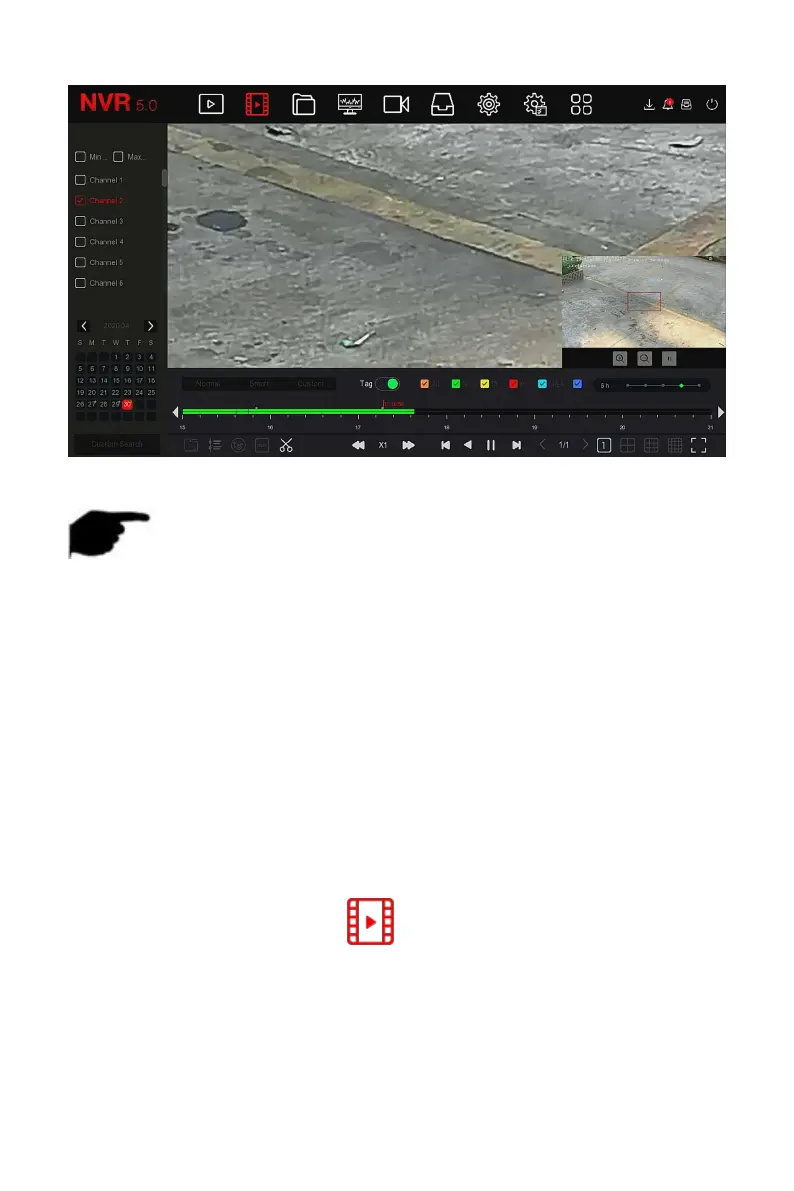
Figure 5-11
NOTE
Enter the Electronic zoom interface, the default image is enlarged; the
maximum magnification of the image is 16 times.
When enlarging an image, the center of the image is enlarged by default.
Hold down the left mouse button and drag the image to switch to the
area to be enlarged.
You can use the mouse wheel to zoom in and zoom out the image. The
mouse wheel slides down to enlarge the image; slides up to reduce the
image.
It supports clip video files during video playback. The specific operation steps
are as follows:
Step 1: In the main menu, click " " to enter the video playback
interface.
Steps 2: Select the channel for video playback and the date when the video is
recorded, and the searched video will be displayed on the progress bar.



 To Next Page