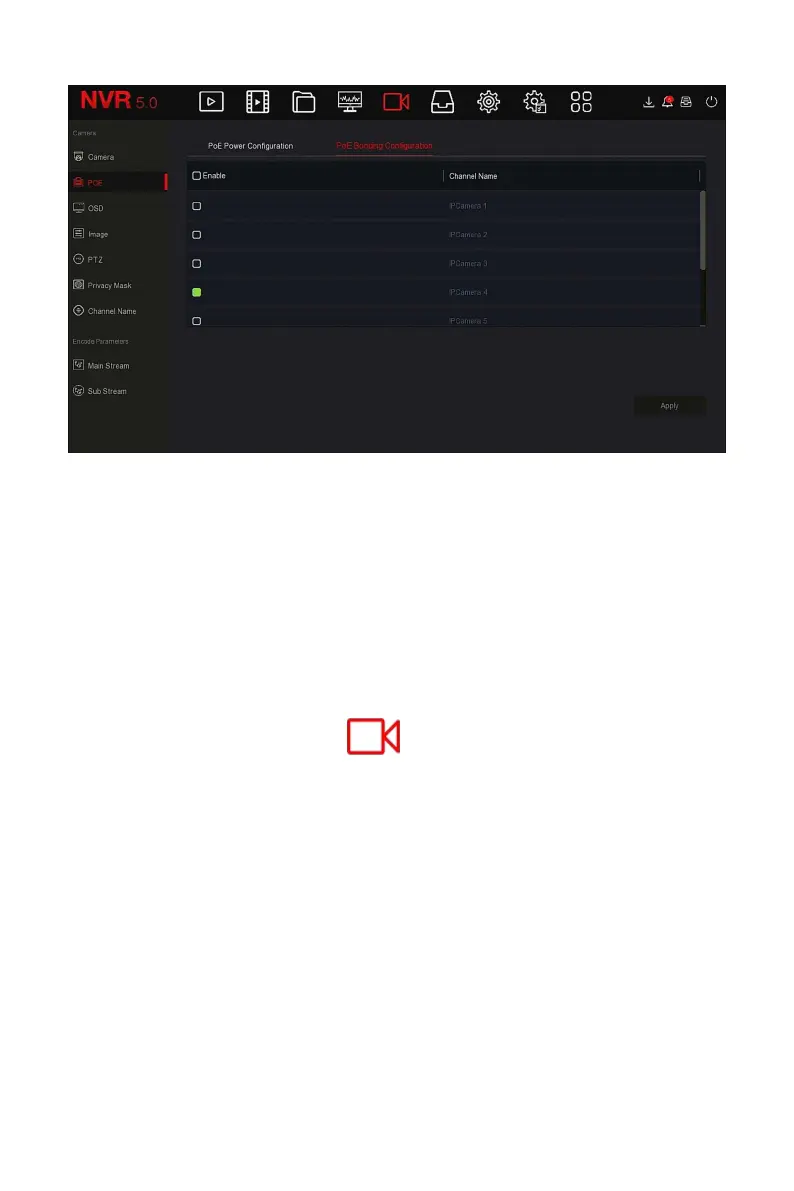
Figure 5-31
Steps 2: Select the bound channel and set the channel that the device is
powered by POE.
Steps 3: Click "Apply" to save the setting.
5.3.5.3 OSD
OSD is the abbreviation of "On Screen Display", the OSD of local preview
mainly includes time and channel name.
The specific operation steps are as follows:
Step 1: In the main menu, click " →OSD" to enter OSD setting interface,
as shown in Figure 5-32 below.



 To Next Page