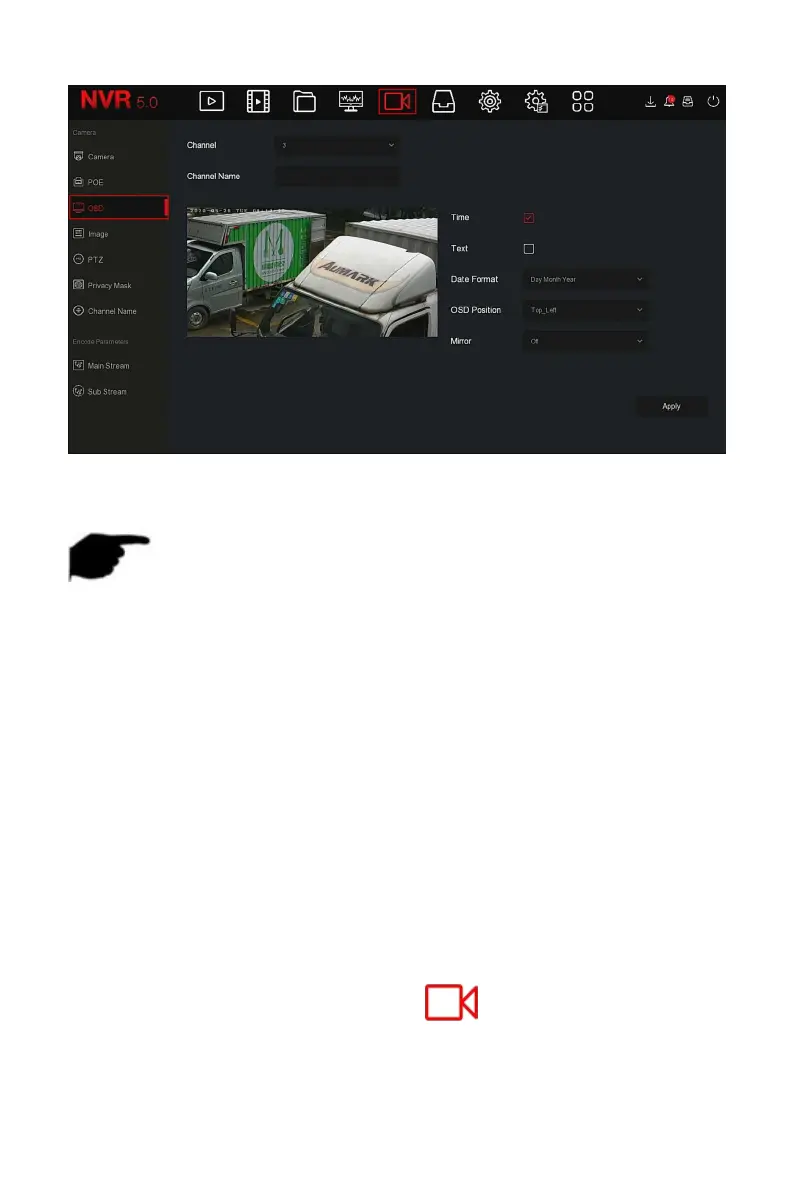
Figure 5-32
Steps 2: Select the channel to set the OSD.
Steps 3: Set the OSD of the channel.
NOTE
OSD includes channel name, time, text, date format, OSD position and
mirror.
The current OSD function only supports the private protocol to add the
device to obtain and set.
Steps 4: Click "Apply" to save the setting.
5.3.5.4 Image
In Image Color interface, the Brightness, Contrast, Saturation and Sharpness
of IP channel video can be adjusted, related parameters for the IPC can also
be set, such as Fill light,Exposure setting, Backlight setting, White balance
and Video adjustment.
The specific operation steps are as follows:
Step 1: In the main menu, click " →Image" to enter Image
configuration interface, as shown in Figure 5-33 below.



 To Next Page