Focus: Use the / key, zoom in/out function, adjust the camera
to focus.
Iris: Use the / key, zoom in / out the aperture function, adjust
the aperture of the camera.
Speed: It is mainly used to set the pan/tilt rotation speed operation. For
example, the rotation speed in step 7 is much greater than the rotation
speed in step size 1.
Preset setting: Through the direction of the button to turn the PTZ to
the desired location, and then click the preset button below the "set"
button to complete the preset point settings.
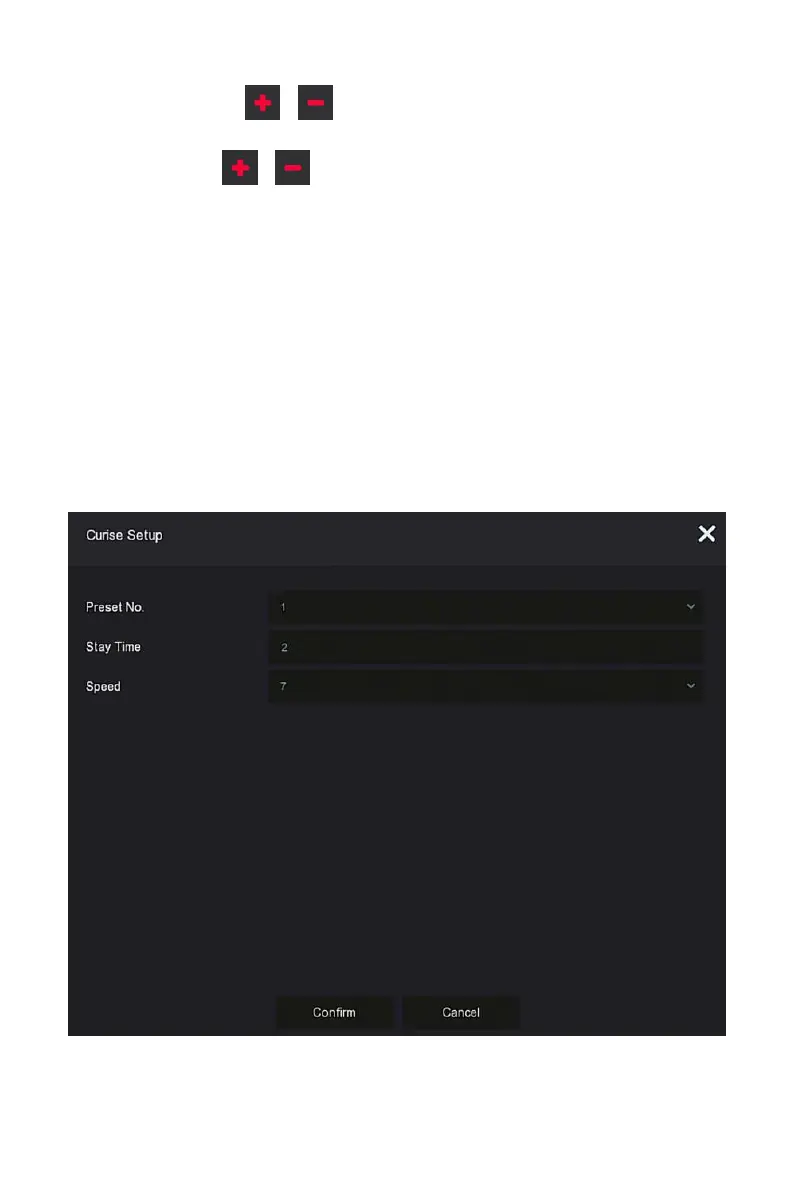
Cruise setting: After selecting the cruise line, click the setting button,
select the preset number, dwell time (seconds) and cruise speed in the
pop-up cruise line setting interface, as shown in Figure 5-30
○
2
, click
"OK" button, Return to the cruise settings screen and click "Cruise on"
again to save the settings and make the device start cruising.
Figure 5-34
○
2



 To Next Page