DTS-60A OPERATORS MANUAL
57
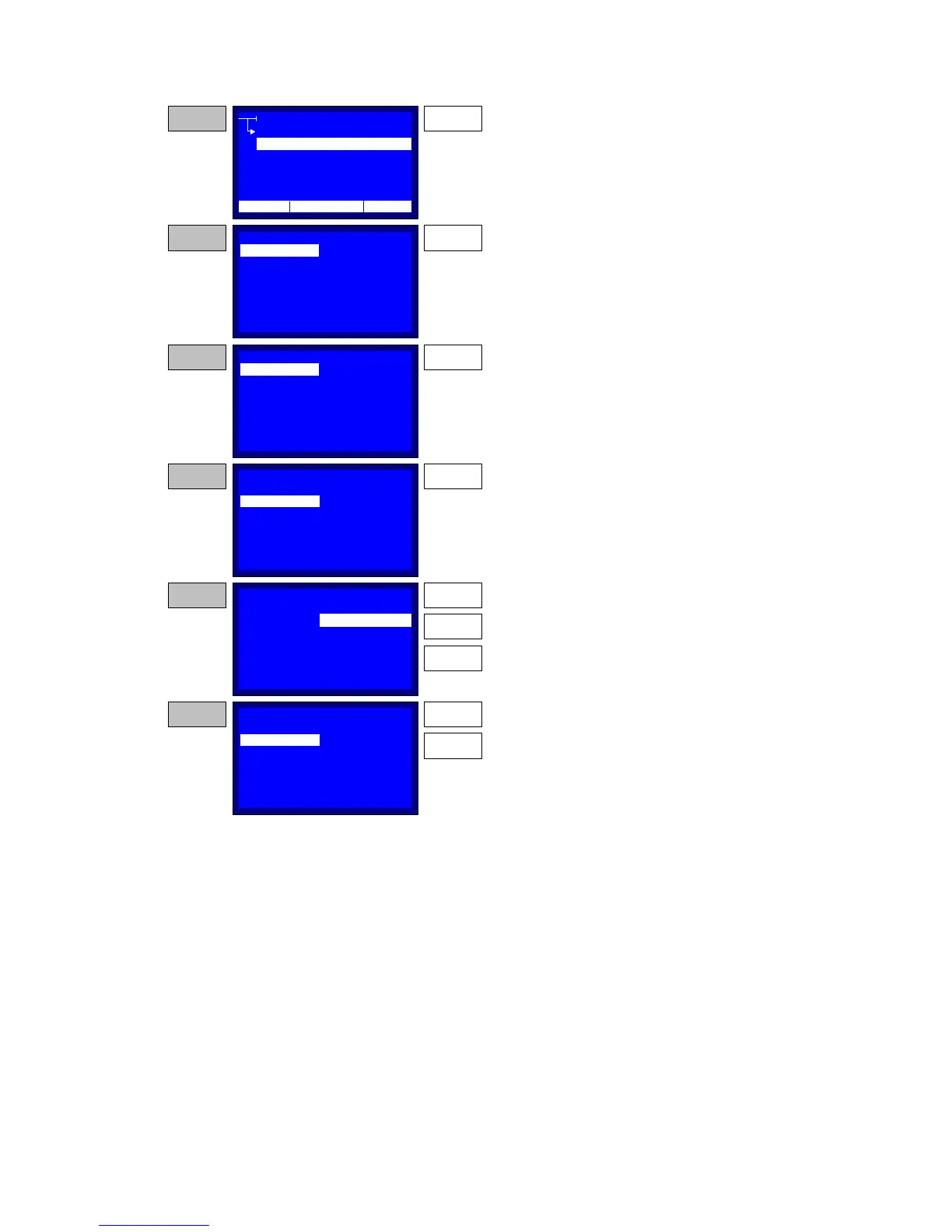
Figure 5-5a – Creating/ Editing a Test
NAME:
ELECTRODE:
START ST:
START WT:
CUSTOM
2.5 mm
00:00:00
00:00:00
CREATE/EDIT TEST
TEST
CREATE
SELECT
EDIT
DELETE
STEP 1 ENTER
From the TEST menu point to CREATE.
Then press the ENTER key.
STEP 2 ENTER
Press the ENTER key to edit the Test'sname. The
string Entry is described in paragraph 1.3.2.
NAME:
ELECTRODE:
START ST:
START WT:
CUSTOM 1
2.5 mm
00:00:00
00:00:00
STEP 3 DOWN
Press the DOWN key to select the ELECTRODE.
NAME:
ELECTRODE:
START ST:
START WT:
CUSTOM 1
2.5 mm
00:00:00
00:00:00
STEP 4 ENTER
Press the ENTER to enter to the spacing value
setup
NAME:
ELECTRODE:
START ST:
START WT:
CUSTOM 1
2.2 mm
00:00:00
00:00:00
STEP 5 UP
DOWN
Use the UP and DOWN keys to select the desired
spacing of the electrodes. Press ENTER to store
the selected value.
ENTER
NAME:
ELECTRODE:
START ST:
START WT:
CUSTOM 1
2.2 mm
00:00:00
00:00:00
STEP 6 DOWN
Press the DOWN key to go to the START WT and
then press the ENTER to setup the timer.
ENTER
CREATE/EDIT TEST
CREATE/EDIT TEST
CREATE/EDIT TEST
CREATE/EDIT TEST
STAGE:
01
STAGE:
01
STAGE:
01
STAGE:
01
STAGE:
01
12:10 01/08/05 65 °F



 To Next Page