DTS-60A OPERATORS MANUAL
58
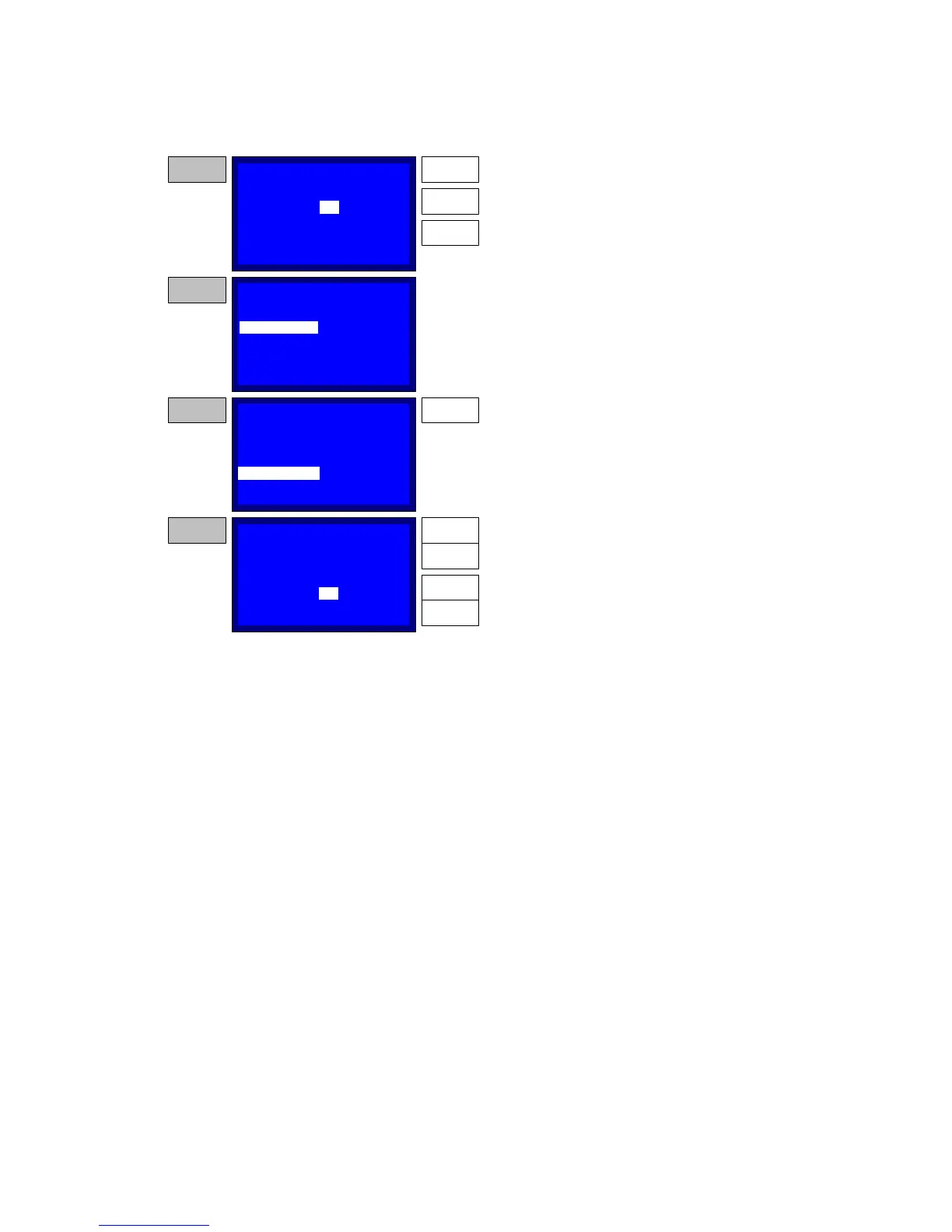
Figure 5-5b – Creating/ Editing a Test
NAME:
ELECTRODE:
START ST:
START WT:
CUSTOM 1
2.2 mm
00:00:00
00:00:00
STEP 7
DOWN
Use the UP and DOWN keys to select hours and
then press ENTER to store the updated value.
Repeat with minutes and seconds. After updating
the seconds and pressing the ENTER the selector
will be at the START WT item.
ENTER
00
UP
NAME:
ELECTRODE:
START ST:
START WT:
CUSTOM 1
2.2 mm
00:00:00
00:00:00
STEP 8
Go to START ST and repeat the actions of STEP 7.
STAGE:
NAME:
ELECTRODE:
START ST:
START WT:
CUSTOM 1
2.2 mm
00:00:00
00:00:00
STEP 9
Press the ENTER key to update the STAGE value.
ENTER
01
STAGE:
NAME:
ELECTRODE:
START ST:
START WT:
CUSTOM 1
2.2 mm
00:00:00
00:00:00
STEP 10
Use the UP and DOWN keys to select a stage.
Press the ENTER key to proceed to stage
parameters programming or press the BACK key to
return the selector to the STAGE item.
If the ENTER is pressed...
UP
01
DOWN
ENTER
BACK
CREATE/EDIT TEST
CREATE/EDIT TEST
CREATE/EDIT TEST
CREATE/EDIT TEST
STAGE:
01
STAGE:
01



 To Next Page