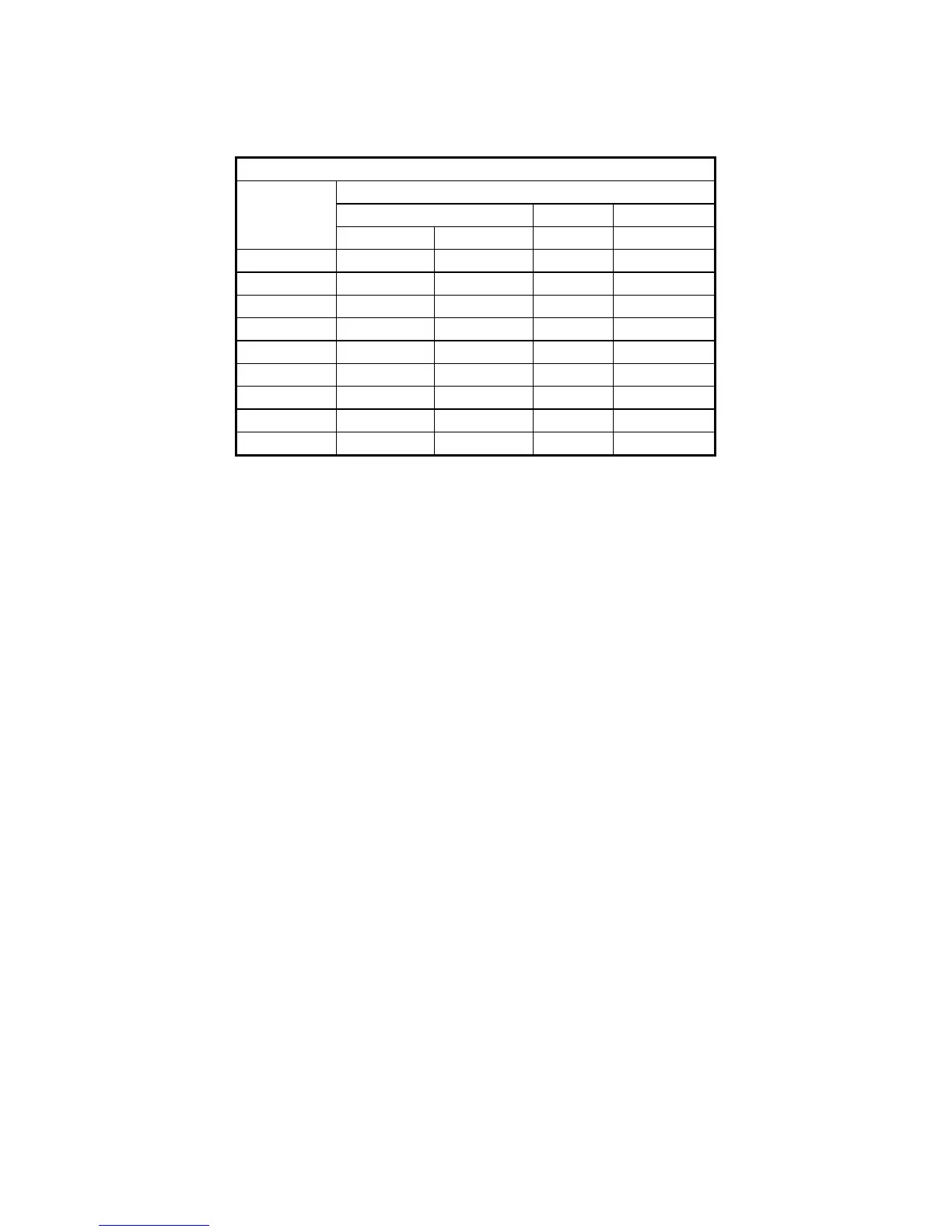
Analog Digital Digital Digital
800×600 60Hz 60Hz 60Hz 60Hz
1024×768 60Hz 60Hz 60Hz 60Hz
1280×1024 60Hz 60Hz 60Hz 60Hz
1600×1200 60Hz 60Hz 60Hz 60Hz
1920×1080 60Hz 60Hz 60Hz 60Hz
1920×1200 60Hz 60Hz 60Hz 60Hz
2560×1440 - - - 60Hz
2560×1600 - - - 60Hz
3840×2160 - - - 60Hz
(*1) It has been confirmed that all refresh rate settings indicated in the table actually work in the test
environment provided by Hitachi. It should be noted that supported resolutions and refresh
rates are different depending on the display. Consequently, some settings may not be used for a
specific display.
(*2) By using a conversion connector or DVI-A cable, you can output an analog VGA signal.
The conversion connector or DVI-A cable must be provided by users.



 To Next Page