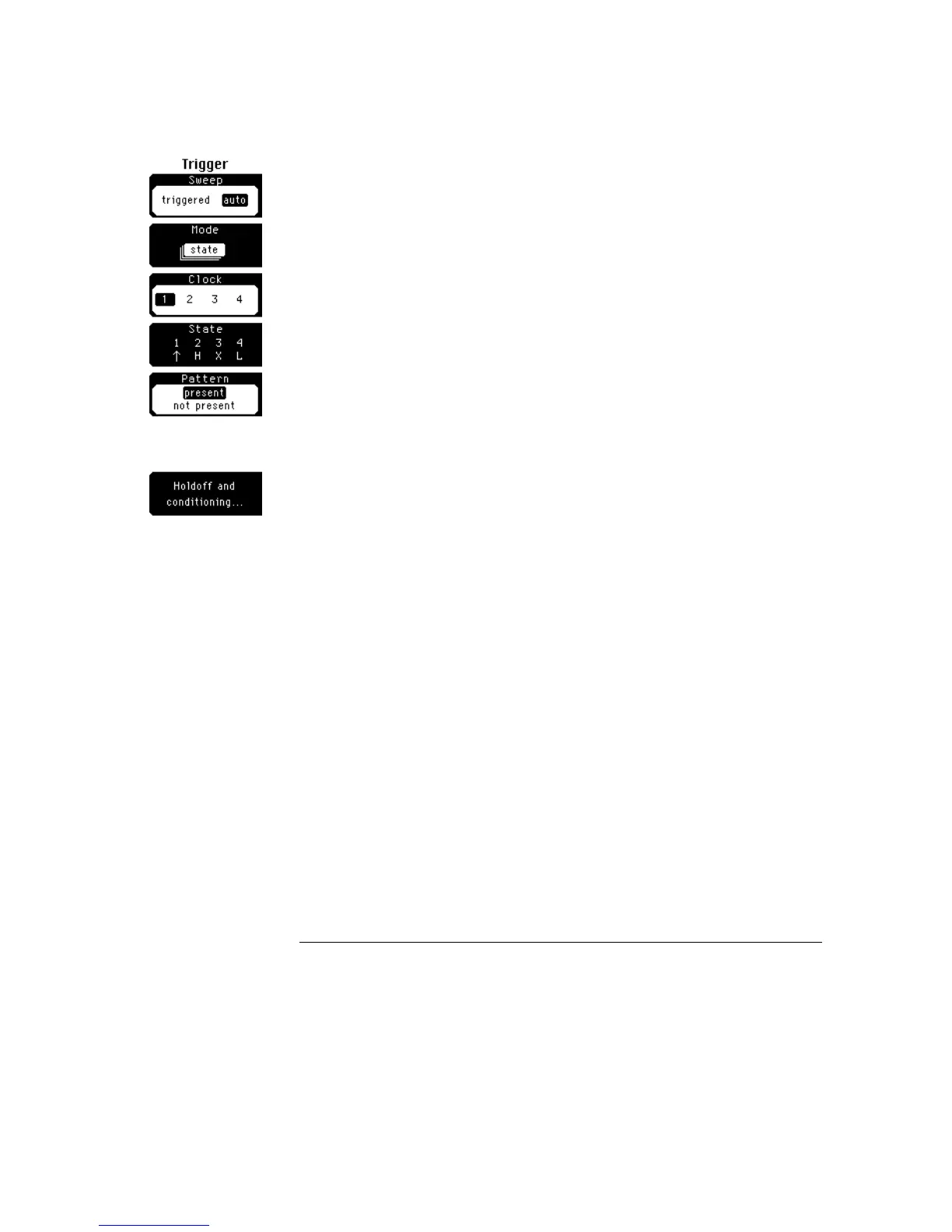
State
State is similar to pattern, except that you select one channel as a clock edge,
and you set the remaining channels to define a pattern. Basically state is a
selective pattern trigger. The pattern can occur often, but it is checked for
validity only on the selected edge on the clock line.
Clock
Picks a plug-in slot as the clock. The trigger source can be a
channel or external trigger source.
State
Sets the other slots to form a trigger pattern. An arrow indicates
which trigger source is the clock. You can select the polarity of the clock
edge as either rising or falling. You can also select the pattern on the
remaining slots, and independently set the trigger level on each slot.
Pattern
Sets the oscilloscope to trigger when the pattern is either
present or not present. The pattern is checked for on the designated
clock edge.
Trigger Menu
Mode
18–12



 To Next Page