8–18 User’s Guide
Using Bluetooth
Setting Up an ActiveSync Partnership
on Your Pocket PC
To establish an ActiveSync connection:
1. From the Today screen, tap iPAQ Wireless > Bluetooth >
Manager.
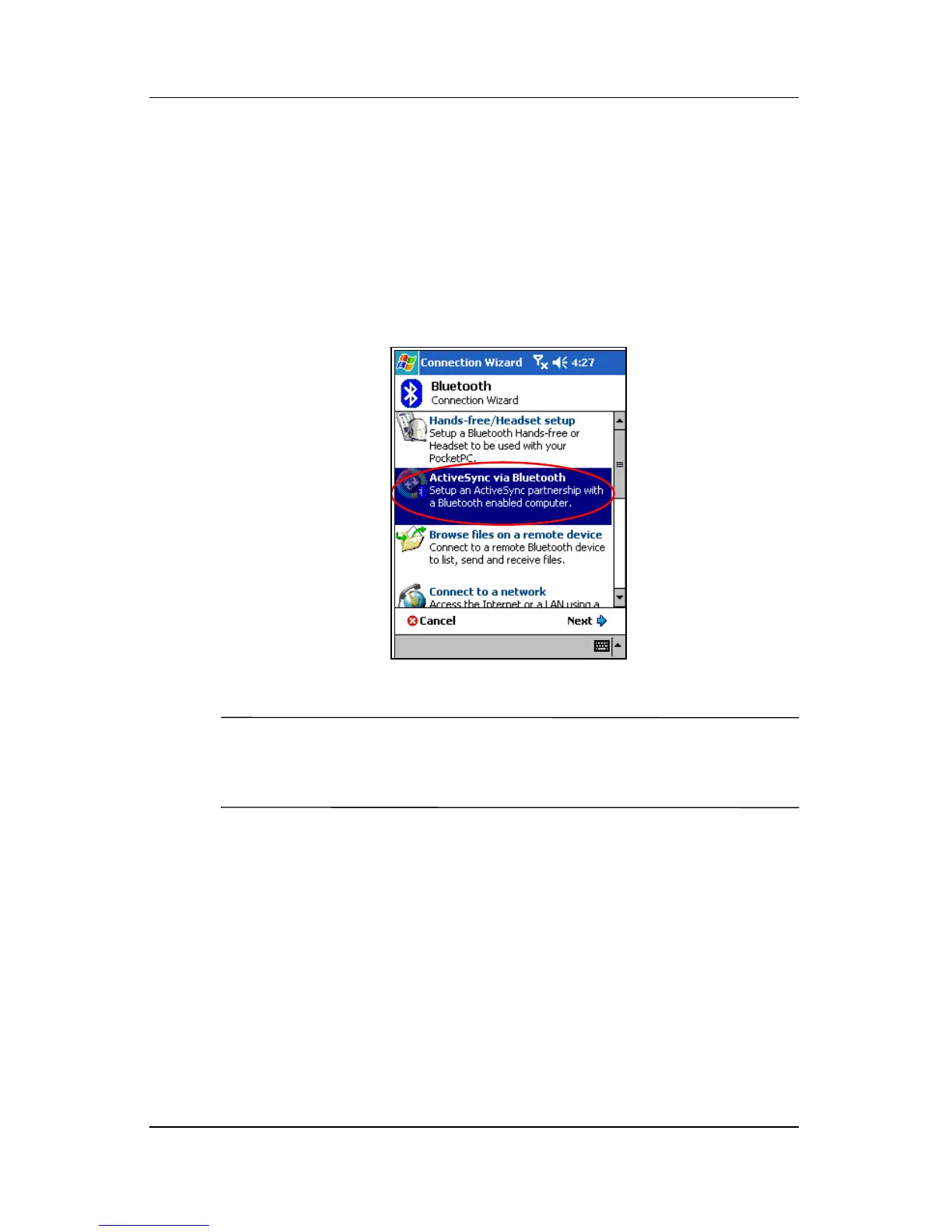
2. Tap New > ActiveSync via Bluetooth > Next.
3. Follow the connection wizard instructions.
NOTE: Be sure the ActiveSync COM port setting on your Pocket
PC is the same as the COM port setting used for Bluetooth on
your computer.
4. From the Bluetooth Browser screen, select the computer you
want to synchronize with. Tap Next.



 To Next Page
 Loading...











