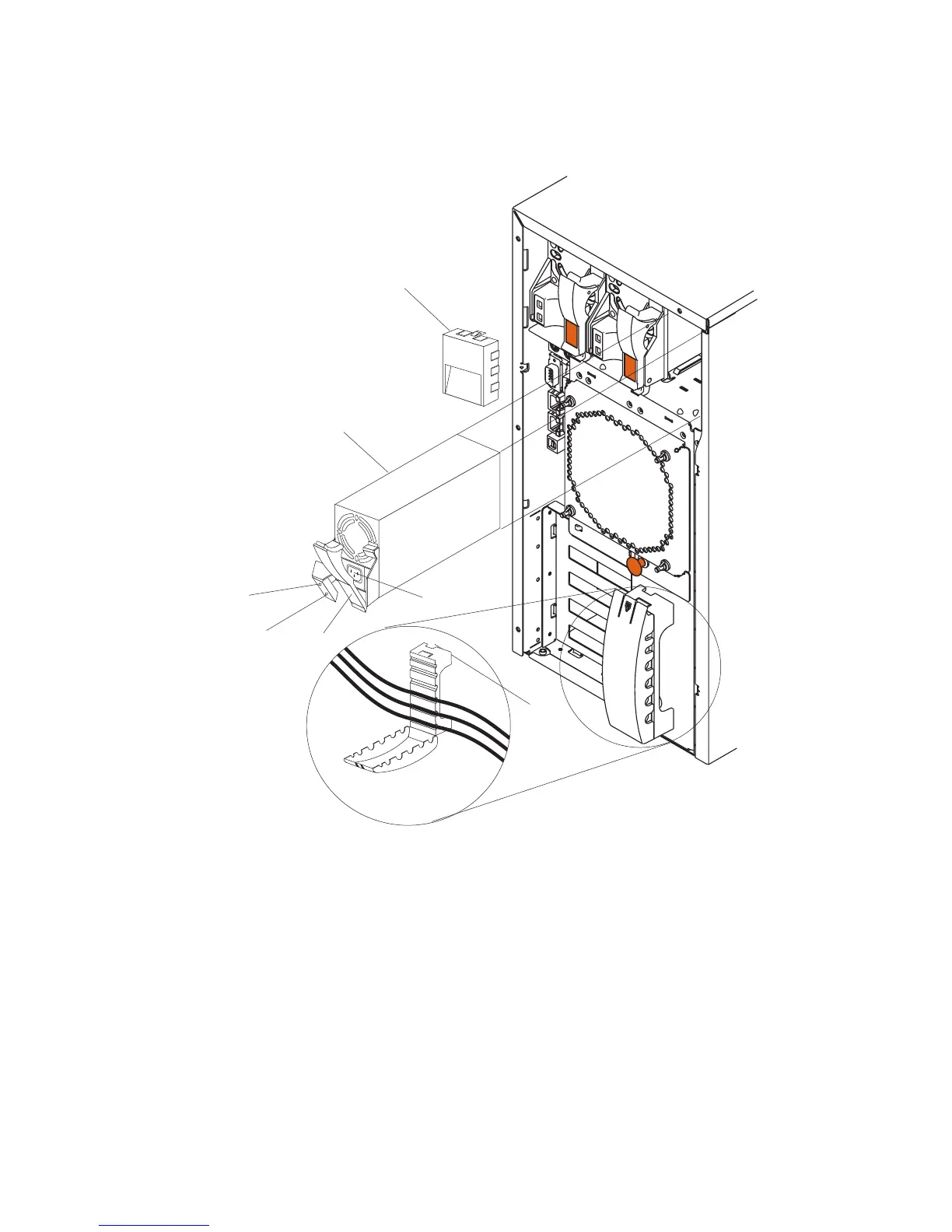
Refer to the following illustration while performing the steps in this procedure.
1
4
5
6
7
2
3
1 Power supply
2 Filler panel
3 Cable-restraint bracket
4 Power cord connector
5 Handle on power supply (in
open position)
6 AC power light
7 DC power light
Note: You do not need to turn off the power to the system to install hot-swap power
supplies if your system has a redundant (third) power supply installed.
1. If installed, remove the filler panel from the bay.
Chapter 9. Removal and Replacement Procedures 285




 To Next Page