52 Chapter 3 Welder Operation Description
Ehave Series Full Digital IGBT CO
2
/MAG/MMA Multifunctional Inverter Welder User Manual
Press and hold the ENTER
button for 3 seconds.
(The common locking function
is enabled.)
Common lock mode
(Welding can be performed.)
Press and hold the SAVE
button for 3 seconds.
(The password changing
function is enabled.)
The parameters are unlocked.
(The password changing
function is disabled)
Correct
Incorrect
Enter the original
password.
Press and hold the
ENTER button for 3
seconds.
Enter a new password.
Press and hold the
ENTER button for 3
seconds.
Confirm the new
password.
Press and hold the
ENTER button for 3
seconds.
Correct
Incorrect
Press and hold the
ENTER button for 3
seconds.
Select welding
parameters.
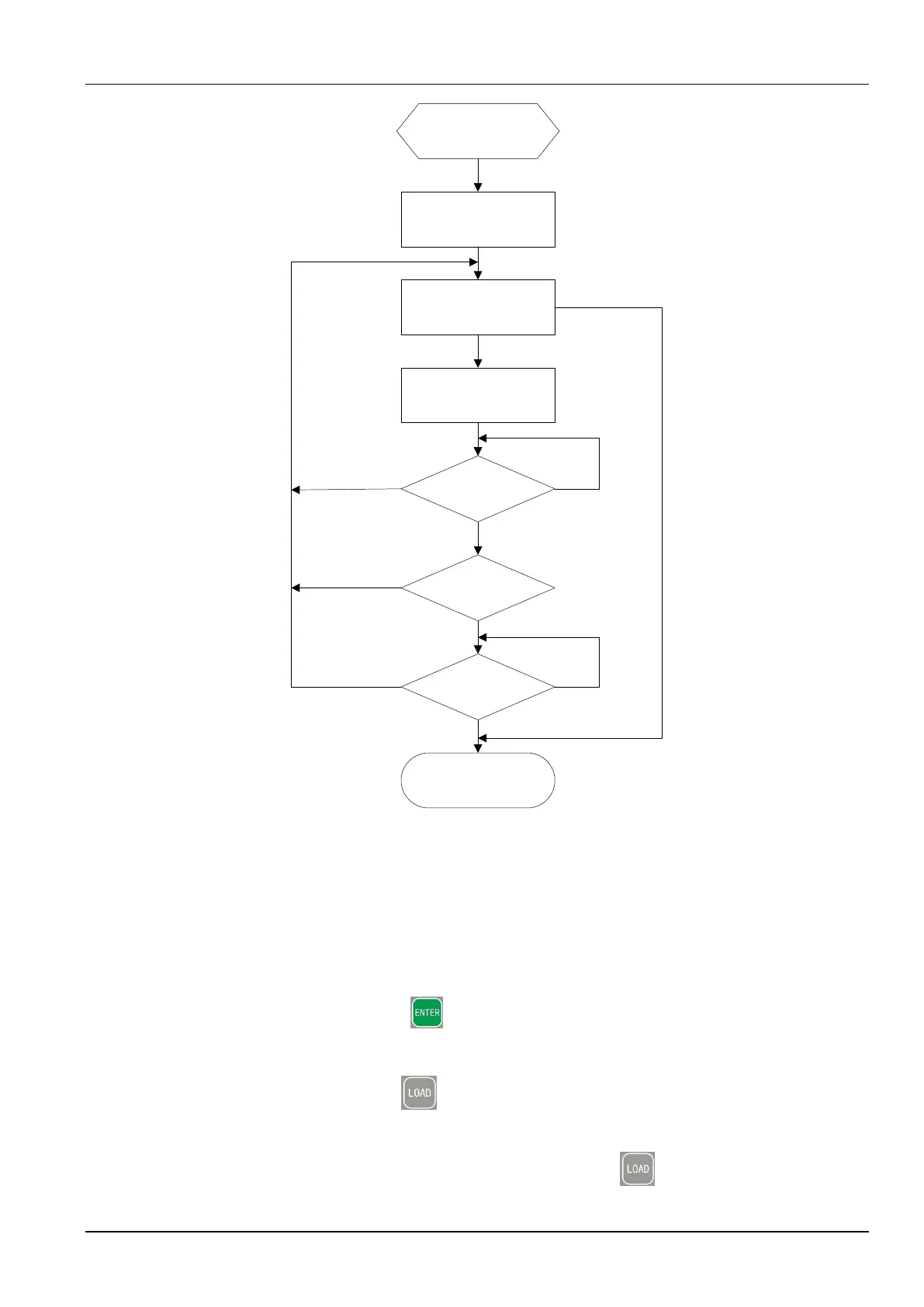
Figure 3-34 Procedure for changing a password
Locking a parameter range
The procedure is as follows:
a. Enable the parameter range locking function.
1. Press and hold the ENTER button. When the left screen displays L, the common
lock function is enabled. See Figure 3-23.
2. Press and hold the LOAD button. The lock password UI shown in Figure 3-26 is
displayed. When the first screen displays o, the middle and right screens display -, use
the knob on the control panel to enter the 6-character lock password according to the
flashing indication on the screens and press the LOAD button.



 To Next Page