EasyManua.ls Logo

IGS BAOHUI HYPER CROSS - Using the Operator Settings; Menu Structure

IGS BAOHUI HYPER CROSS
118 pages
Print Icon
To Next Page IconTo Next Page
To Previous Page IconTo Previous Page
Loading...
27
Using the Operator Settings
4.
Using the Operator Settings
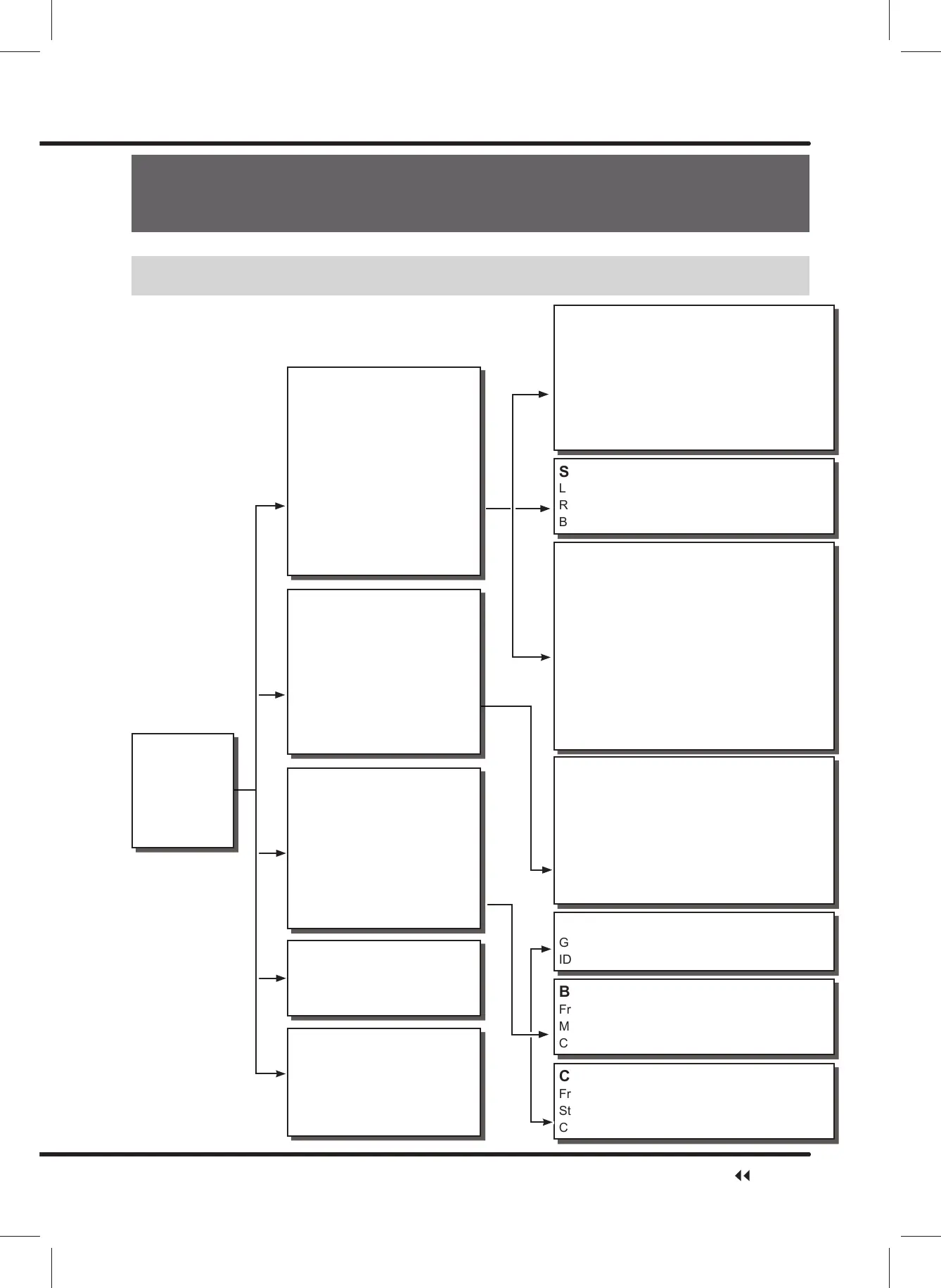
4.1 Menu Structure
Sound Test
Left Speaker
Right Speaker
Bass Speaker
Connection Setting
Group Number
ID
Battle Reward Setting
Free Play for Champion
Max Bonus Game
&KDOOHQJH,QJDPH3OD\HU
Coin Option
Free Play
Start Cost
Continue Cost
Main Menu
Hardware Test
System Settings
Game Settings
Income Data
System Rest
Hardware Test
I/O Test
Screen Test
Sound Test
Lamp Test
Connection Test
Camera Test
Counter Test
Vibration Test
Fan Speed Test
Drain Valve Test
Air Spring Test
Force Feedback Test
System Setting
Time Setting
Connection Setting
Country Setting
Store Setting
Password Setting
,2$GMXVWPHQW
$LU6SULQJ$GMXVWPHQW
Seat Safety Sensor Setting
Game Setting
Coin Option
Volume Setting
Number Of Laps And Race Time
Setting
Battle Reward Setting
Flow Time Setting
Clothes Setting
$XWR$FFHOHUDWH6HWWLQJ
Income Data
Daily Income
Monthly Income
Total Income
System Rest
Reset Income Data
Restore Default Setting
Ranking Board Reset
Update Progress
Clear Coin Count In Attract Sequence
I/O Test
Coin
Test
Service
Start
Up Down
Seat Sensor
Throttle twistgrip
Left Brake
Steering Handle Bar
Motion Stop Button
Lamp Test
All Lights
Auto Test
Under Screen Lights
Air Vent Lights
Bass Lights
Frame Lights
Motion Stop
Start
Up
Down
Brake Lights
Track Lights
Side Lights
Side of Track Lights
Ski Lights
Upper Edge of Platform
Lights
Lower Edge of Platform
Lights
Connection Test
Test
Network Card Test
1P
2P
3P
4P
Server1
Server2
Internet
Network Information
Reset Network
Menu Structure

Table of Contents

Related product manuals