43
Using the Operator Settings
$LU6SULQJ$GMXVWPHQW
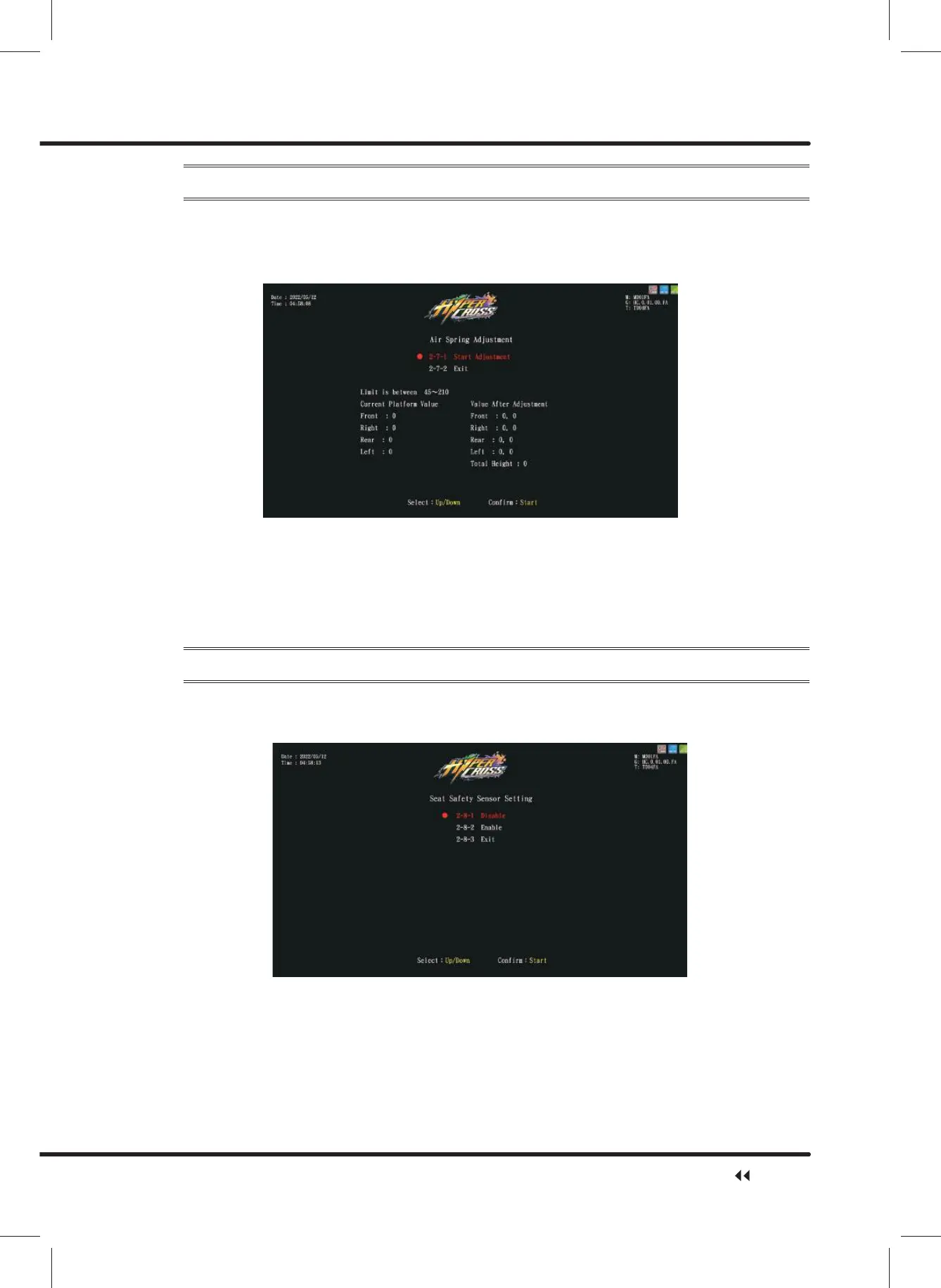
On the page of Ȟ$LU6SULQJ$GMXVWPHQWȟ\RXFDQDGMXVWWKHPLQLPXPDQGPD[LPXP
value of the air spring.
ɖ Enter ȞMain Menuȟ ɚȞ2 System SettingȟɚȞ$LU6SULQJ$GMXVWPHQWȟ, and the
screen will display as below:
ɖ Move the cursor to the Ȟ6WDUW$GMXVWPHQWȟ and press the ȞStartȟ button to start
DGMXVWLQJ
ɖ :KHQDGMXVWPHQWVWDUWVWKHDLUVSULQJZLOOEHDXWRPDWLFDOO\FDOLEUDWHGFXUUHQWDGMXVWPHQW
status will display on the screen.
ɖ $IWHUWKHDGMXVWPHQWLVFRPSOHWHGPRYHWKHFXUVRUWRWKHȞ([LWȟand then press
the ȞStartȟ button to return to Ȟ2 System Settingȟ.
4.4.8 Seat Safety Sensor Setting
On the page of ȞSeat Safety Sensorȟ, you can enable or disable the seat safety sensor.
ɖ Enter ȞMain Menuȟ ɚȞ2 System SettingȟɚȞ6HDW6DIHW\6HQVRUȟ, and the
screen will display as below:
ɖ If ȞEnableȟ is selected, the sensor will be enabled, and the screen will automatically
direct to the pageȞ2 System Settingȟ.
ɖ If ȞDisableȟ is selected, the sensor will be disabled, and the screen will automatically
direct to the pageȞ2 System Settingȟ.
System Setting



 To Next Page