53
Using the Operator Settings
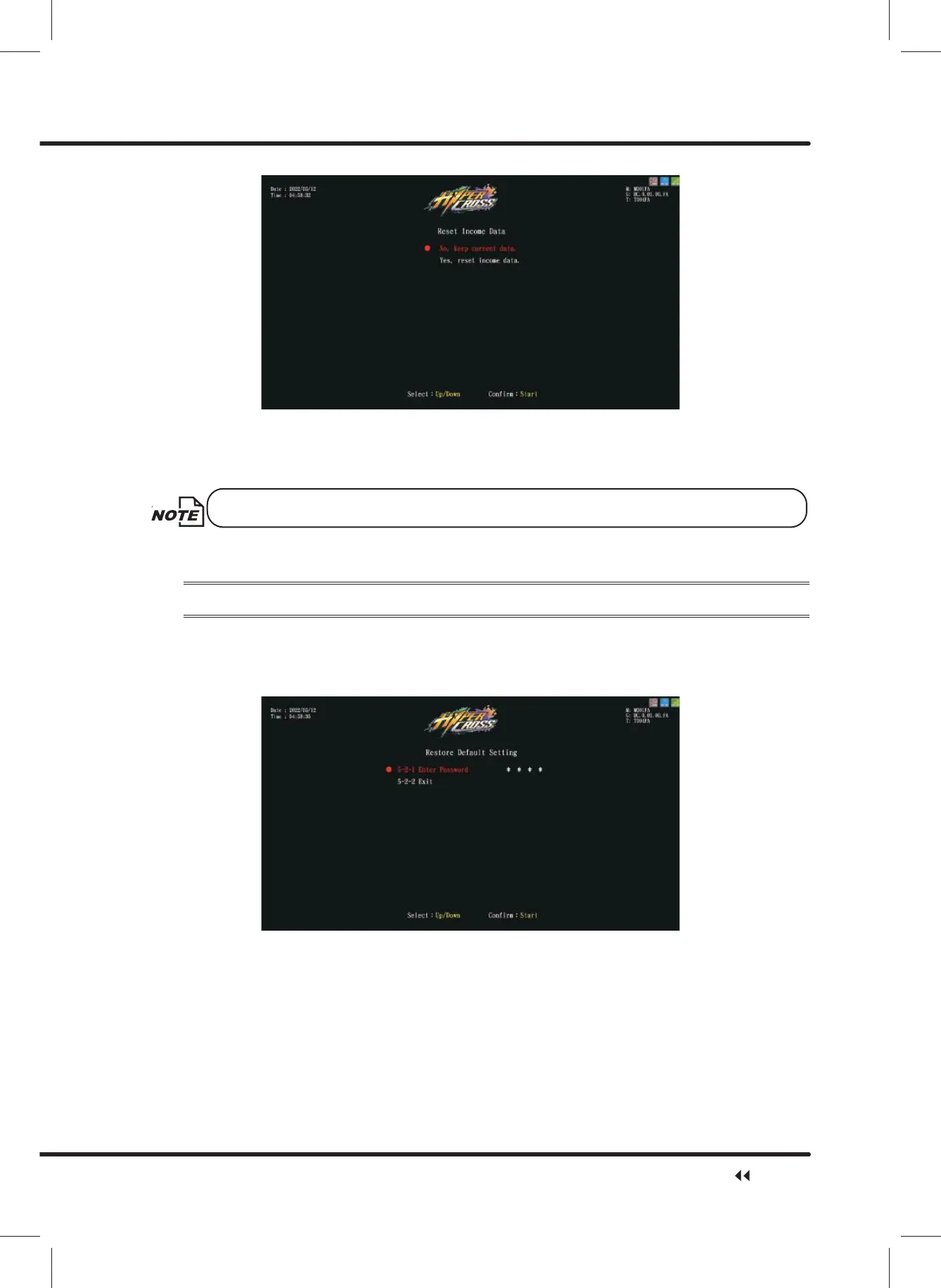
ɖ Move the cursor toȞYes, reset income data.ȟ, and press the ȞStartȟ button to reset
income data.
ɖ After reset, ȞReset Completeȟ will appear in green. Press ȞStartȟ button again to
return toȞ5 System Resetȟ.
This function will not delete the data inȞTotal Incomeȟ.
ɖ When ȞNo, keep current data.ȟ is selected, the screen will automatically direct to the
page of Ȟ5 System Resetȟ.
4.7.2 Restore Defualt Setting
On the page of ȞRestore Default Settingȟ, you can delete the income data or set the
system to the default setting.
ɖ Enter ȞMain MenuȟɚȞ5 System ResetȟɚȞ5HVWRUH'HIDXOW6HWWLQJȟ,and the
screen will display as below:
ɖ Move the cursor to select Ȟ(QWHU3DVVZRUGȟ, and press the ȞStartȟ button to
start entering the set password.
ɖ Use the ȞUpȟ and ȞDownȟ button to select numbers, and then press ȞStartȟbutton
to enter password.
ɖ After the password has been entered, the following screen will be displayed:
System Reset



 To Next Page