40
Using the Operator Settings
ɖ Use the ȞUpȟ button and ȞDownȟbutton to move the cursor and press the ȞStartȟ
button to enter the sub menu.
ɖ Select the Ȟ*URXS1XPEHUȟ, then press the ȞStartȟ button to set the group
number of the machine.
ɖ Select the Ȟ,'ȟ, then press the ȞStartȟ button to set the ID of the machine.
ɖ When completed, move the cursor to Ȟ([LWȟ, then press theȞStartȟ button to
return to the page ofȞ2 System Settingȟ.
4.4.3 Country Setting
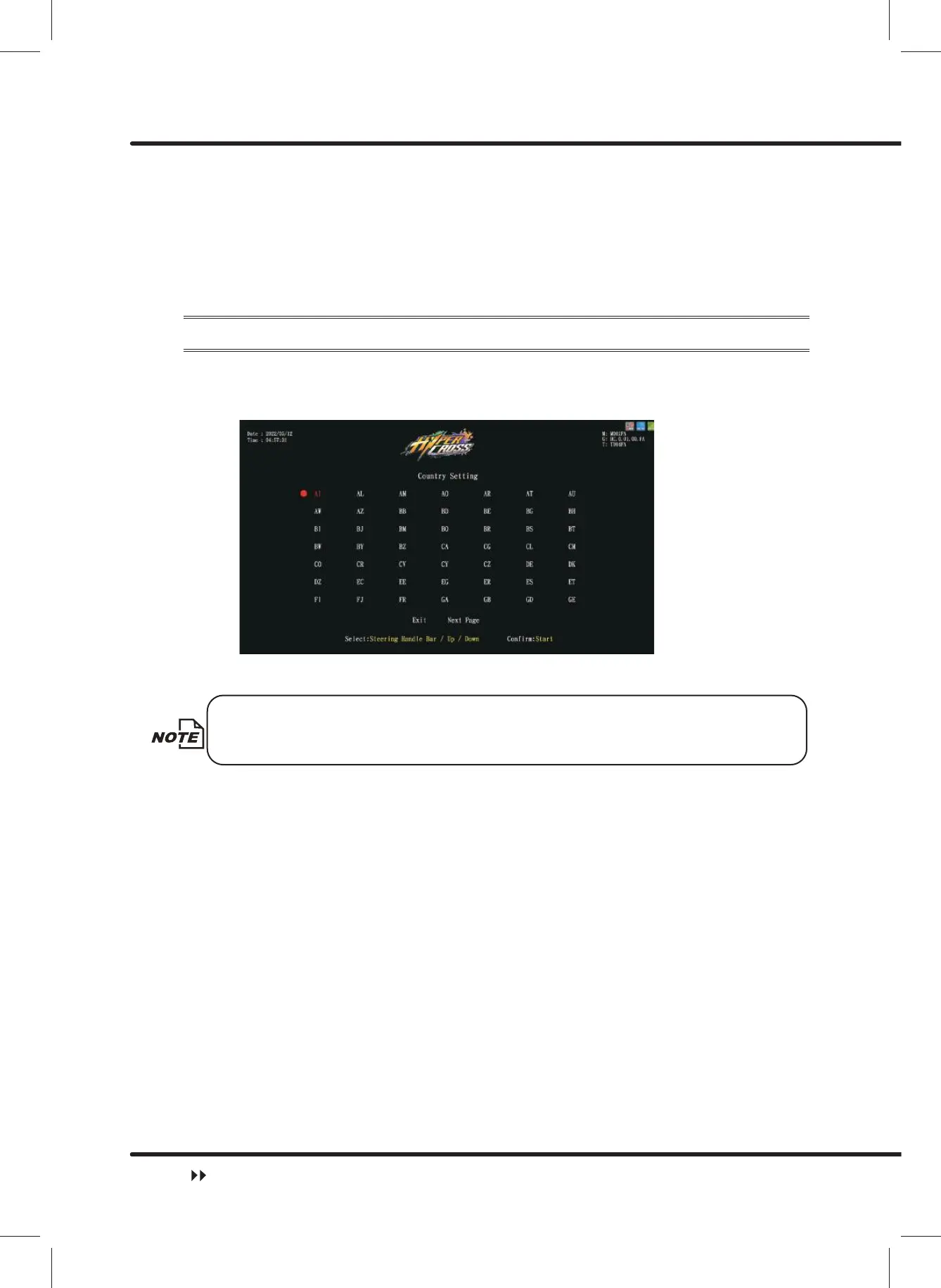
On the page of ȞCountry Settingȟ, you can set your current location.
ɖ Enter ȞMain MenuȟɚȞ2 System SettingsȟɚȞ&RXQWU\6HWWLQJȟ, and the
screen will display as below:
ɖ Use theȞUpȟ,ȞDownȟ,ȞLeftȟ,ȞRightȟbutton to move the cursor and press the ȞStartȟ
button to set country.
When ȞExitȟis selected, the screen will automatically direct to the page of
ȞSystem settingȟ.
ɖ If you press the ȞStartȟ button on the preferred country, the country will be set, and the
screen will automatically direct to the page of Ȟ2 System settingȟ.
System Setting



 To Next Page