39
Using the Operator Settings
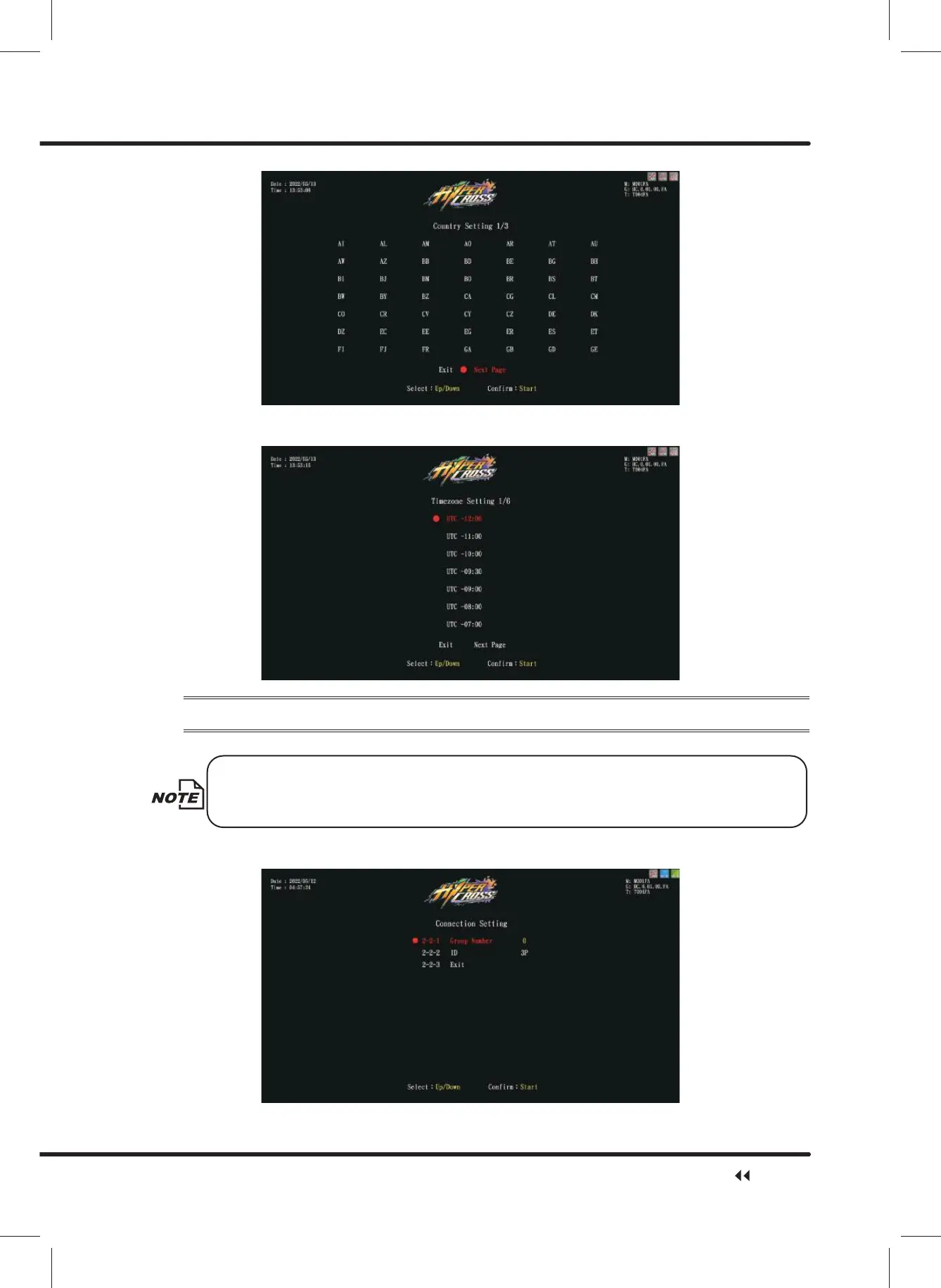
ɖ If the chosen country has more than one time zones, or ȞOtherȟ is selected, the
screen will automatically direct to the page ofȞTimezone Settingȟ.
4.4.2 Connection Setting
On the page of
ȪConnection Settingȫ
, you can set the group and the ID of the machine.
To connect to the machine, please set up the same group in the settings. The
recommended ID value settings for the machine, from left to right, are: 1P, 2P,
3P, 4P.
ɖ Enter ȞMain MenuȟɚȞ2 System SettingȟɚȞ&RQQHFWLRQ6HWWLQJȟ, and the
screen will dsisplay as below:
System Setting



 To Next Page