48
Using the Operator Settings
$XWR$FFHOHUDWH6HWWLQJ
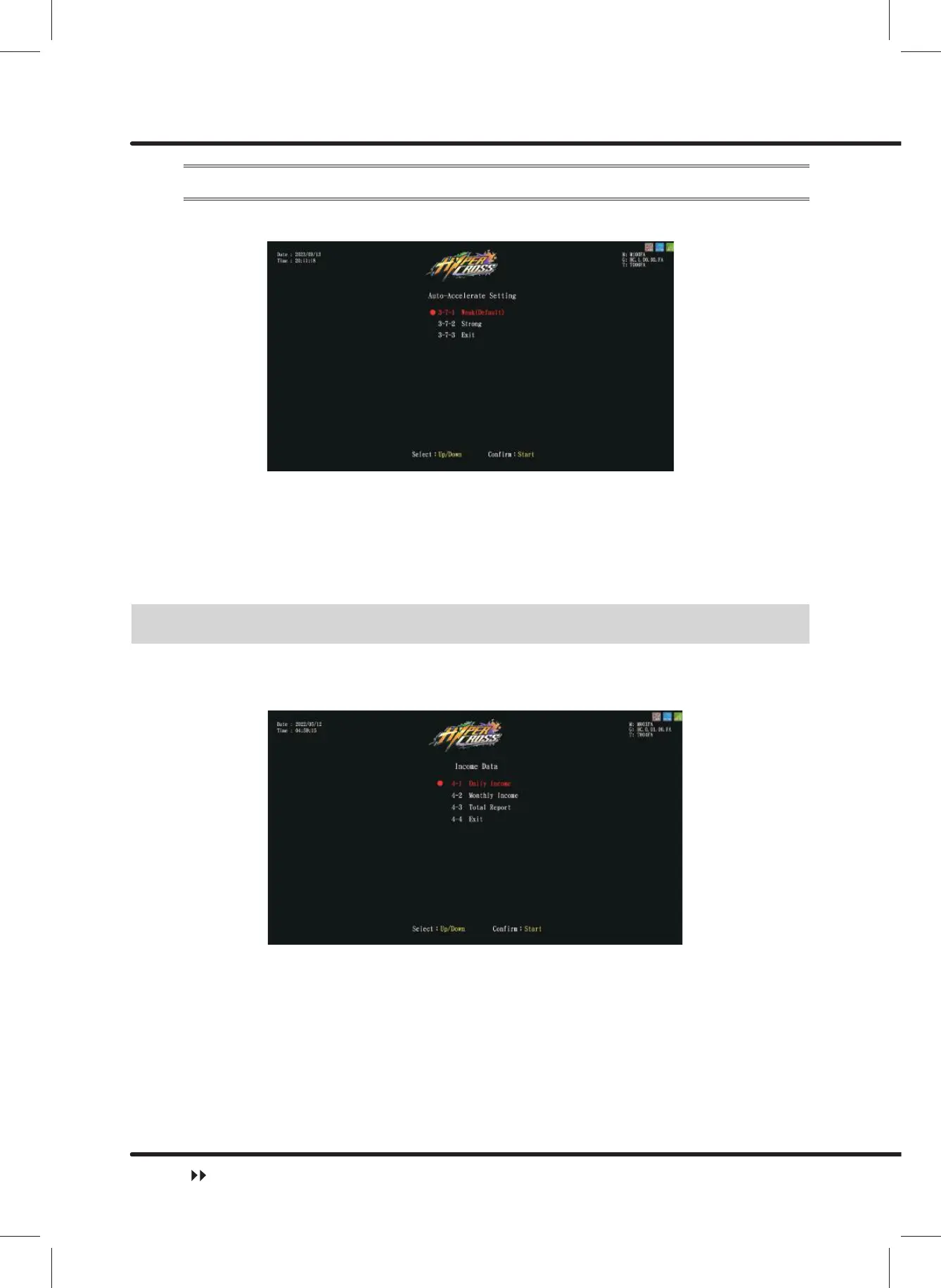
On the page ofȞ$XWR$FFHOHUDWH6HWWLQJȟ, you can change the acceleration which the
game automatically adds to player's vehicle.
ɖ Use theȞUpȟandȞDownȟbutton to move cursor, select ȞWeak(Default)ȟ and press
ȞStartȟ. The acceleration will be set toȞWeakȟ, and the screen will automatically
direct to ȞGame Settingȟ.
ɖ Use theȞUpȟandȞDownȟbutton to move cursor, select ȞStrongȟ and press ȞStartȟ.
The acceleration will be set toȞStrongȟ, and the screen will automatically direct to
ȞGame Settingȟ.
4.6 Income Data
On the page of ȞIncome Dataȟ, you can check the daily, monthly and total revenue in the
machine.
ɖ Enter ȞMain MenuȟɚȞ4 Income Dataȟ, and the screen will display as below:
ɖ Use the ȞUpȟ button and ȞDownȟbutton move the cursor and press the ȞStartȟ
button to the sub menu.
ɖ Move the cursor to Ȟ([LWȟ and press the ȞStartȟ button to return to ȞMain
Menuȟ.
ɖ Regarding the detailed data of the sub menu in the Ȟ4 Income Dataȟ, refer to the
following content.
Income Data



 To Next Page