45
Using the Operator Settings
4.5.2 Volume Setting
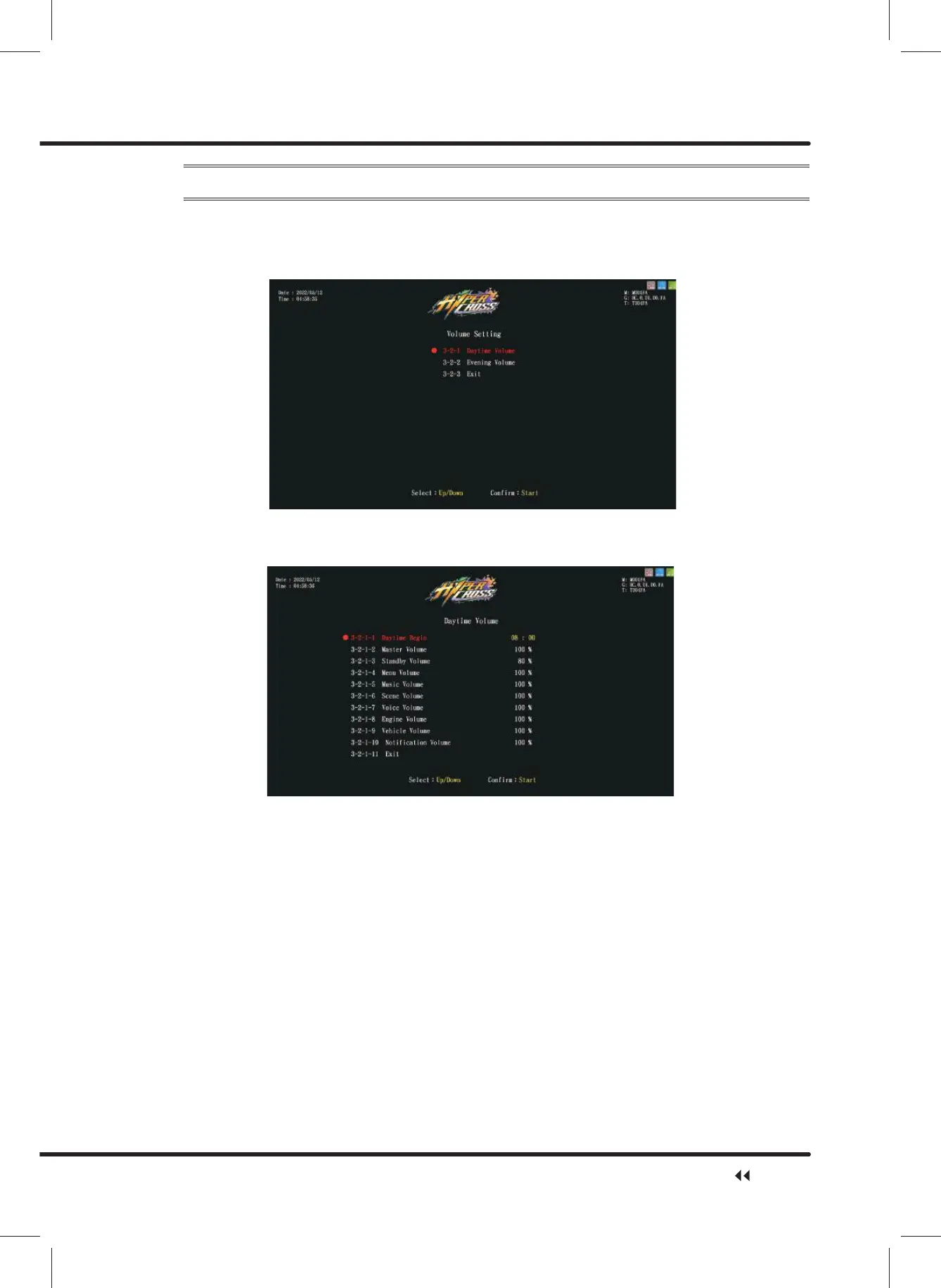
On the page of ȞVolume Settingȟ, you can determine the start time of daytime and
evening and set the corresponding volume.
ɖ Enter ȞMain MenuȟɚȞ3 Game SettingȟɚȞ9ROXPH6HWWLQJȟ, and the screen
will display as below:
ɖ Move the cursor to select the ȞDaytime(Evening) Volume Settingȟ, then press the
ȞStartȟ button to enter the page of ȞDaytime (Evening) Volume Settingȟ, and the
screen will display as below:
ɖ Move the cursor to select the item, then press the ȞStartȟEXWWRQWRDGMXVWYROXPH
ɖ When the setting process is completed, move the cursor to Ȟ([LWȟ, and press
the ȞStartȟ button to return to ȞVolume Settingȟ.
ɖ $IWHUWKHDGMXVWPHQWLVFRPSOHWHGPRYHWKHFXUVRUWRȞ([LWȟ, and press the
ȞStartȟ button to return to Ȟ3 Game Settingȟ.
Game Setting



 To Next Page