33
Using the Operator Settings
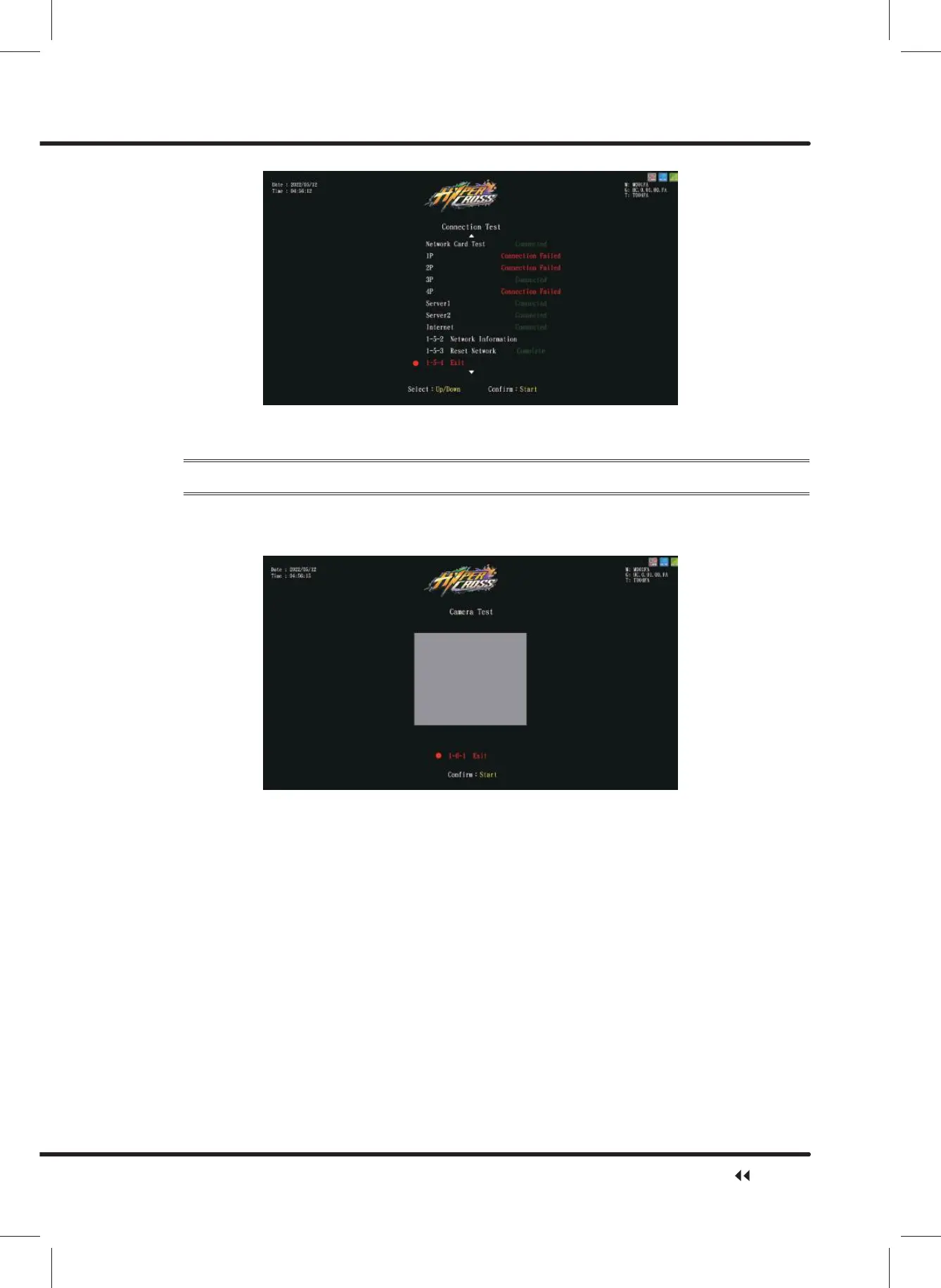
ɖ After the testing is completed, move the cursor to Ȟ([LWȟ, and press theȞStartȟ
button to return toȞHardware Testȟ.
4.3.6 Camera Test
On the page of ȞCamera Testȟ, you can test if the camera functions normally.
ɖ Enter ȞMain MenuȟɚȞ1 Hardware TestȟɚȞ&DPHUD7HVWȟ, and the screen will
display as below:
ɖ After you enter the page of ȞCamera testȟthe view from the camera will be displayed
in the center of the screen.
ɖ After the testing is completed, press theȞStartȟbutton to return toȞHardware Testȟ.
Hardware Test



 To Next Page