34
Using the Operator Settings
4.3.7 Counter Test
On the page of ȞCounter Testȟ, you can test whether the counter is functioning normally
or not.
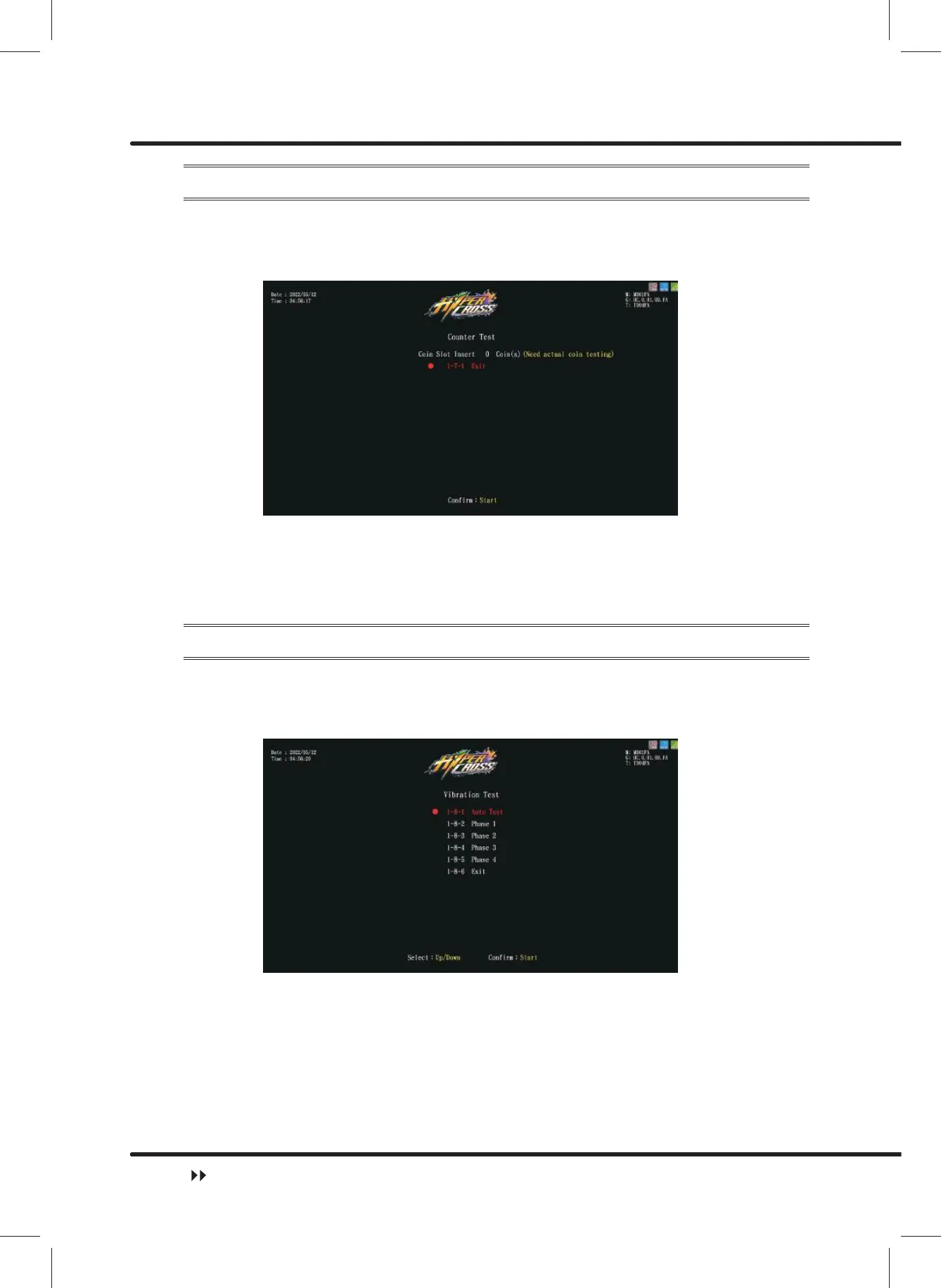
ɖ Enter ȞMain MenuȟɚȞ1 Hardware TestȟɚȞ&RXQWHU7HVWȟ, and the screen will
display as below:
ɖ After you enter the page of ȞCounter Testȟ, insert coins to the coin slot, and the
number on the right will go up as more coins are inserted. The counter inside the coin
counter will indicate the number, too.
ɖ After the test is completed, move the cursor toȞ([LWȟand press ȞStartȟbutton
to return to Ȟ1 Hardware Testȟ.
4.3.8 Vibration Test
On the page of ȞVibration Testȟ, you can test whether the vibration is functioning
normally or not.
ɖ Enter ȞMain MenuȟɚȞ1 Hardware TestȟɚȞ9LEUDWLRQ7HVWȟ, and the screen
will display as below:
ɖ Move the cursor and then press theȞStartȟbutton to test the vibration on the selected
option.
ɖ In auto test, the vibration will be tested in order, from 1/4 to 4/4.
ɖ While testing, press the ȞStartȟ button one more time to discontinue the testing
process.
ɖ Move the cursor to Ȟ([LWȟ, and press the ȞStartȟ button to return to Ȟ1
Hardware Testȟ.
Hardware Test



 To Next Page