47
Using the Operator Settings
4.5.5 Flow Time Setting
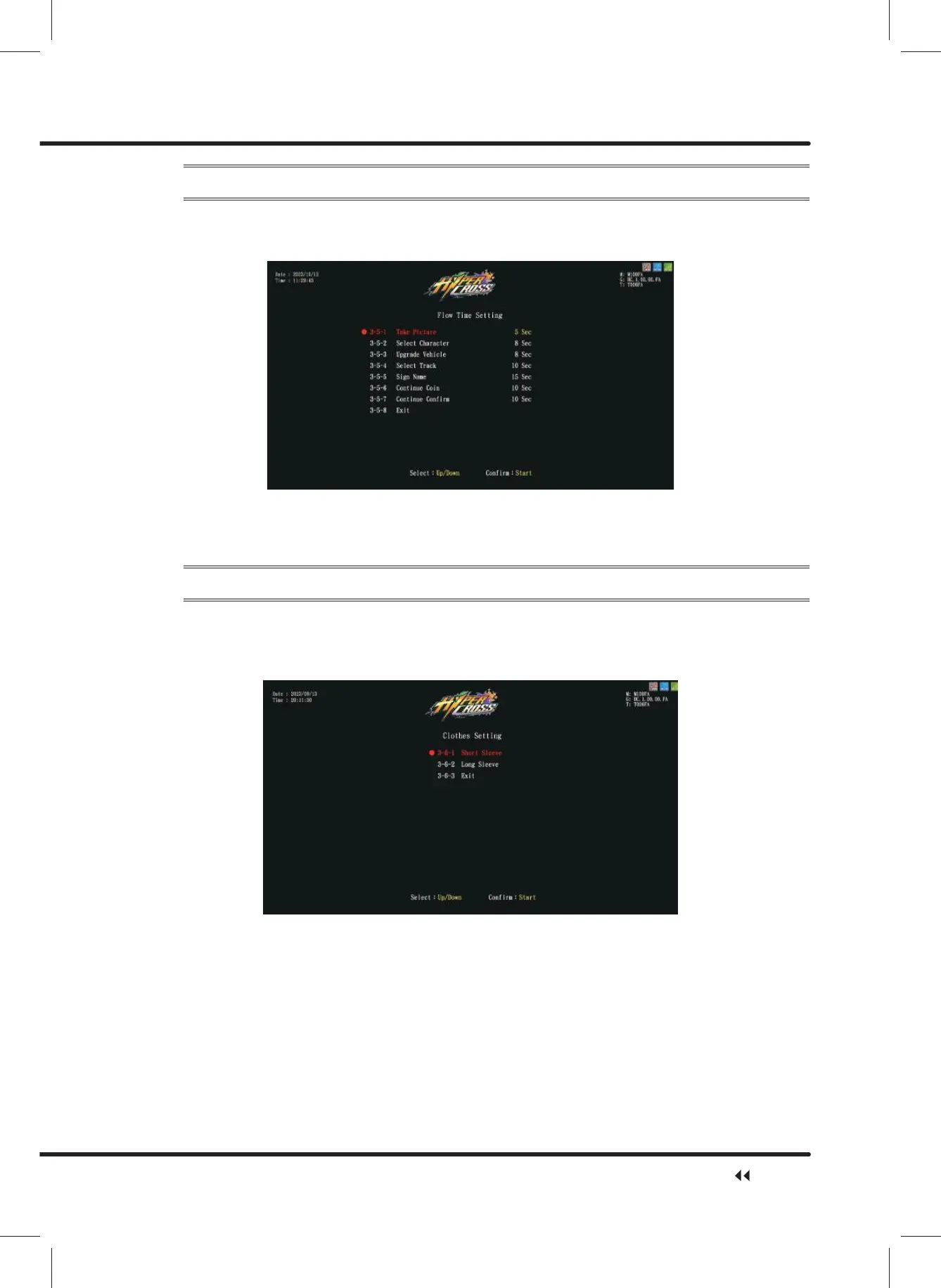
on the page of ȞFlow Time Settingȟ, you can determine the duration of each process:
ɖ Enter ȞMain MenuȟɚȞ3 Game SettingȟɚȞ)ORZ7LPH6HWWLQJȟ, and the screen
will display as below:
ɖ Move the cursor to select the item, then press the ȞStartȟ button to start the process.
ɖ $IWHUWKHDGMXVWPHQWLVFRPSOHWHGPRYHWKHFXUVRUWRȞ([LWȟ, and press the
ȞStartȟ button to return to Ȟ3 Game Settingȟ.
4.5.6 Clothes Setting
On the page ofȞClothes Settingȟ, you can determine whether characters wear short
sleeve or long sleeve.
ɖ Enter ȞMain MenuȟɚȞ3 Game SettingȟɚȞ0RWLRQ'HIDXOW6HWWLQJVȟ, and the
screen will display as below:
ɖ Use theȞUpȟandȞDownȟbutton to move cursor, select ȞShort Sleeveȟ and press
ȞStartȟ. The setting will be set to ȞShort Sleeveȟ, and the screen will automatically
direct to ȞGame Settingȟ.
ɖ Use theȞUpȟandȞDownȟbutton to move cursor, select ȞLong Sleeveȟ and press
ȞStartȟ. The setting will be set to ȞLong Sleeveȟ, and the screen will automatically
direct to ȞGame Settingȟ.
ɖ Move the cursor to Ȟ([LWȟ, and press the ȞStartȟ button to return to Ȟ3 Game
Settingȟ.
Game Setting



 To Next Page