38
Using the Operator Settings
4.4.1 Time Setting
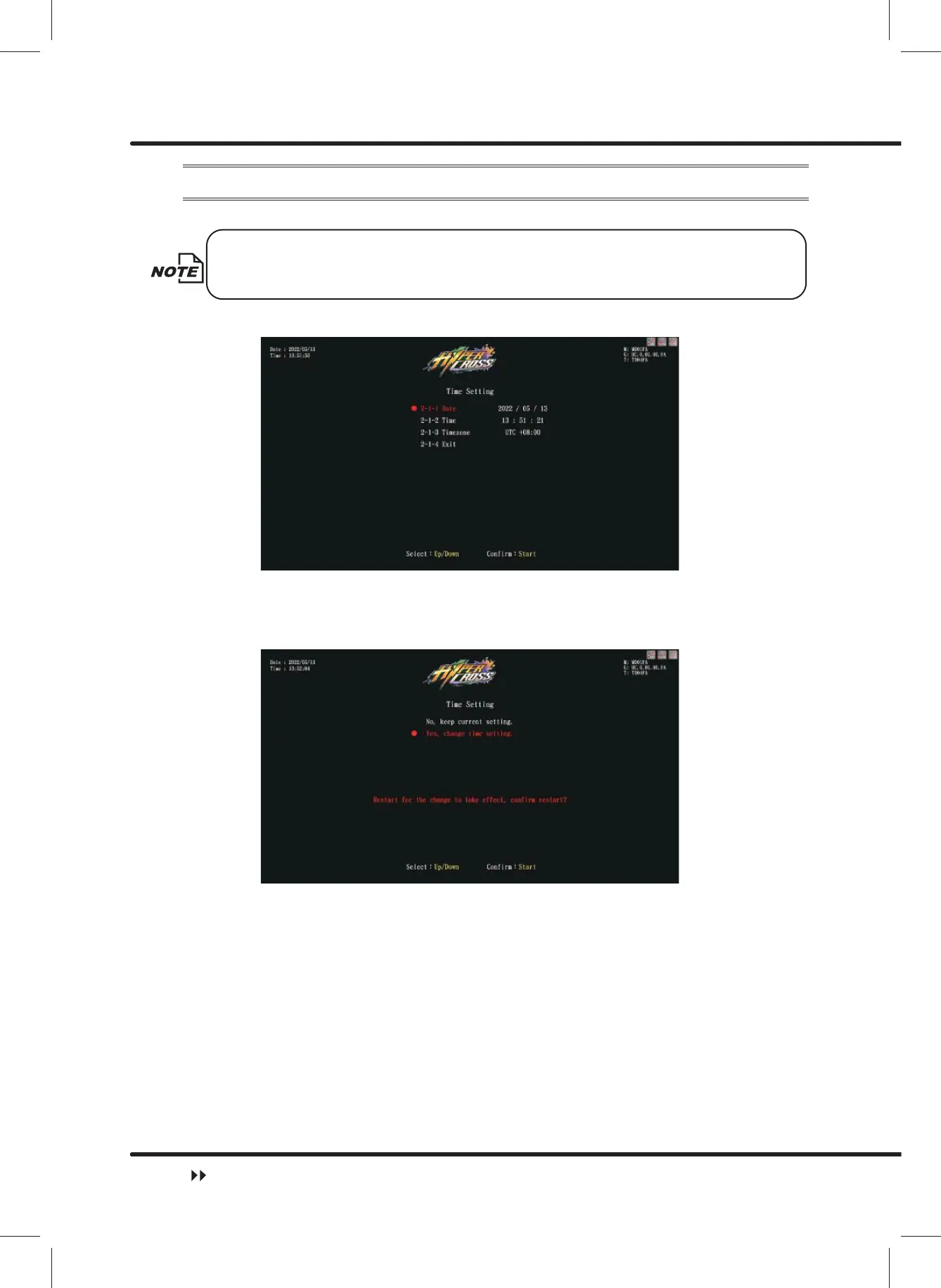
On the page of ȞTime Settingȟ, you can set up your local time.
ȞDateȟ, ȞTimeȟ will be automatically synchronized with the server's time
when connected to the server.
ɖ Enter ȞMain MenuȟɚȞ2 System SettingȟɚȞ7LPH6HWWLQJȟ, and the screen will
display as below:
ɖ When the machine is not connected to the server, ȞDateȟ and ȞTimeȟcan be
changed.
ɖ Use the ȞUpȟ button and ȞDownȟ button to move the cursor and press the ȞStartȟ
button to set Date and Time.
ɖ When the machine is not connected to the server, and the time is changed, if you select
ȞYes, change time setting.ȟ, the machine will automatically restart. When you select
ȞNo, keep current setting.ȟ, the screen will automatically direct to the pageȞSystem
Settingȟ.
ɖ Move the cursor toȞ7LPH]RQHȟand press theȞStartȟbutton to enterȞCountry
Settingȟ page.
System Setting



 To Next Page