42
Using the Operator Settings
ɖ Move the cursor to Ȟ([LWȟand press the ȞStartȟ button to return to Ȟ2 System
Settingȟ.
,2$GMXVWPHQt
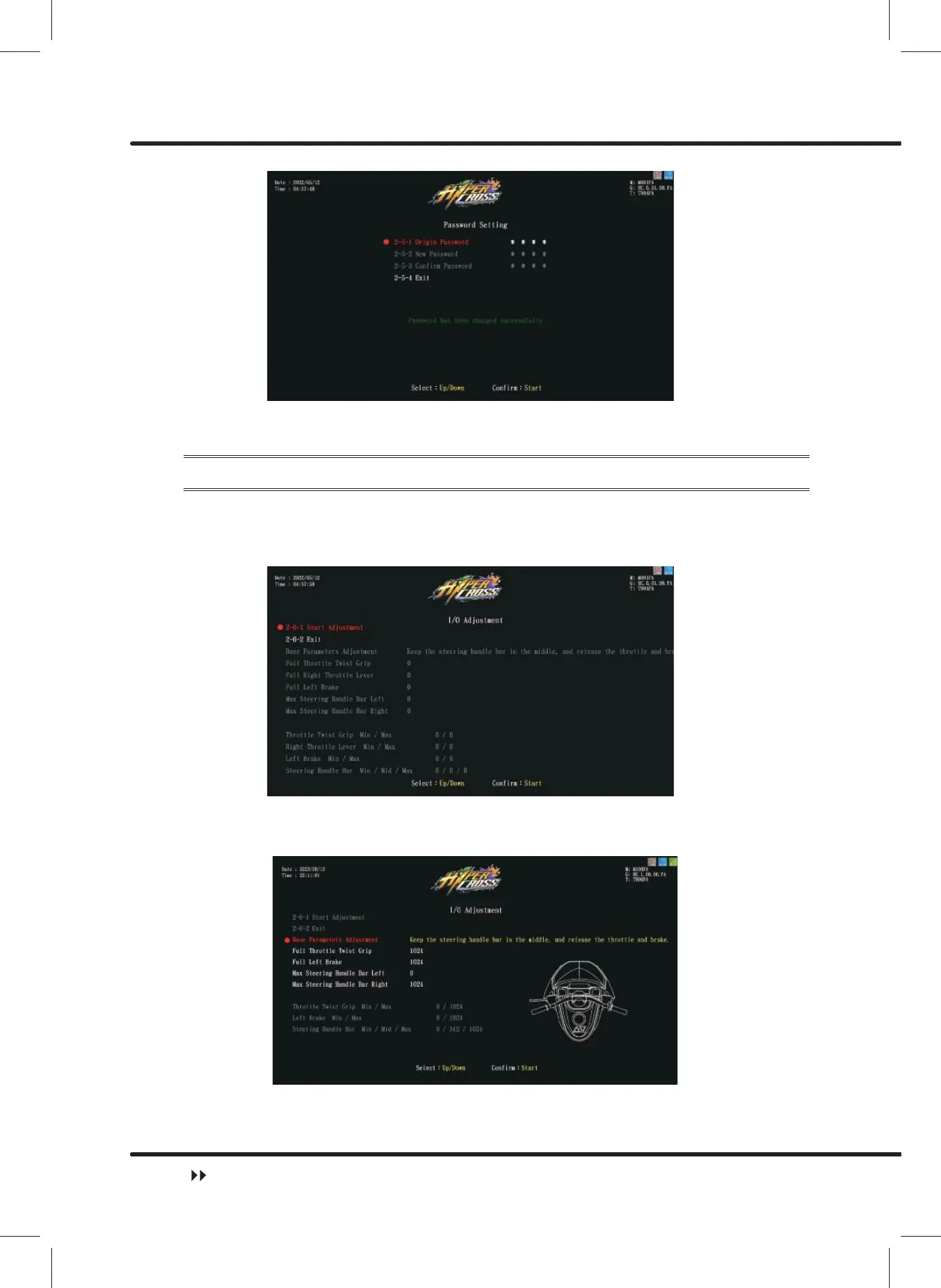
On the page of Ȟ,2$GMXVWPHQWȟ\RXFDQDGMXVWWKHPLQLPXPDQGPD[LPXPYDOXHRI
the throttle, brake and steering handle bar.
ɖ Enter ȞMain MenuȟɚȞ2 System SettingȟɚȞ,2$GMXVWPHQWȟ, and the screen
will display as below:
■
Move the cursor toȞ6WDUW$GMXVWPHQWȟ, then press the ȞStartȟ button to start
the process.
■
:KLOHDGMXVWLQJSLFWXUHVDQGWLSVZLOODSSHDURQWKHVFUHHQVKRZLQ\HOORZ
ɖ Follow the tips to calibrate the values.
ɖ $IWHUDOODGMXVWPHQWVDUHPDGHȞ$GMXVWPHQWFRPSOHWHGȟwill appear in green. Press
the ȞStartȟ button to return to Ȟ2 System Settingȟ.
System Setting



 To Next Page