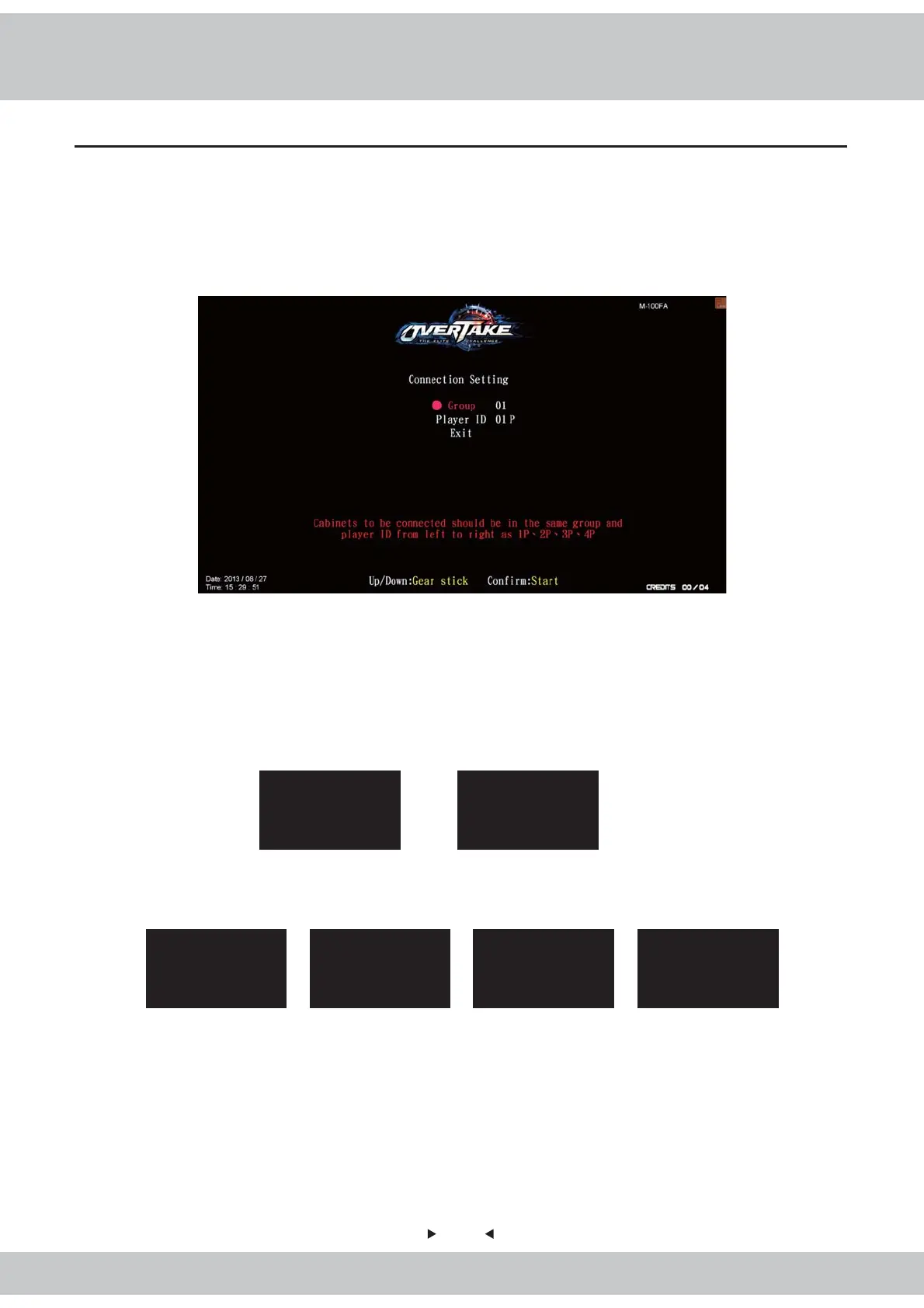
3.5 Setting the group number and player ID
18
3. Assign the cabinets into the same group but different player ID.
Example of setting up the connection of 2 cabinets(viewed from the front of the cabinets):
■
Example of setting up the connection of 4 cabinets(viewed from the front of the cabinets):
■
After completing all set-ups, you could enter【Operator settings】→【Hardware test】→【Connection
status】to test whether it is well connected or not. (Details refer to 4.3.1 Connection Status)
■
In order to launch a multi-player mode (a maximum of 4 cabinets is allowed) , you must assign the
cabinets into the same group number but different player ID. If 4 cabinets are connected, then appoint
their player ID as 1P, 2P, 3P, 4P.
1. Under the standby mode, open the coin box, and press the【TEST】button to enter【Operator settings】
2. Enter【Operator settings】→【system setting】→【Connection setting】
Connection Setting
Group
Player ID
01
02P
Cabinet(Right)
Connection Setting
Group
Player ID
01
01P
Cabinet(Left)
Connection Setting
Group
Player ID
01
01P
Cabinet(Left)
Connection Setting
Group
Player ID
01
03P
Cabinet(Left)
Connection Setting
Group
Player ID
01
02P
Cabinet(Right)
Connection Setting
Group
Player ID
01
04P
Cabinet(Right)



 To Next Page