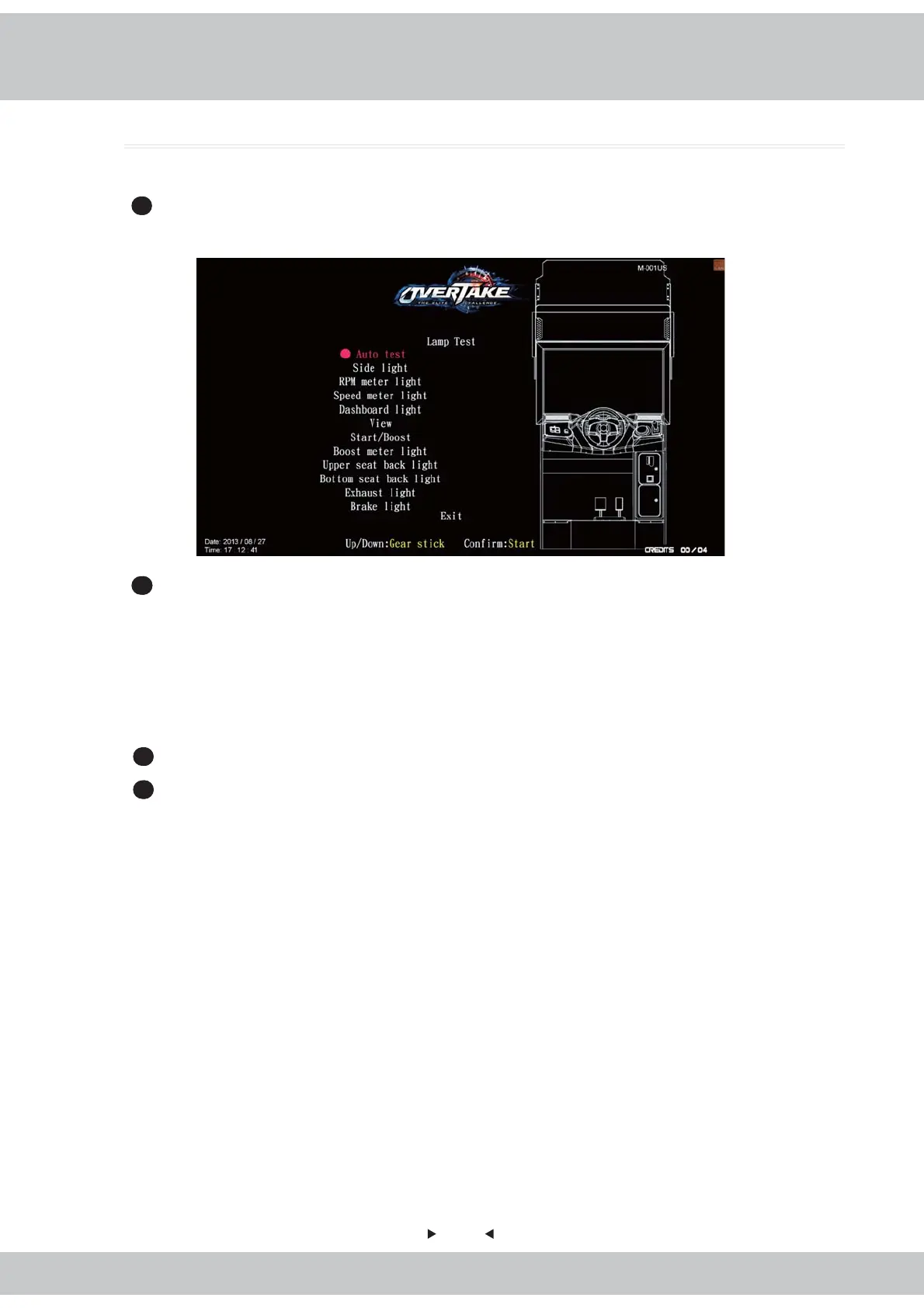
4.3.4 Lamp test
28
In the page of
【
Lamp test
】
, you can test if each light is normally functioning or not.
1
Enter
【
Operator settings
】
→
【
Hardware test
】
→
【
Lamp test
】
, then the screen will
display as below.
2
Use the
【
Gear up
】
and
【
Gear down
】
functions on the gear stick to move the cursor,
and choose the lamp to be tested, then press the
【
Start
】
button to run testing.
During testing, each light will blink as follows:
Dashboard / View / Upper seat back light / Exhaust light / Brake light: Blink five times.
Side light / RPM meter light / Speed meter light / Star / Boost meter light / Bottom seat
back light: Three kinds of RGB light will blink 5 times.
3
While testing, press the
【
Start
】
button one more time to discontinue the testing process.
4
After testing is completed, move the cursor to
【
Exit
】
, and press the
【
Start
】
button to
return to
【
Hardware test
】



 To Next Page