31
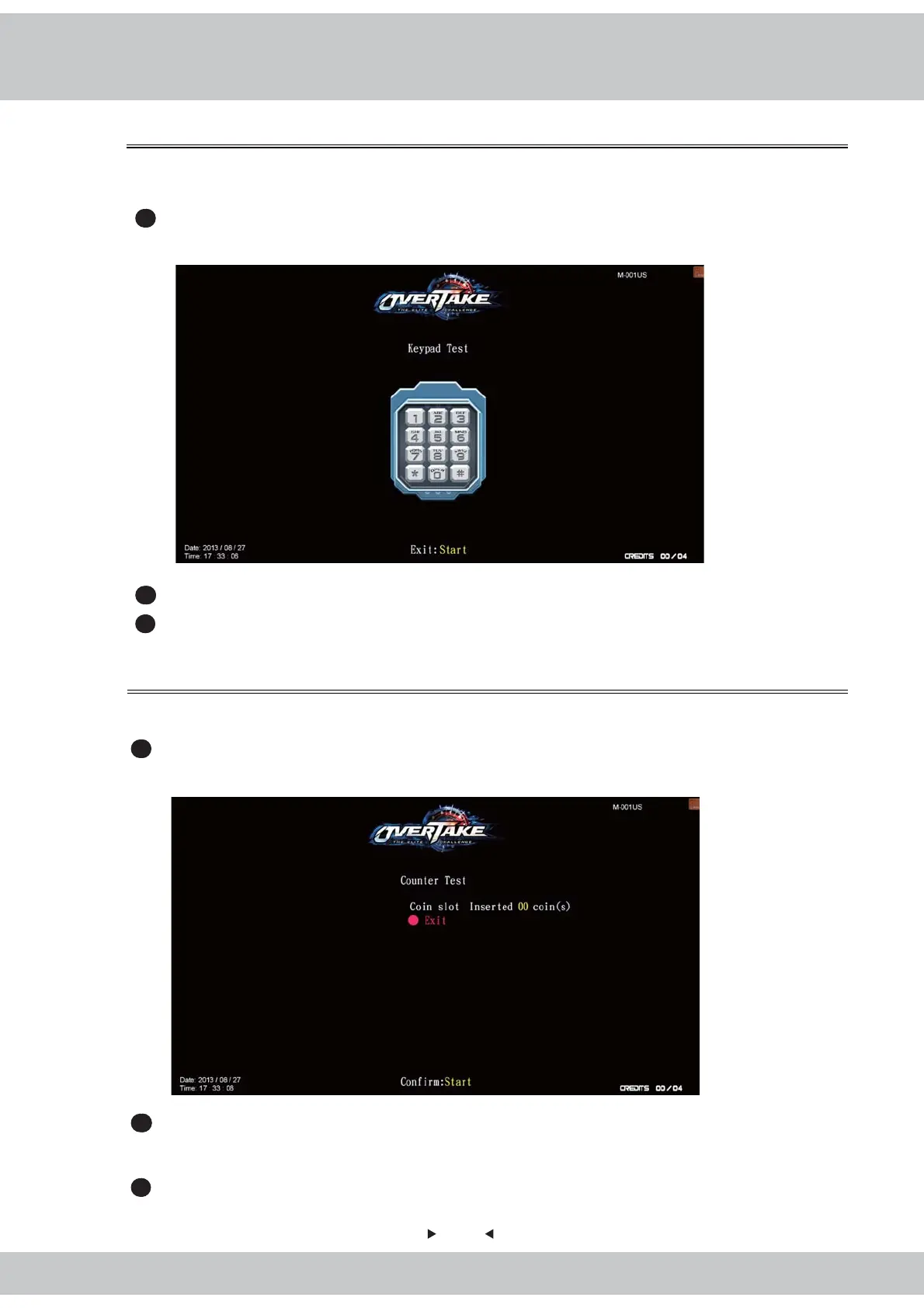
4.3.8 Keypad test
4.3.9 Counter test
In the page of
【
Keypad test
】
, you can test whether the keypad is normally functioning or not.
1
Enter
【
Operator settings
】
→
【
Hardware test
】
→
【
Keypad test
】
, and the screen will
display as below
:
2
Then press keypad key to test the key is normally function or not.
3
After the testing is completed, press
【
Start
】
button to exit, return to
【
Hardware test
】
menu.
In the page of
【
Counter test
】
, you can test whether the counter is normally functioning or not.
1
Enter
【
Operator settings
】
→
【
Hardware test
】
→
【
Counter test
】
, and the screen will
display as below
:
2
After you enter the page of
【
Counter test
】
, insert coins to the coin slot, and the number
on the right will goes up as more coins are inserted. Also, the counter inside the coin
counter will indicate the number too.
3
After testing is completed, press
【
Start
】
again to return to
【
Hardware test
】
.



 To Next Page