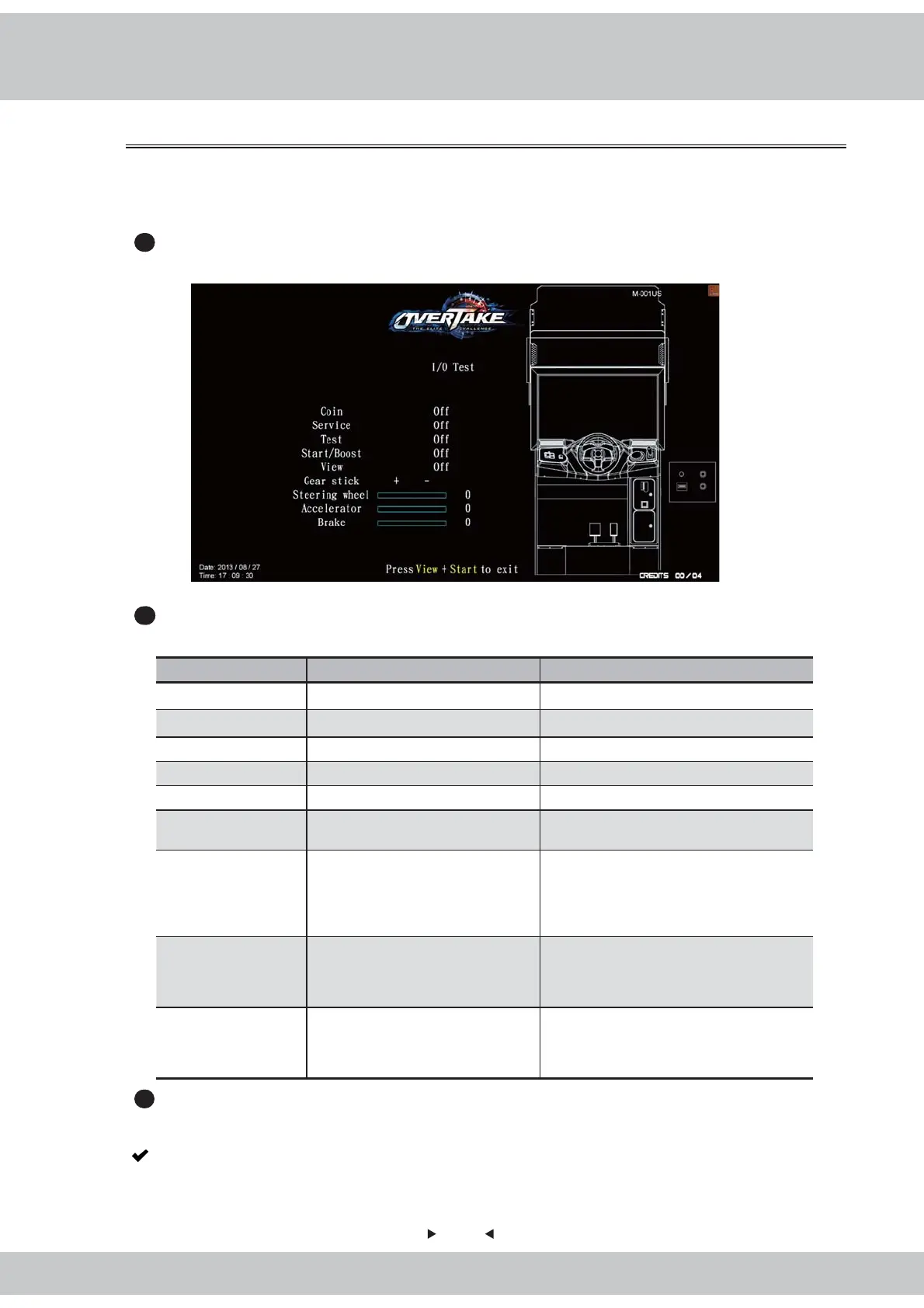
4.3.2 I/O test
26
In the page of【I/O test】, you can run the testing of specific application to see if it is
normally functioning or not. Well-sensed devices will be shown with a corresponding
picture, value or “on" icon.
1
Enter【Operator settings】→【Hardware test】→【I/O test】. Then the screen will
display as below
:
2
After you enter the page of【I/O test】, you can run the testing of a specific application
as explained in the chart below.
Applications Testing method Results
Coin Insert coins “Off" became “on".
Service Press the button “Off" became “on".
Start / Boost Press the button “Off" became “on".
Test Press the button “Off" became “on".
View Press the button “Off" became “on".
Gear stick Shift the gear up and down
Corresponding icons + or – will appear
as red.
Steering wheel
Turn the steering wheel to the
left and right
When the steering wheel is turning
t
o the left, the corresponding status
and value will be around -1, and when
turning to the right , the value will be
around 1.
Throttle Step on the throttle
When throttle is released, the
corresponding status and value will be
around 0, and when being stepped on,
the value will be around 1.
Brake Step on the brake
When brake is released, the
corresponding status and value will be
around 0, and when the being stepped
on, the value will be around 1.
3
After testing is completed, press the
【
View
】
and
【
Start
】
buttons to leave this page, and
return to
【
Hardware test
】
menu.
Note: If the values of the throttle, brake and steering wheel are abnormal, enter
【
I/O
adjustment
】
to make adjustments.



 To Next Page