4.6.4 Income data reset
46
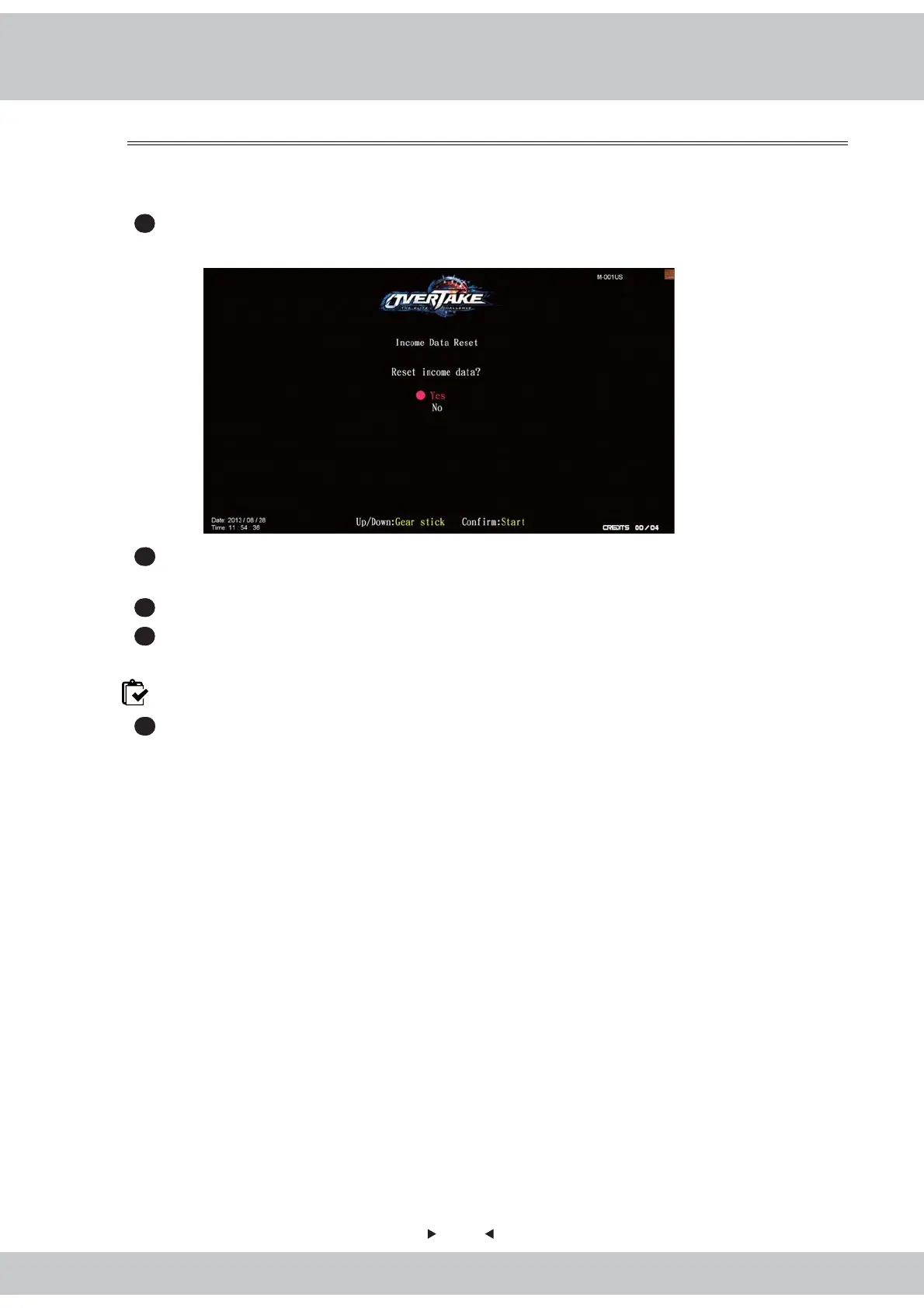
In the page of【Income data reset】, you can delete the data of daily income and monthly
income.
1
Enter【Operator settings】→【Income data】→【Income data reset】, and the screen
will display as below.
2
Use the【Gear up】and【Gear down】functions on the gear stick to choose between【Yes】
and【No】.
3
When【Yes】is selected, press the【Start】button to reset the data.
4
When done, an icon of【Completed】will pop up, then press the【Start】button to return
to【Income data】.
Note: This function cannot delete the data of【Total income】.
5
When【No】is selected, then the screen will automatically direct to the page of【Income
data】



 To Next Page