4.5 System settings
4.5.1 Connection setting
39
In the page of【Connection setting】, you can set up the group of cabinets to be connected
and player ID.
1
Enter【Operator settings】→【System settings】→【Connection setting】, and the
screen will display as below
:
2
Use the【Gear up】and【Gear down】functions on the gear stick to choose the item to
set up, and press the【Start】button.
Note: Those cabinets to be connected should be set to the same group, and player ID as
1P, 2P, 3P and 4P (from left to right).
3
When the setting process is completed, move the cursor to【Exit】, and press the【Start】
button to return to【System setting】.
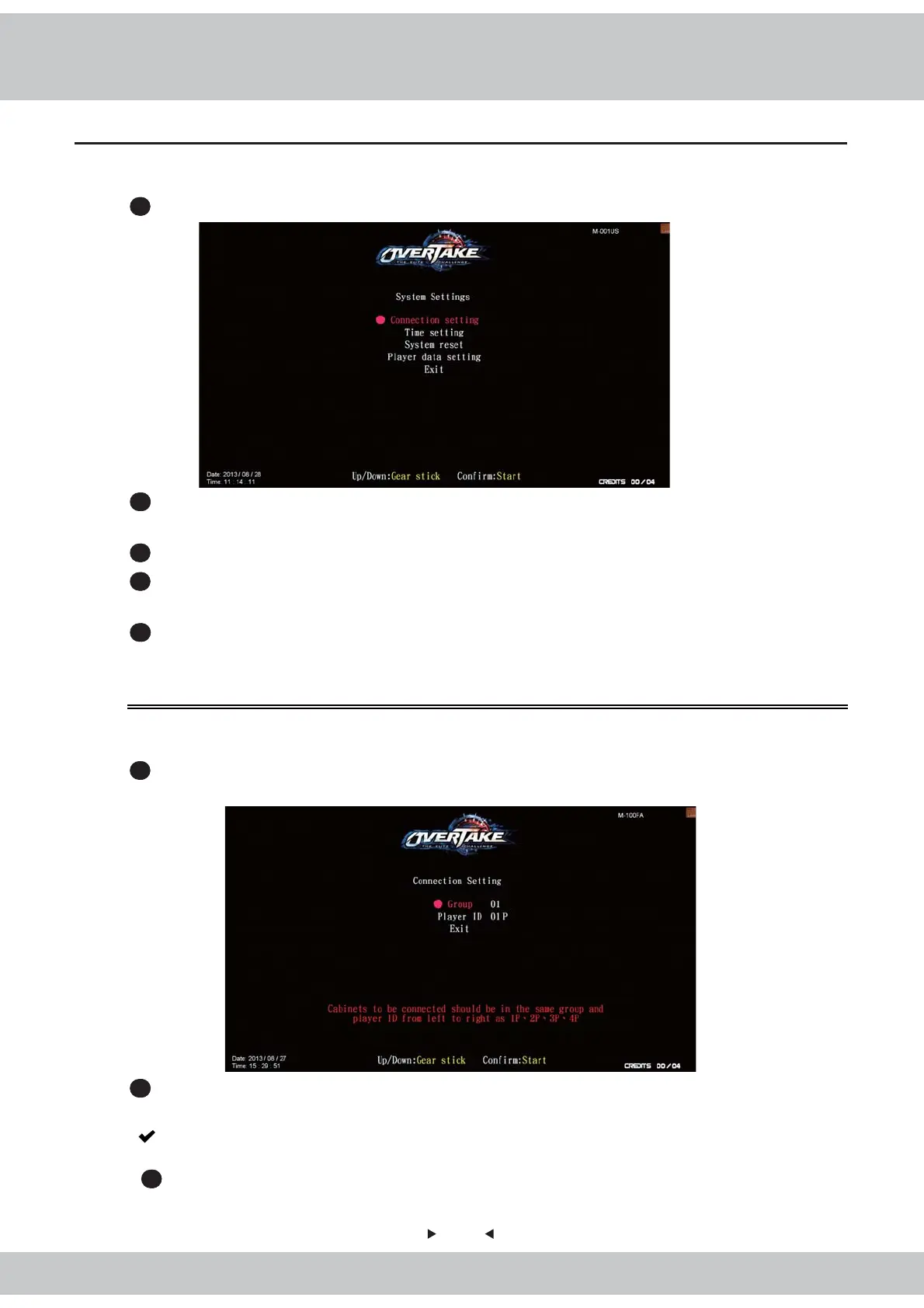
In the page of of【System settings】, you can set up the system or set the system to the default
setting.
1
Enter【Operator settings】→【System settings】, and the screen will display as below
:
2
Use the【Gear up】and【Gear down】functions on the gear stick to choose the item, and
the item chosen will appear in red.
3
Press the【Start】button to confirm or enter the sub menu.
4
When the setting is completed, move the cursor to【Exit】, and press the【Start】button
to return to【Operator settings】.
5
Regarding the detailed descriptions of the sub menu in【System setting】, refer to the
following content.



 To Next Page