34
4.4.3 Store
4.4.4 Difficult setting
In the page of
【
Store
】
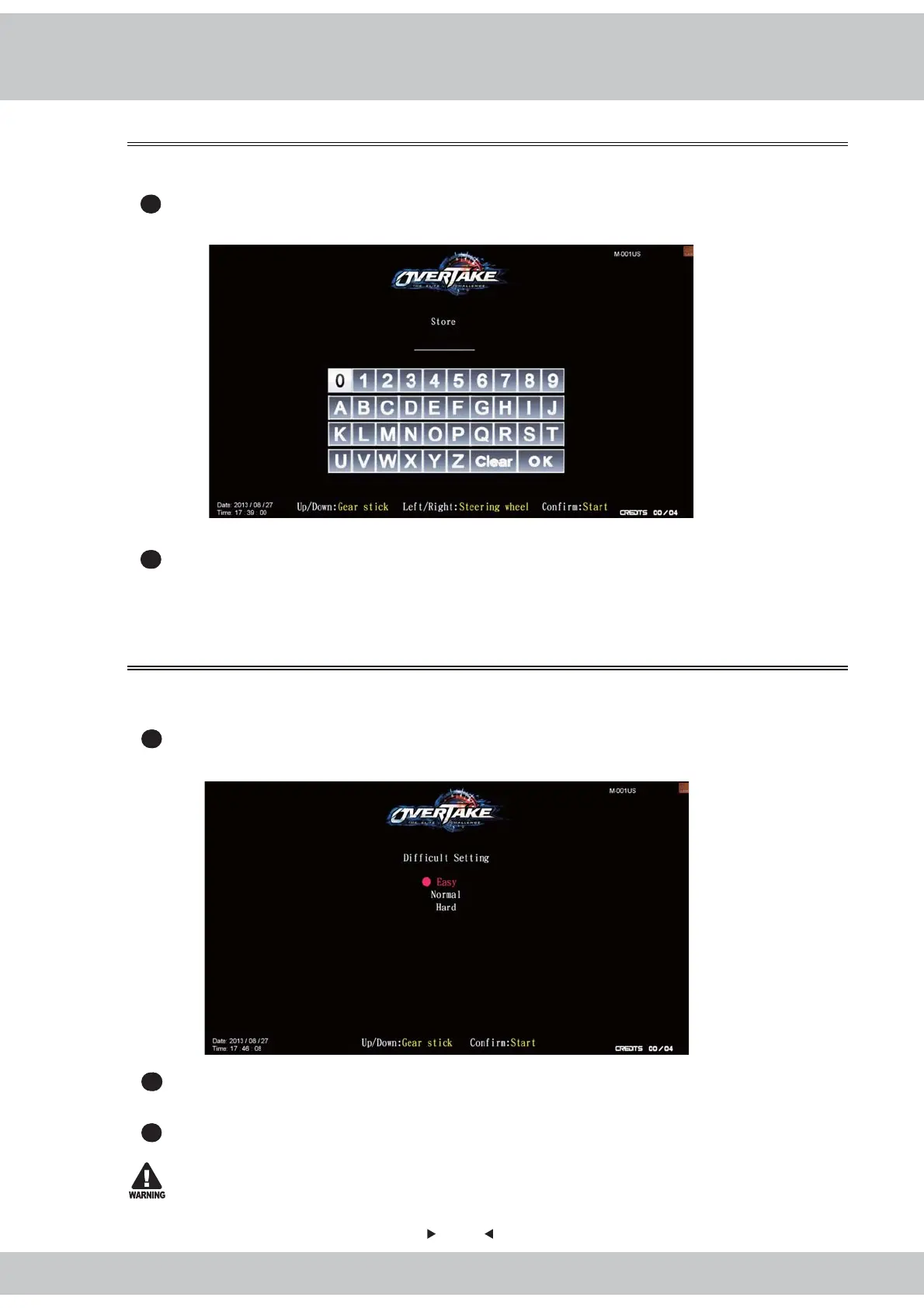
, you can set up the name of your store.
1
Enter
【
Operator settings
】
→
【
Game settings
】
→
【
Store
】
, and the screen will display
as below
:
2
When done, move the cursor to
【
OK
】
, and press the
【
Start
】
button to return to
【
Game
settings
】
. The name typed in will be shown next to the
【
Store
】
.
In the page of
【
Difficult setting
】
, you can set up your preferred level of difficulty for the
game.
1
Enter
【
Operator settings
】
→
【
Game settings
】
→
【
Difficult setting
】
, and the screen
will display as below
:
2
Then use the【Gear up】and
【
Gear down
】
functions on the gear stick to choose the
level of difficulty.
3
After your preferred level is chosen, press the
【
Start
】
button, and return to
【
Game
settings
】
. Then the level chosen will be shown next to the
【
Difficult setting
】
.
To avoid errors, make sure the difficult setting of all cabinets are the same.



 To Next Page