37
4.4.8 Volume setting
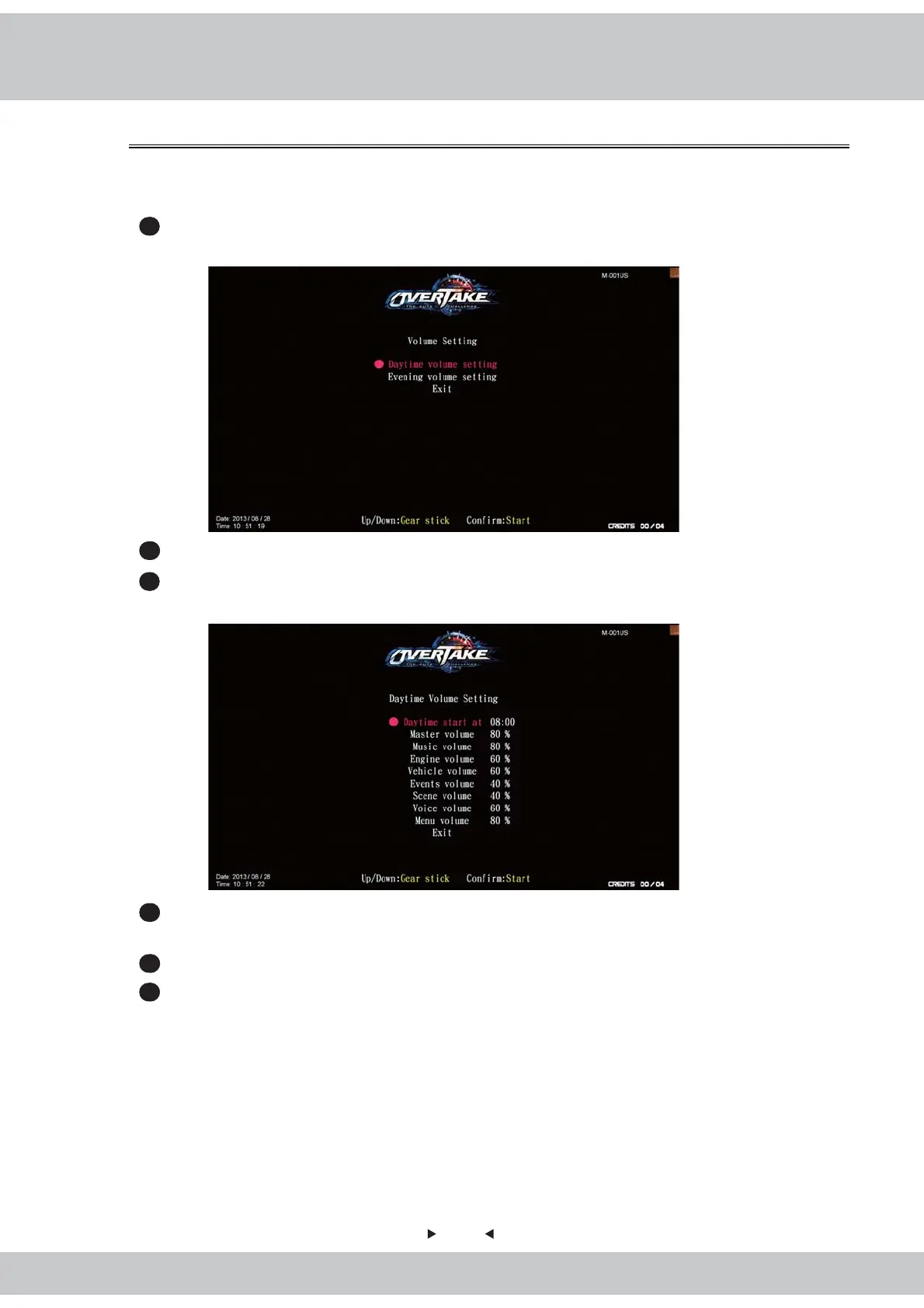
In the page of【Volume setting】, you can determine the start time of daytime and
evenings and the corresponding volume.
1
Enter【Operator settings】→【Game settings】→【Volume setting】, and the screen
will display as follow
:
2
Use the【Gear up】and【Gear down】functions on the gear stick to choose the item.
3
Then press the【Start】button to enter the page of【Daytime(Evening)volume setting】,
and the screen will display as below
:
4
Use the【Gear up】and【Gear down】functions on the gear stick to choose the item,
then press the【Start】button to start the process.
5
When the setting is completed, move the cursor to【Exit】to leave this page.
6
In the page of【Volume setting】, move the cursor to【Exit】, and press the【Start】
button to return to【Game settings】.



 To Next Page