4.5.4 Player data setting
41
In the page of【Player data setting】, you can set the player data automatic delete time or
delete player data manually.
1
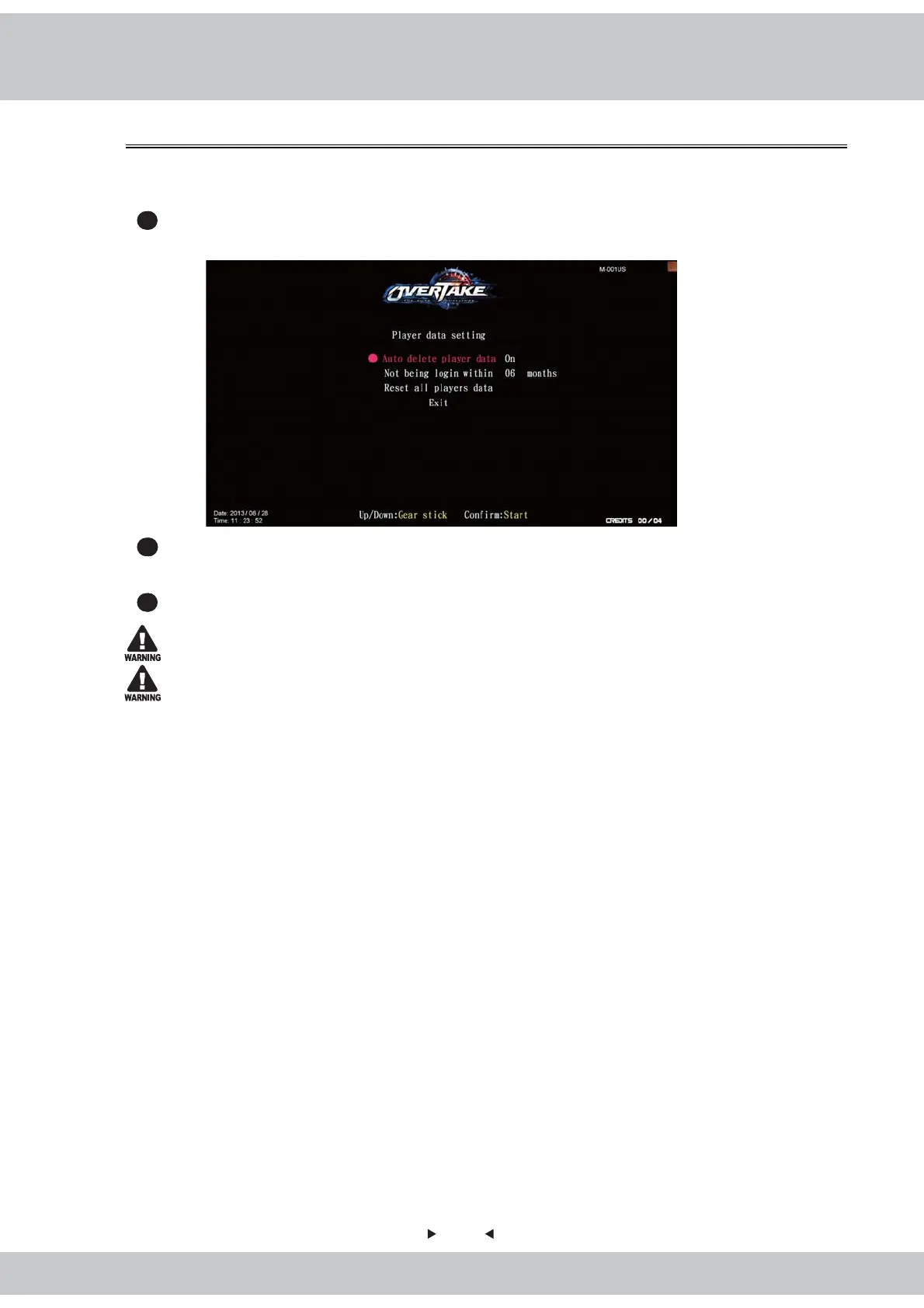
Enter【Operator setting】→【System setting】→【Player data setting】, and the screen
will display as below:
2
Use the【Gear up】and【Gear Down】functions on the gear stick to choose the item to
set up, and press the【Start】button.
3
When the set-up is completed, move the cursor to【Exit】and return to【System setting】.
All the machines must reset player data at same time, or reset will be failure.
When player data has been reset, the data cannot be restored.



 To Next Page