We have seen instances where one
of the dll’s (itdata1.dll) used in
Validator Manager are flagged as a
Trojan, this is a false positive and if
this happens you will need to add a
rule to your antivirus to allow the
file to run.
5.4.1.3 Hardware Setup
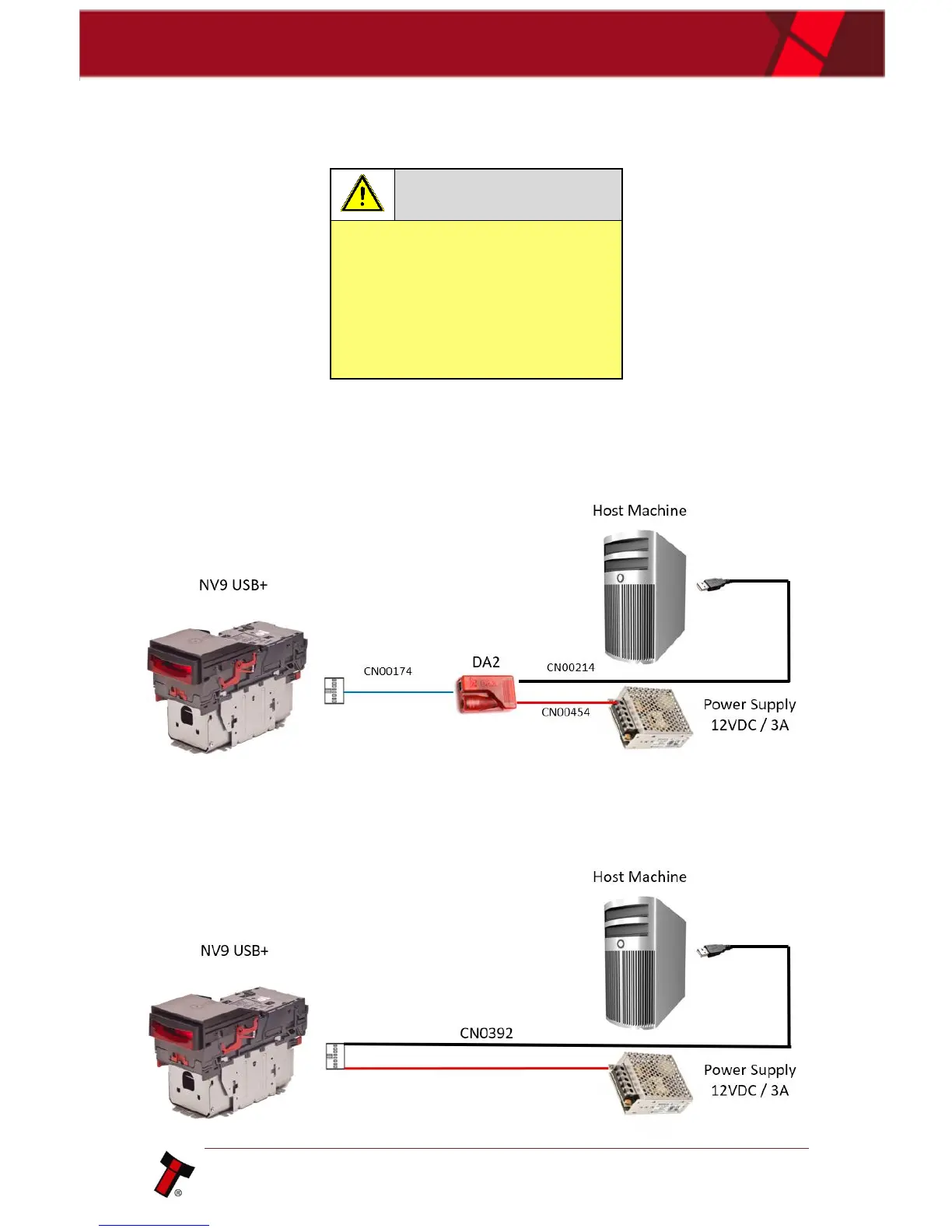
DA2 Kit:
Connect the power supply to the DA2. Connect the USB cable to the DA2 and to
your computer or laptop. Connect the Ribbon cable from the DA2 to the validator.
Direct USB:















 To Next Page