<< Back to Contents
Copyright © Innovative Technology Ltd 2018 Doc: NV9 Range User Manual
Version: 1.0
Page 50 of 63
NV9USB+
• Toggle between primary protocol and programming mode (SSP)
o Press and hold red config button
o Wait until bezel illuminates, then release button.
o Unit will flicker, reset and will have toggled upon reset.
• Check current protocol
o Double click the red config button.
o Bezel will flash a set number of times
o Refer to table above, in section 8.1 – Bezel LED flash codes
• Enter configuration card mode
o Press red config button once
o Unit will begin to flash, waiting for a configuration card to be inserted.
o Press button again once, to cancel.
NV11+
Same as above, plus the following functions:
• Empty note float recycler and set counters to zero.
o Press and hold red config button
o Wait until bezel illuminates, keep hold of button.
o Bezel LED will turn off, then release button.
• Acknowledge clearing of jam
o If a jam has occurred in the note float (status LED flashing constant
1Hz) you will need to confirm that you’ve cleared it.
o Press button once, to acknowledge this action.
NV12+
The status LED on the printer head – described in the previous section – doubles up
as a button. This button’s behaviour differs depending on the DIL switches.
8.4 DIL Switches
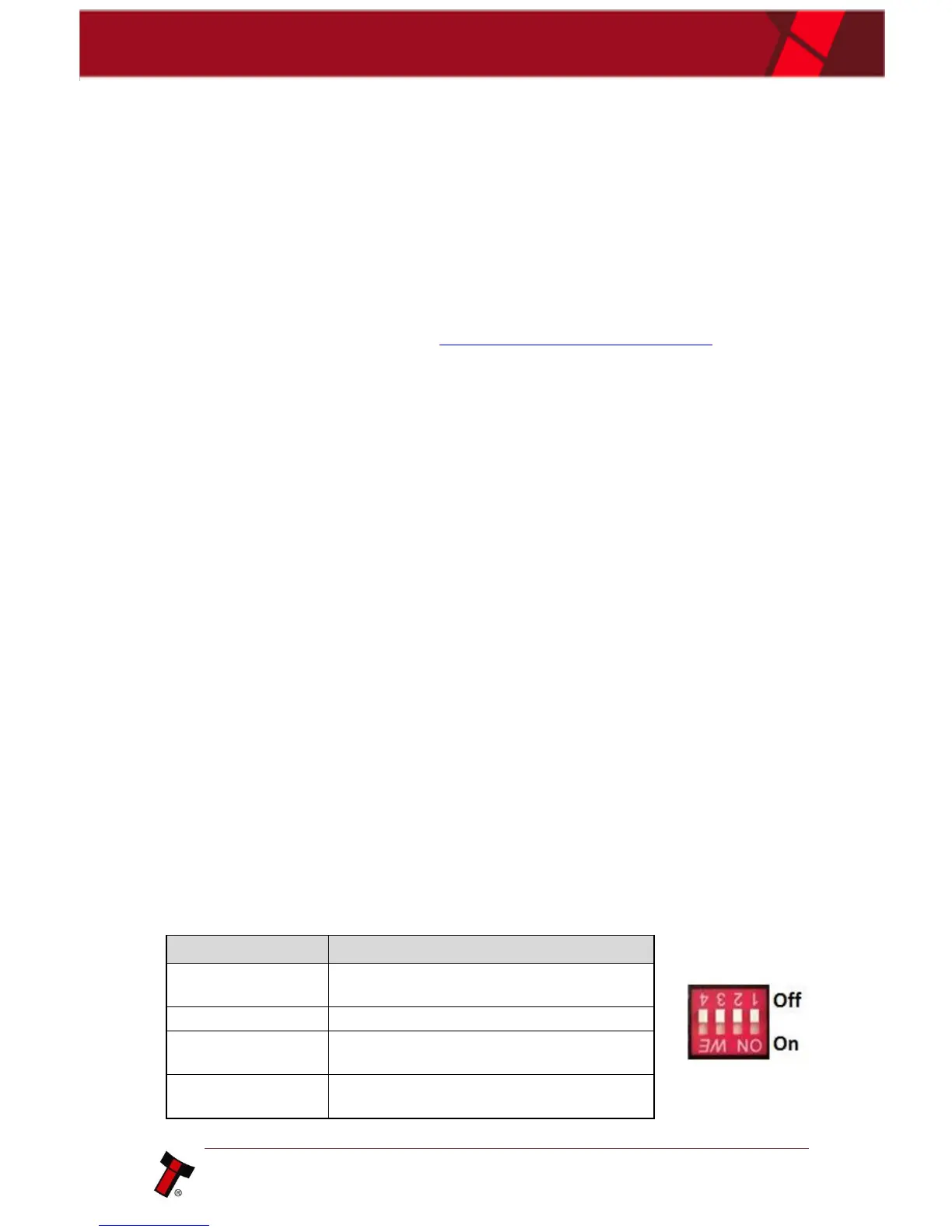
The NV12+ also has a bank of switches. Each of their functions are detailed below.















 To Next Page