<< Back to Contents
Copyright © Innovative Technology Ltd 2018 Doc: NV9 Range User Manual
Version: 1.0
Page 31 of 63
5.4.4 Configuration Card
5.4.4.1 General Description
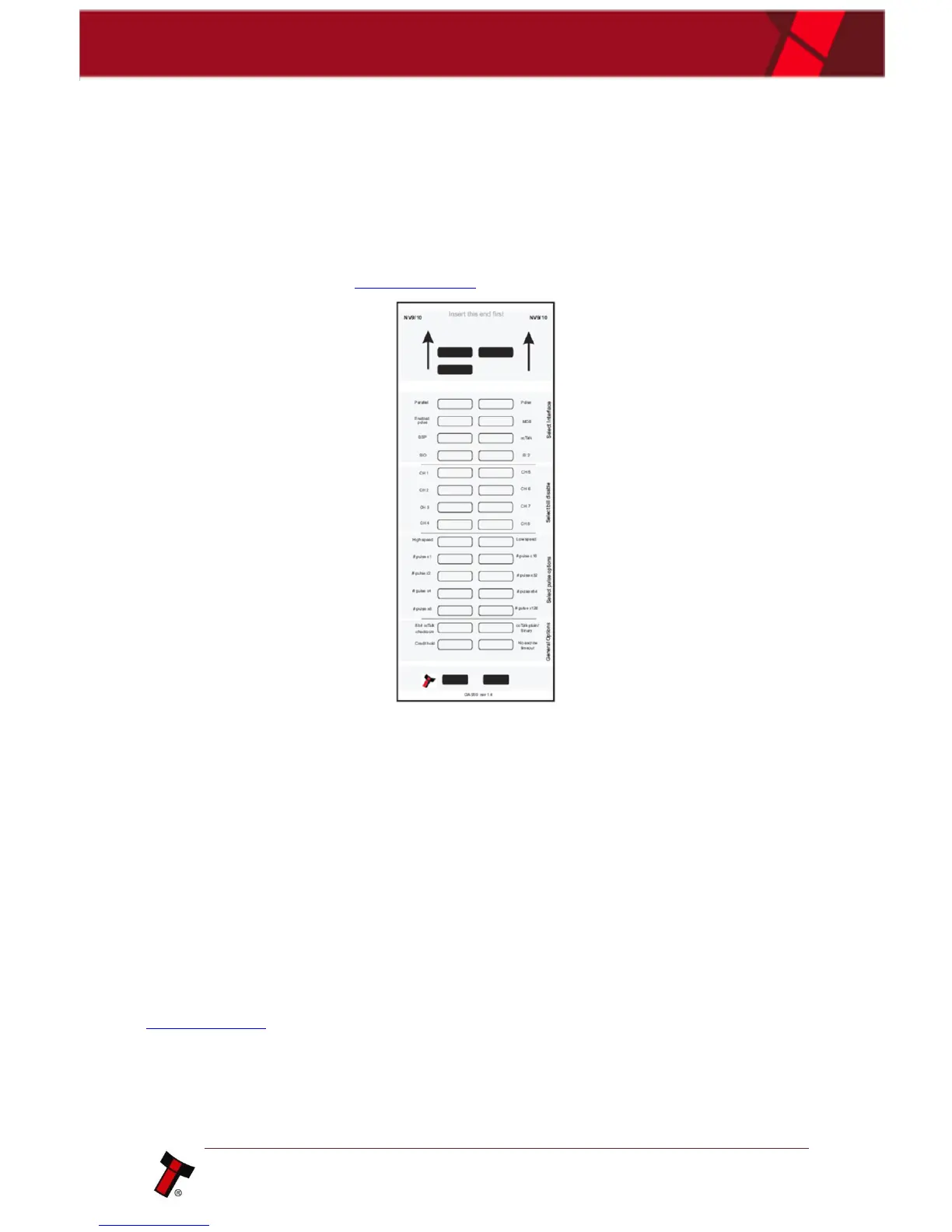
Configuration cards can be used as a quick and simple way of changing certain
options just by inserting the paper into the bezel mouth.
An example of the configuration card can be found below, with a full print out
version and instructions in Appendix 11.11.
Please note: This feature is not available on the UK special version of firmware.
5.4.4.2 Hardware Requirements
• GA00959 – Configuration card
o Printed, cut to size and filled in as required.
• NV9USB or later model
5.4.4.3 Re-programming via Configuration Card
Re-programming the validator simply requires the relevant fields on the card are
filled in with solid black ink, the unit to be in config card mode and then inserting the
card into the bezel mouth, as you would a note.
Full instructions on programming via the configuration card can be found in
Appendix 11.11















 To Next Page