EasyManua.ls Logo

Innovative Technology NV9 - 8 First Level Support; Bezel Led Flash Codes

Innovative Technology NV9
64 pages
Print Icon
To Next Page IconTo Next Page
To Previous Page IconTo Previous Page
Loading...
<< Back to Contents
Copyright © Innovative Technology Ltd 2018 Doc: NV9 Range User Manual
Version: 1.0
Page 48 of 63
8 FIRST LEVEL SUPPORT
8.1 Bezel LED Flash Codes
The NV9USB+ supports various flash codes that are displayed to the user via the
entry bezel. A detailed description of these can be found below.
Interface Flash Codes:
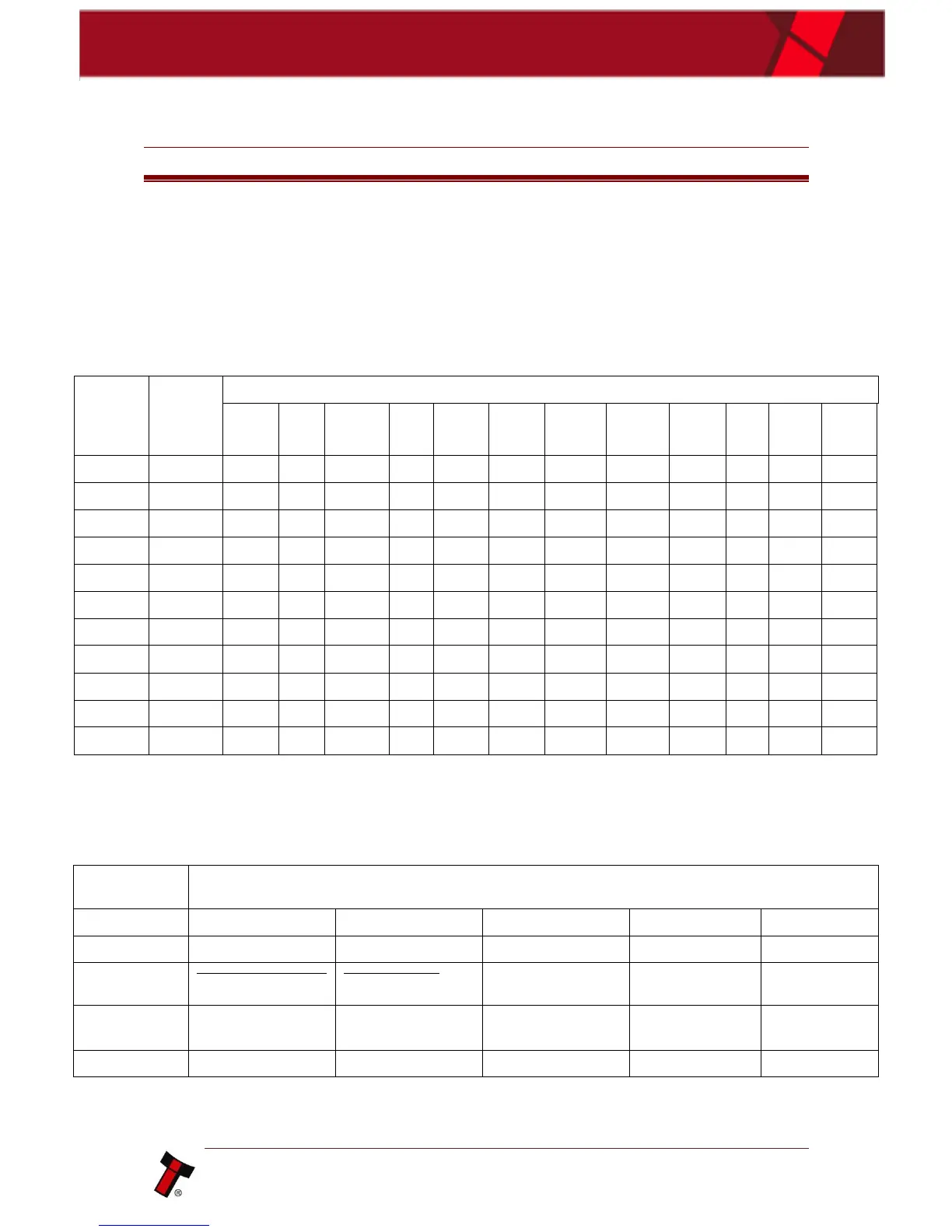
If you double press the red config button the bezel will flash a series of times. Below
is a lookup table:
Flashes
Interface
Interface Settings
Cct
plain
Cct
8-bit
No
Escrow
Timeout
DES
Low
Power
High
Speed
Pulse
High
Pulse
Low
Pulse
per £
SIO
start
dis
Credit
Hold
Binary
1
SSP
2
Pulse
ms/10
ms/10
value
3
3
MDB
4
IF30
5
IF31
6
Cctalk
1
2
3
4
7
SIO
3
1
2
8
Parallel
2
1
9
SP4
ms/10
ms/10
value
3
10
NS
11
IF32
1
Error Flash Codes
If the validator is an error state, the bezel will flash a combination of long and short
flashes. The combination and their meanings can be found in the table below:
Number of
LONG flashes
Number of SHORT flashes
1
2
3
4
5
1
Note Path Open
Note Path Jam
Unit Not Initialized
Sensor Covered
2
Cash Box Removed
Not applicable
Cash Box Jam
Not applicable
3
Firmware
Checksum
Interface Checksum
EEPROM
Checksum
Dataset
Checksum
Note Float
Incompatable
4
PSU too Low
PSU too High

Table of Contents

Related product manuals