<< Back to Contents
Copyright © Innovative Technology Ltd 2018 Doc: NV9 Range User Manual
Version: 1.0
Page 54 of 63
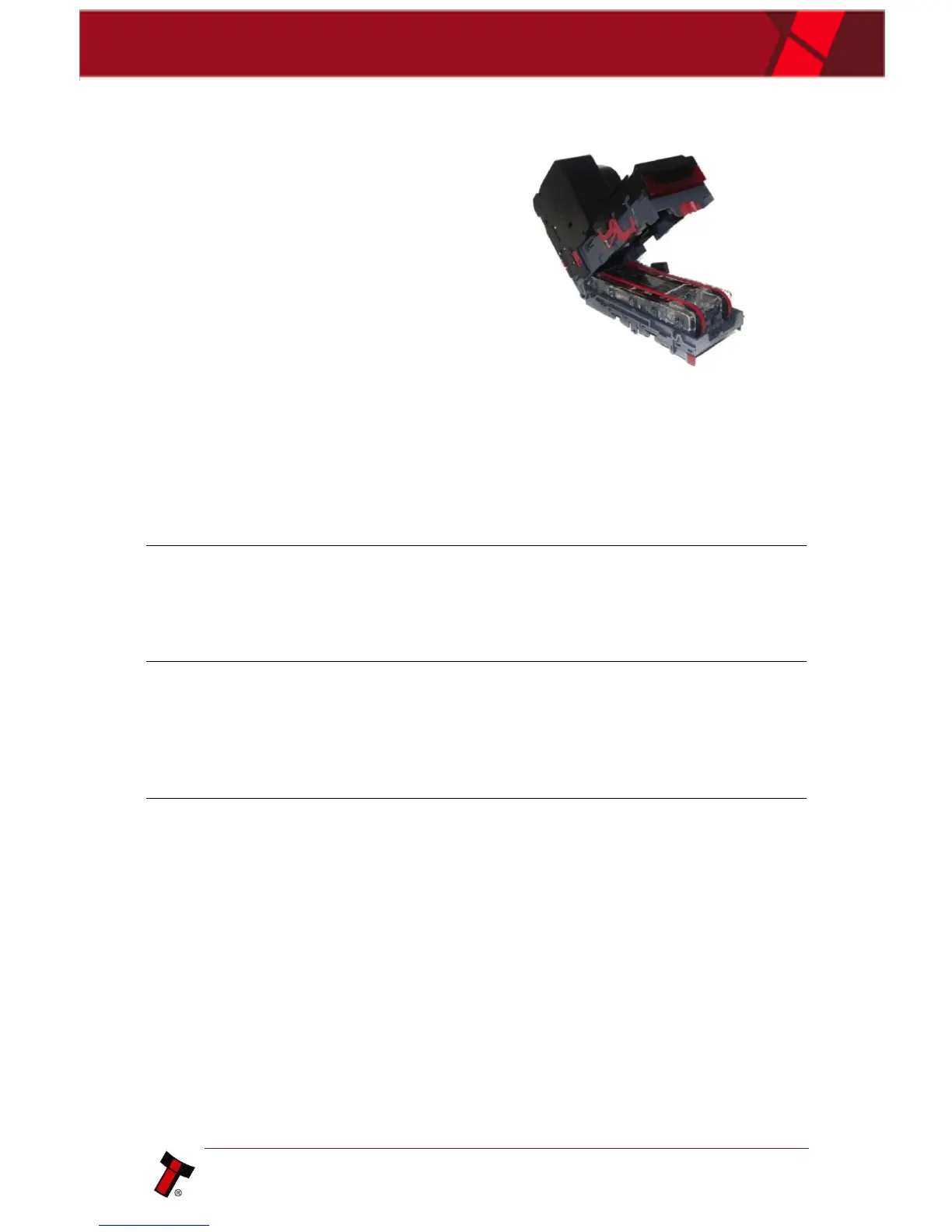
3. Clean note path and sensors
Use a dry linen cloth and/or
compressed air, to ensure there
is no dirt or debris. Paying
attention to sensor locations and
drive belts.
1. Power Off
Either unplug the interface cable
or switch of power to
device/machine.
2. Remove Printer head
Use the printer head release
latches to remove the printer
head from the NV9USB+.
3. Clean printer head
Press in both door latches to
open the back panel door.
Use compressed air to clean
plastics of paper debris
4. Clean printer platen
Press the platen release latch to
remove the component.
Use ethyl or isopropyl alcohol to
clean the thermal printer.
TIP: use the compressed air
before using the alcohol or after
it has dried.















 To Next Page