<< Back to Contents
Copyright © Innovative Technology Ltd 2018 Doc: NV9 Range User Manual
Version: 1.0
Page 49 of 63
8.2 Status LED Flash Codes
In addition to the bezel flash codes of the NV9USB+ validator, each of the modules
have their own status LED to report any errors/status events relating specifically to
that module. These can also be found in the tables below:
Note Float
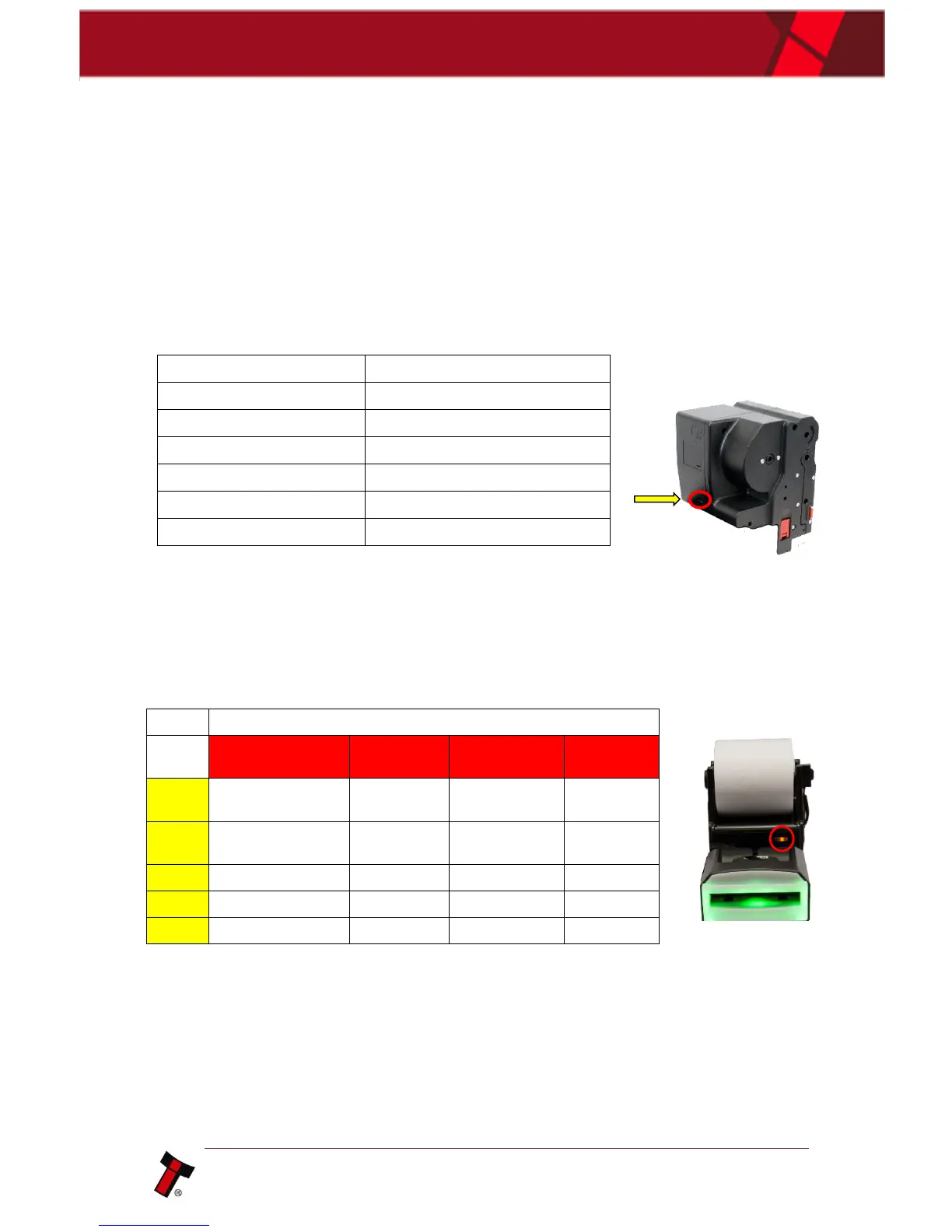
The status LED of the note float is behind the red button, located on the front of the
module, as indicated in the image next to the table.
Note Transport Error in Note Float
2 Flashes, pause (repeated)
3 Flashes, pause (repeated)
4 Flashes, pause (repeated)
5 Flashes, pause (repeated)
NV12
There is a status LED on the front of the NVR-280 printer module. This will signify
errors related to the printer and will be a combination of yellow and red flashes. A
table reference can be found below:
8.3 Configuration Button
The NV9USB+ and NV11+ both have a configuration button that has several
functions available to the user. These are detailed below:















 To Next Page