<< Back to Contents
Copyright © Innovative Technology Ltd 2018 Doc: NV9 Range User Manual
Version: 1.0
Page 55 of 63
9.5 Changing the Drive Belts
1. Power Off
Either unplug the interface cable
or switch of power to
device/machine.
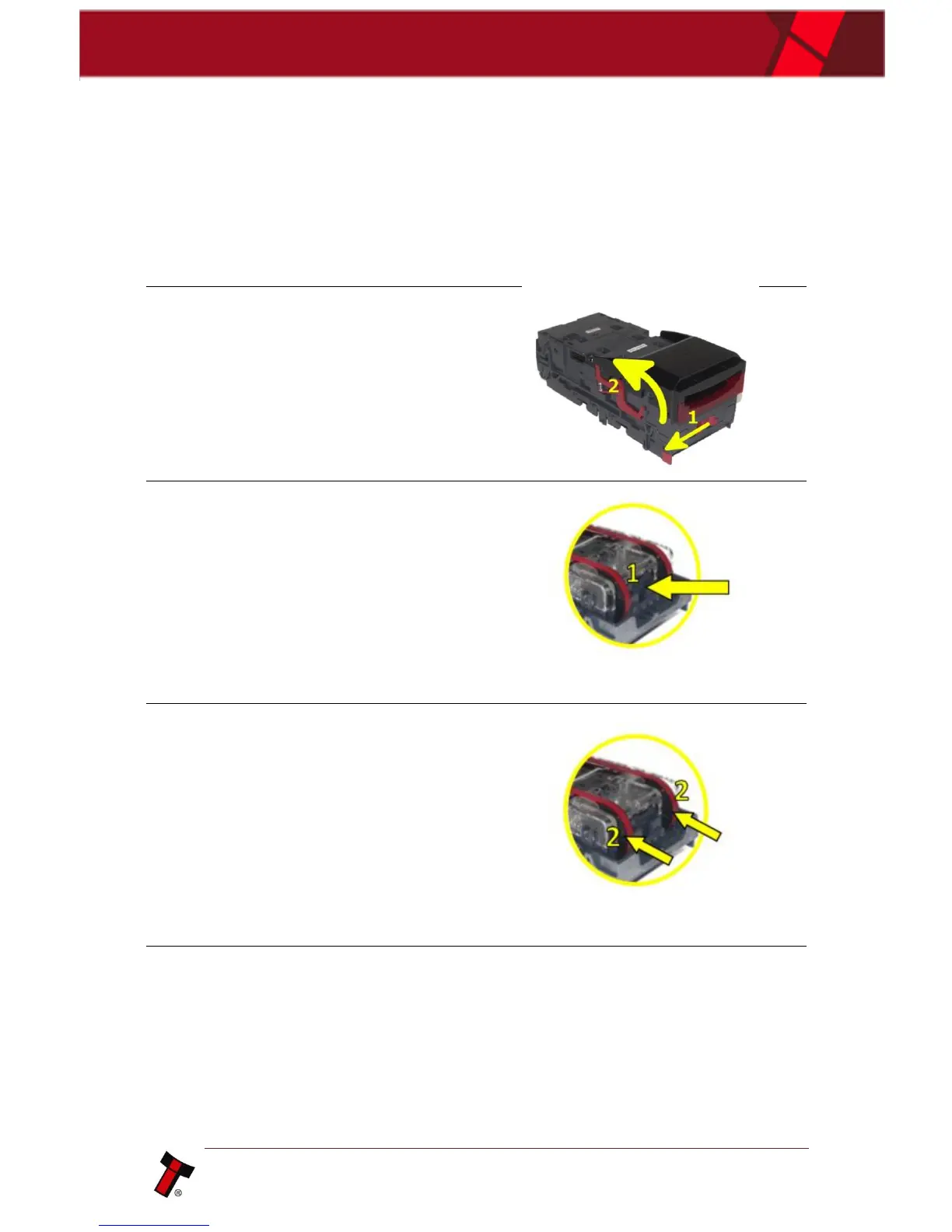
2. Open the Note Path
Slide the red catch to the left (1)
Lift up the top half of the unit (2)
3. Remove Lozenge
Press grey release tab (1) to
remove lozenge from validator.
4. Remove Old belts
With the lozenge removed, press
both drive wheels inwards (2) to
create slack in the belts.
This slack will allow you to
remove belts from the lozenge.
TIP: Pushing the drive wheels
down into your desk, helps.
5. Replace with new belts
Place new belts onto drive
wheels, push them inwards to
allow you enough slack to
position belts into place.
TIP: Pushing the drive wheels
down into your desk, helps.















 To Next Page