63
Call Parking
If an external call is in progress, you can park this call so that it becomes available to all terminals.
» Placing a call in parking : during a call, press the key programmed as Call Park, then put the handset on-hook, turn
off the speakerphone or headset.
At this moment, the PABX will send a call tone, and it is necessary to vacate the extension to complete the operation.
The call will be held on the parking lot for 3 minutes and the dedicated line key light will ash on all terminals that
have been programmed with it.
Enable auto attendant
This feature allows answering calls automatically. When a call comes in to the terminal, it beeps and automatically answers
the call through the speakerphone (you must check that with the headset auto attendant does not automatically enable
the headset).
» LED ashing: auto attendant enabled.
» LED is off: auto attendant disabled.
Control of audio volume, ringer volume and display contrast
Allows you to increase or decrease the volume of audio, bells, and display contrast.
Settings while the terminal is running
It allows adjusting the receiving volume of the handset, the speakerphone, and the receiving and transmitting
volume of the headset. It also allows adjusting the ringer volume for queued calls.
In any of the settings, at rest or in operation, after 3 seconds without pressing any of the keys , , andthe
terminal reverts to the previous operating state and the selected level is registered.
If the key , or the
Ok
key is pressed, the terminal returns to the previous operating state, and the selected level is
registered.
Settings while the terminal is idle
Allows adjustment of the ringer volume and display contrast.
» Contrast adjustment: press the Menu key, select the Prole option and then select Contrast. Using the cursor keys
adjust to the desired intensity.
» Bell volume adjustment: press the
Menu
key, select the
Prole
option, followed by
Bell Conguration
and then select
Volume. Using the cursor keys adjust to the desired volume.
Keyboard lock
Allows locking the terminal keyboard.
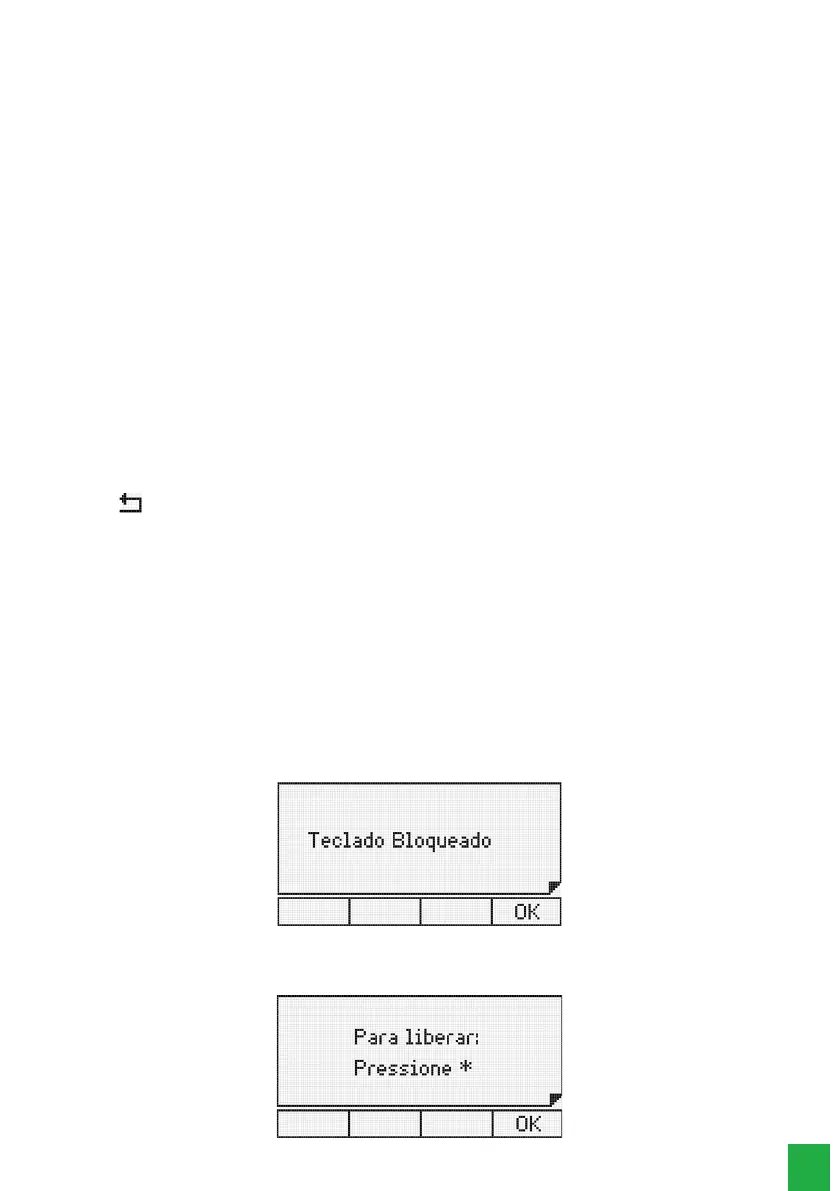
While the terminal is idle, to lock the keyboard press the * key for 2 seconds.
After locking, with the terminal still idle, the following message will be displayed:
Locked terminal keyboard
If the user presses any key or activates the hook switch, the terminal display will show the following temporary message:
* key used to unlock the terminal



 To Next Page